You probably found Submagic because it does the job well. It adds word-by-word captions, cuts dead air and gives you a clean short-form look in a few clicks. Most people who look for an alternative are not unhappy with the captions. They are looking at the price per video, a feature they need that Submagic's plan doesn't include, or a type of video that doesn't fit the tool.
This post covers six tools that talking-head creators use instead of, or next to, Submagic. Each section gives you what the tool does, its limits, its current price as of October 2026 and who it suits. Sycamore comes first because we make it, and we will say where another tool fits you better.
Why people look for a Submagic alternative
The reasons show up again and again in reviews and forum threads. Three come up most.
Price per video. Submagic's plans are based on the number of videos and their length. Starter is 15 videos a month, with each video up to 2 minutes. If you post long talking-head videos or a lot of them, you move up a tier. One Reddit user in r/podcasting wrote that the subscription was hard to justify when captions were the only feature they needed, and that they were fixing misheard words by hand. That is a fair complaint about cost versus use, and it is the reason many people shop around.
Captions that need fixing. Reviewers on G2 praise the one-click captions and the trimming, and some also mention export delays. If your speaker uses names, jargon or accents, you will spend time correcting the transcript whichever tool you use. Check how easily you can edit words before you commit.
Length and type of video. Submagic is built to edit one video you upload. If you want one long podcast or livestream turned into a batch of clips, you need a clipping tool. If you want a timeline editor with stock footage, you need a different kind of editor.
Submagic does several things well: fast one-click captions, a long list of caption styles, silence and filler word removal on its Pro plan, and a free trial that lets you try the whole workflow before you pay. It is also the right tool for many readers. This post is about helping you match the tool to the job.
Comparison at a glance
Prices are monthly and in US dollars, as of October 2026. Yearly billing is cheaper on most tools. Each tool's own pricing page is linked in its section.
| Tool | Starting paid price | Free plan or trial | Best for |
|---|---|---|---|
| Sycamore | $19/month (Starter, 3 hours of video) | Free: 10 minutes of video, one time, no card | Talking-head videos you want edited in one pass, with a review step |
| Submagic | $19/month, or $12/month billed yearly (Starter) | Free trial: 3 short videos, no card | Caption styles, B-roll and teams that want more plan options |
| OpusClip | $15/month (Starter) | Free plan ($0) | Turning long podcasts or streams into many clips |
| Descript | $16/month billed yearly, or $24 monthly (Hobbyist) | Free plan | Editing video by editing the transcript |
| CapCut | Free to use for core editing and auto captions | Free | Free, manual control on a timeline |
| Captions | $9.99/month (Basic) | Free plan, on iOS and Android | Phone-first creators who want AI avatars and dubbing |
Two notes on the table. Sycamore's Starter and Submagic's Starter both start at $19 a month, but they measure usage differently. Sycamore counts minutes of video, and Submagic counts videos and their length. Do the math with your own posting schedule before you compare the prices.
Sycamore

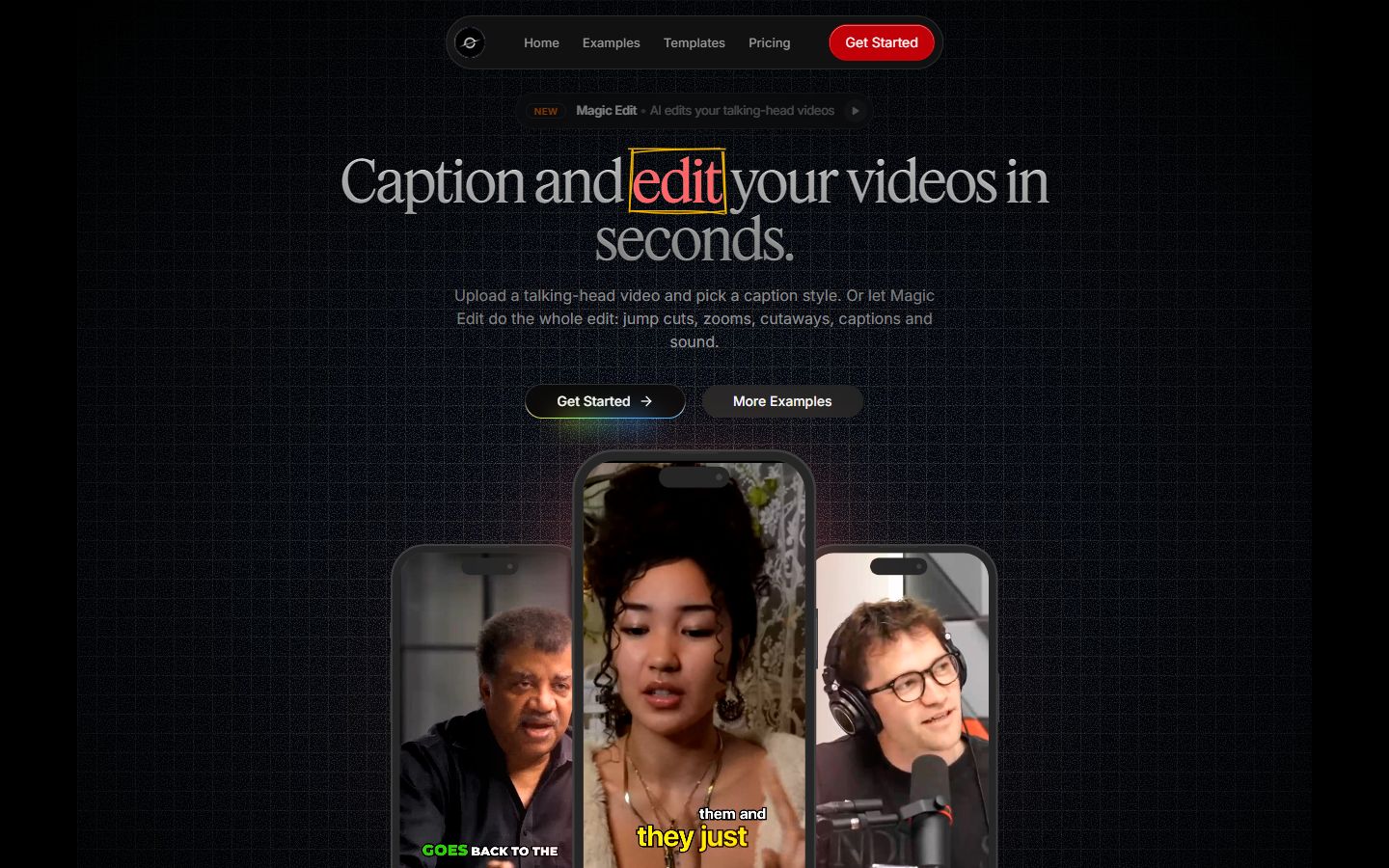
Sycamore is a web app that turns a raw talking-head recording into a finished, captioned short-form video. It runs in your browser, so there is nothing to install. You upload an MP4, MOV, WebM or MP3 file of up to 2 hours.
What it does well. Sycamore edits the whole raw video in one pass, not just the captions. Magic Edit cuts out silences and filler words, adds word-synced animated captions, puts emphasis on key lines, adds zooms and drops in full-screen text cutaways for the big moments. You choose one of two edit styles, Apollo or Hermes, and then review the result. Each line can be set to Normal, Emphasis, Full screen, Number, List or Label, so you can change the parts that don't match what you meant before you export.
You also get control over the captions. Edit any word, change the font, colors, size, animation and position, and save a look as a preset you reuse on every video. Every word is timed in a word-level transcript, so captions stay in sync when you edit. You can export an MP4 in 9:16, 1:1 or 16:9.
The pricing is simple. The free plan gives you 10 minutes of video, one time, with no credit card. Starter is $19 a month for 3 hours of video, with no watermark. Growth is $39 a month for 10 hours, with no watermark and priority rendering. You can see the details on the Sycamore pricing page.
Limits that matter for this choice.
- Transcription is English only. If you post in another language, pick a tool that supports it.
- Sycamore edits the video you give it. It does not cut one long recording into a batch of separate shorts.
Best for: founders, coaches, educators and creators who film themselves talking, want the edit done for them, and still want to check it before they post. If you want the cheapest way to try a full edit with no card, the free 10 minutes are a good test.
Submagic

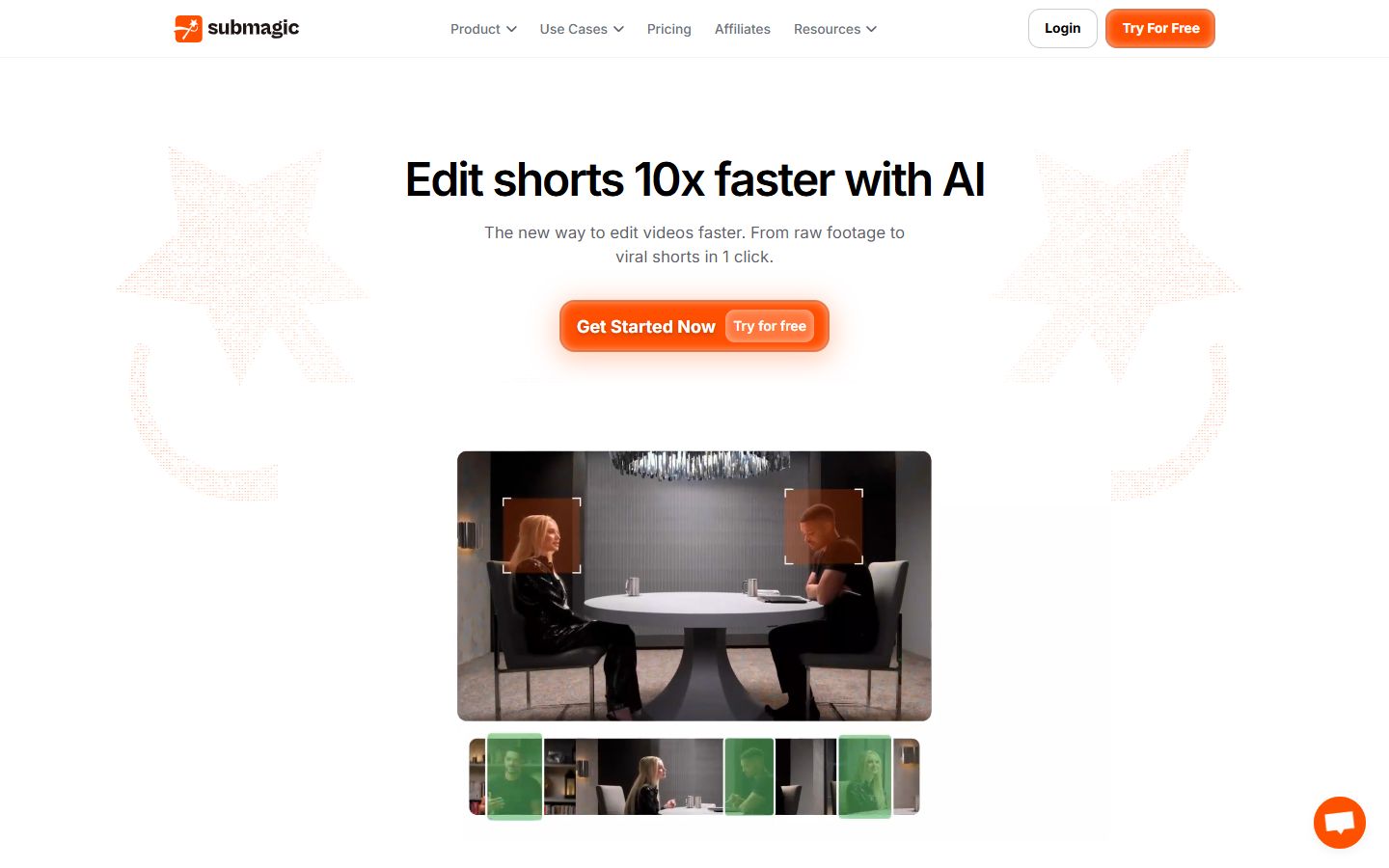
Submagic is a browser-based AI video editor. Its core job is captions. You upload a video, pick a caption style and get animated captions with a few clicks. Reviewers on G2 most often praise the one-click captions, the customization and how quickly they can make a video.
What it does well. Submagic has a large set of caption styles. Its Pro plan adds removal of silences, bad takes and filler words, AI eye contact, auto zoom and clean audio. It also offers a stock B-roll library and sound effects, which Sycamore does not have. Business adds more video length, up to 30 minutes, plus 4K export, unlimited team seats (each paid), priority rendering and an API.
Pricing as of October 2026. Starter is $19 per member a month, or $12 a month billed yearly. It includes 15 videos a month of up to 2 minutes each, with 1080p export and no watermark. Pro is $39 a month, or $23 billed yearly. It includes 40 videos of up to 5 minutes. Business is $69 a month, or $41 billed yearly, with 100 videos of up to 30 minutes. Magic Clips, the feature that turns a long video into short clips, is an add-on at $19 a month for 10 uploads, according to StoryCut's review of Submagic's pricing, which cites Submagic's help center. You can see the plans on the Submagic pricing page.
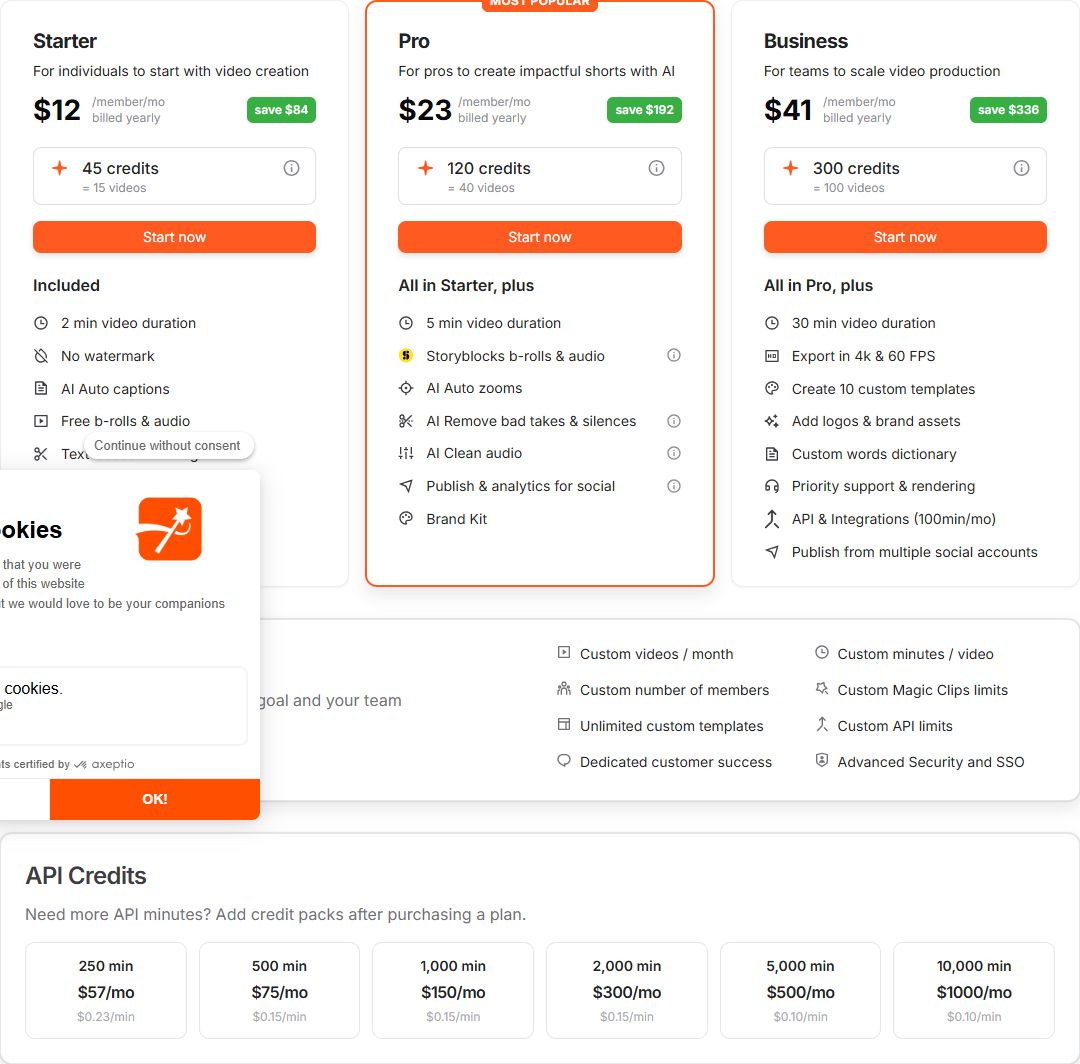 Submagic's pricing page showing the Starter, Pro and Business plans
Limits that matter for this choice.
- The free trial covers 3 short videos, and downloads without the watermark need a paid plan.
- The Starter plan has no silence or filler word removal. You need Pro for that.
- Submagic's help center says it does not offer refunds, so check that before you subscribe. You can also pause a subscription instead of cancelling.
Best for: creators who want the widest set of caption styles, stock B-roll and sound effects, or who need team seats, publishing and an API. If you make longer videos, Business is the only plan that goes past 5 minutes per video.
OpusClip

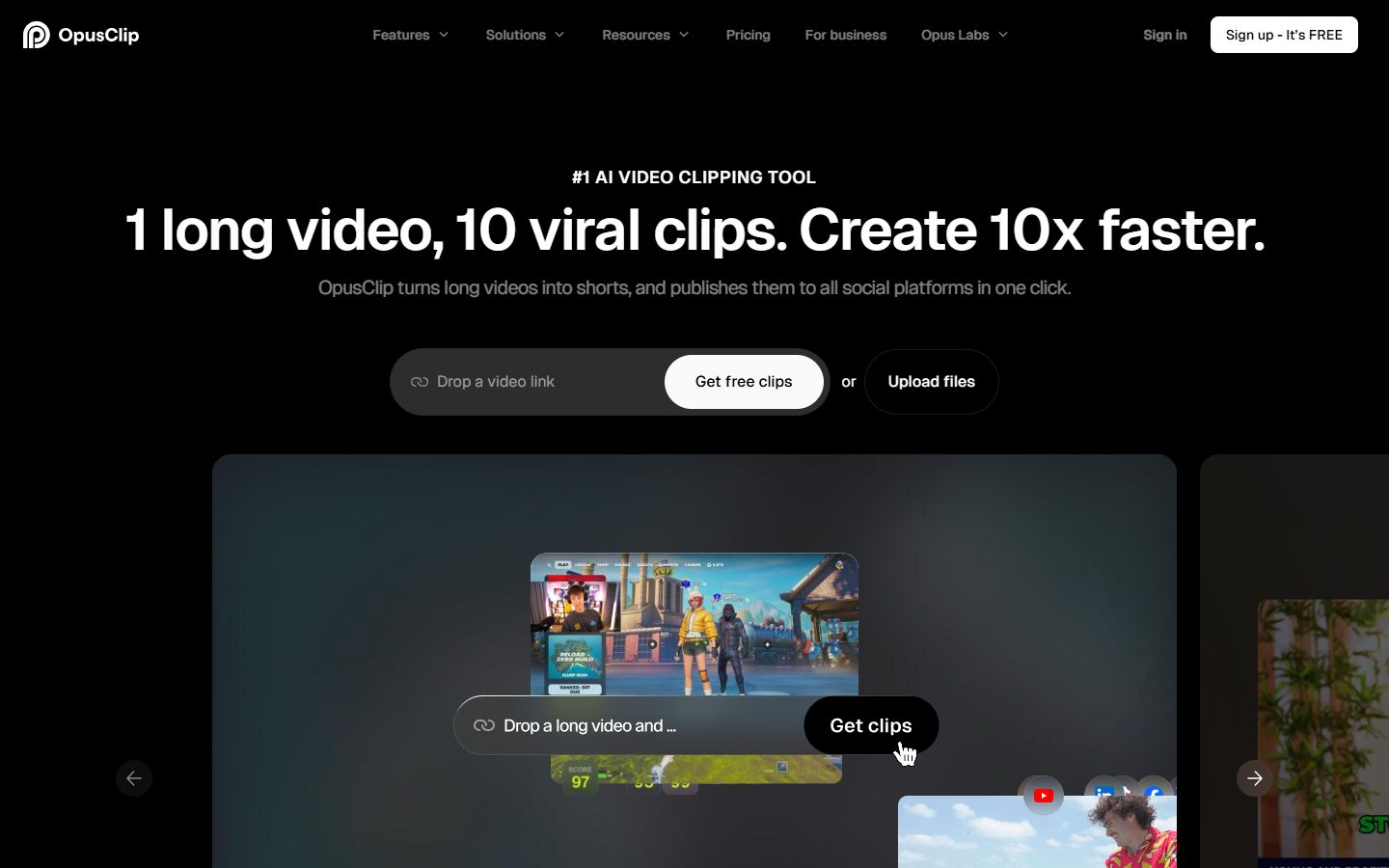
OpusClip is built for the opposite job from a single-video editor. You give it a long video, such as a podcast episode, a webinar or a stream, and it finds moments and turns them into a set of short clips with captions.
What it does well. The clipping is the main reason to use it. OpusClip's homepage says it accepts links from YouTube, Google Drive, Vimeo, Zoom, Riverside, StreamYard and other sources. It also says it supports English, German, Spanish, French, Portuguese and more than 20 other languages. Its pricing page lists AI clipping, animated captions and auto posting to YouTube Shorts, TikTok and Instagram Reels on the Starter plan.
In a 2026 video review, Wacky Creator tested the tool on a podcast, a stream and several other kinds of content. The reviewer said the transcription worked well and that brand templates made the default captions much better. The same review criticized the credit system and the number of clips that didn't work. Treat that as one creator's test, not a verdict on every video.
Pricing as of October 2026. The Free plan is $0. Starter is $15 a month and includes 150 credits a month. Pro is $29 a month and includes 300 credits a month, with a discount if you pay yearly. Check the OpusClip pricing page for the current credit amounts, since they can change.
Limits that matter for this choice.
- Plans are credit-based. Heavy use of long videos uses credits quickly.
- It works from long source footage. If your videos are already short, you may not need it.
Best for: podcasters, webinar hosts and streamers who want many clips from one long recording. If you post a single talking-head edit at a time, Sycamore or Submagic is a more direct fit.
Descript

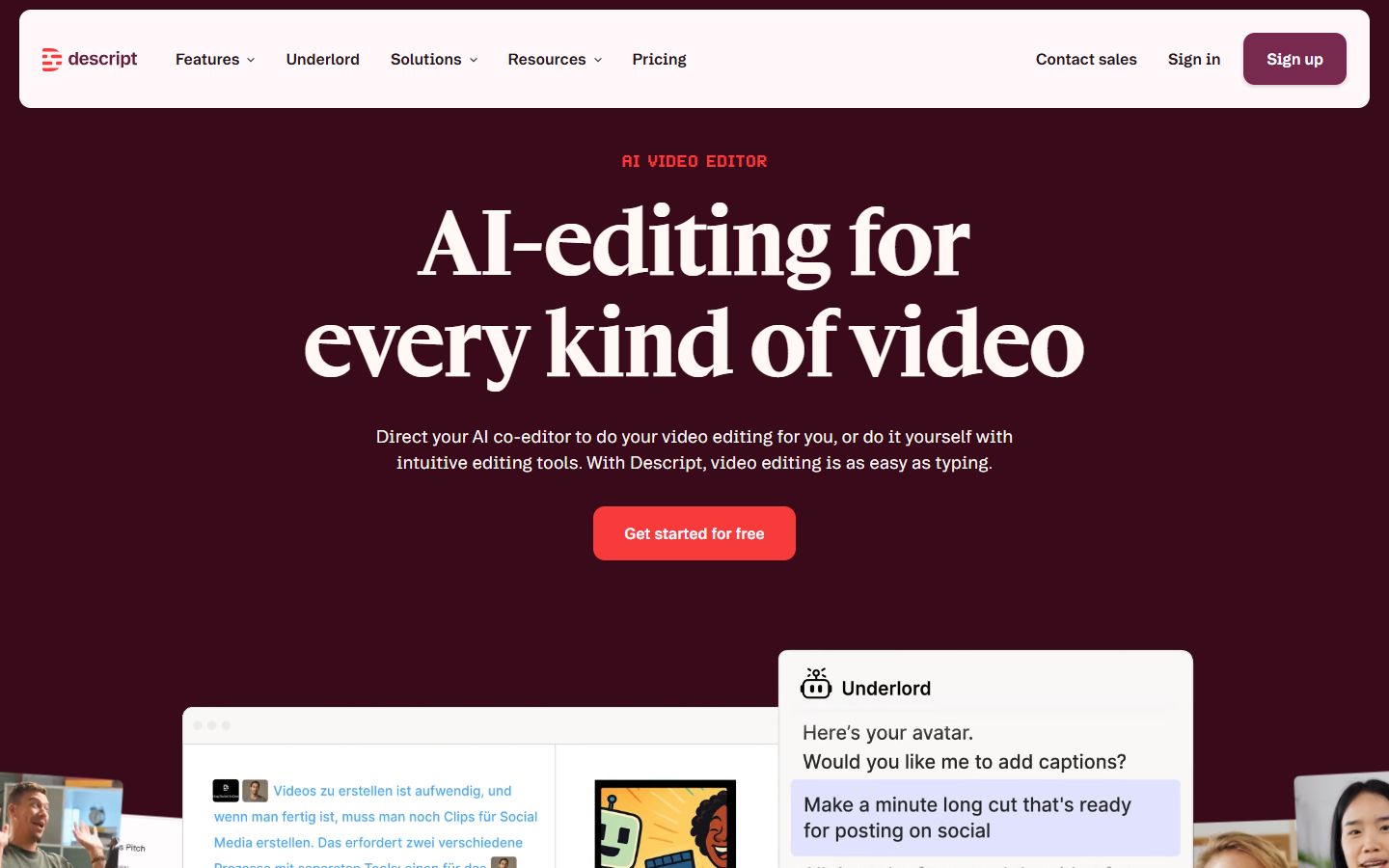
Descript is a full editor where you work from the transcript. You delete a sentence in the text and the video cut follows. That makes it a good fit for people who think in words, not in timelines.
What it does well. Descript's Remove filler words tool finds words like "um" and "uh" and lets you delete, ignore or replace each one. Its help center says the feature works in English, German, French, Portuguese and Italian transcripts. It also has Studio Sound for cleaning audio and a Create Clips feature. Descript also covers podcasts, screen recording and multitrack audio, which go beyond short talking-head edits.
Pricing as of October 2026. The Free plan includes 60 media minutes a month, according to Descript's help center. The Hobbyist plan is $16 a month billed yearly, or $24 billed monthly. It includes 10 media hours and 400 AI credits a month, with watermark-free 1080p export. Creator is $24 a month billed yearly, or $35 monthly. See the Descript pricing page for the full list.
Limits that matter for this choice.
- The workflow takes more hands-on work than a one-pass tool. You review and fix the edit in the editor.
- The features you need for captions and filler words sit inside a larger set of tools, so there is more to learn.
Best for: creators who record long interviews or podcasts and want to edit audio and video together from the transcript. If you want a finished short from one upload with little work, a focused tool is faster.
CapCut

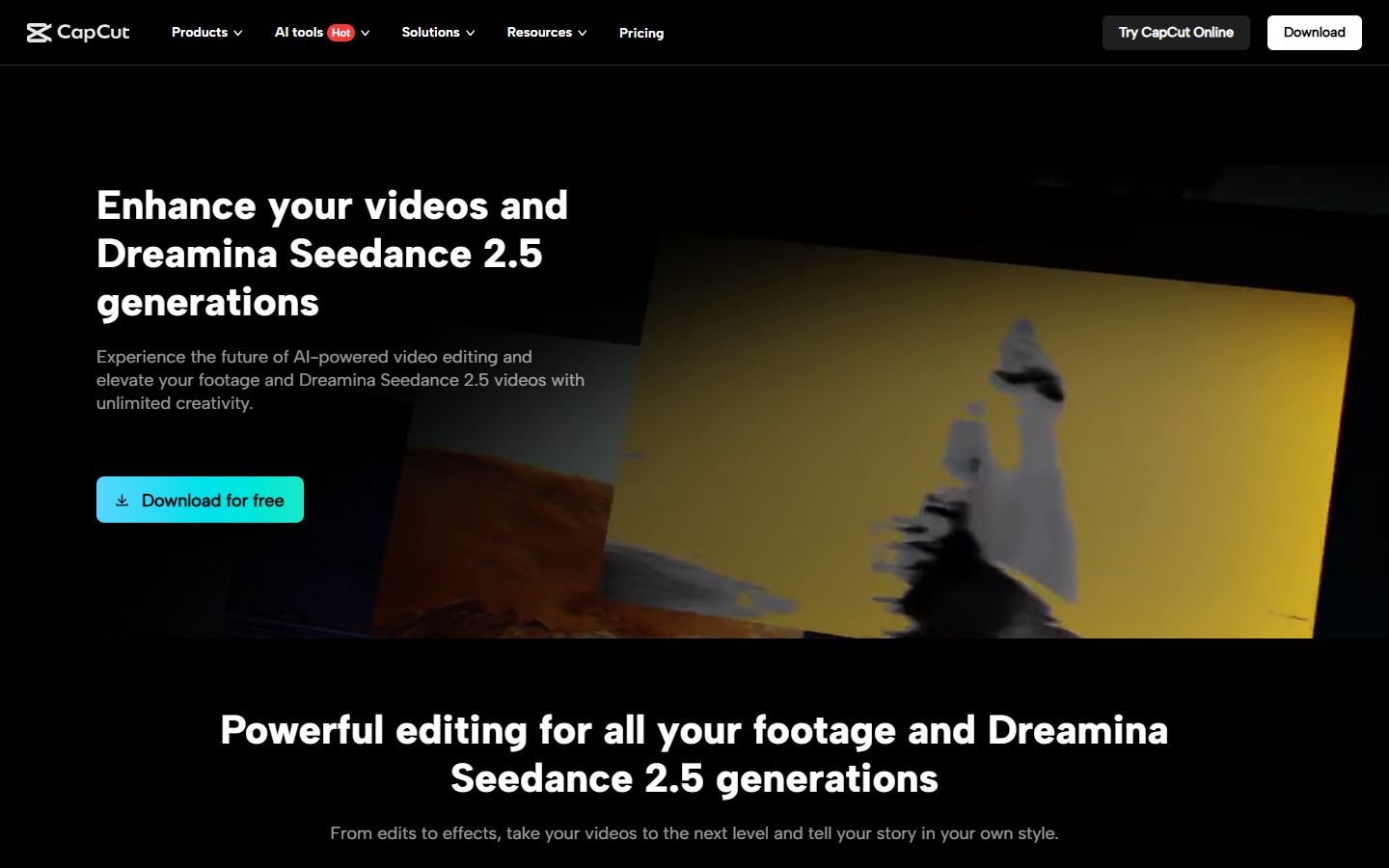
CapCut is a free video editor that runs on desktop, on phones and in the browser. It has a large library of effects and templates.
What it does well. CapCut gives you a full timeline, transitions, effects and detailed control, all free. Its auto captions are built in. A 2026 review by Atomi Systems says the desktop version has no watermark on exports, even on the free plan, and calls AI auto captions the main reason creators use it. CapCut is also a mobile app, which Sycamore is not.
Limits that matter for this choice.
- Auto captions depend on the audio. A Riverside guide notes that auto captions can need manual fixes when audio is poor. Check the current free-use limits in the app, since they can change.
- Editing is manual. You cut the silences and build the look yourself unless you use a template.
Best for: people who want to learn an editor, need a mobile app, or want full control without paying. If you want the one-pass edit done for you, a focused talking-head tool saves more time.
Captions

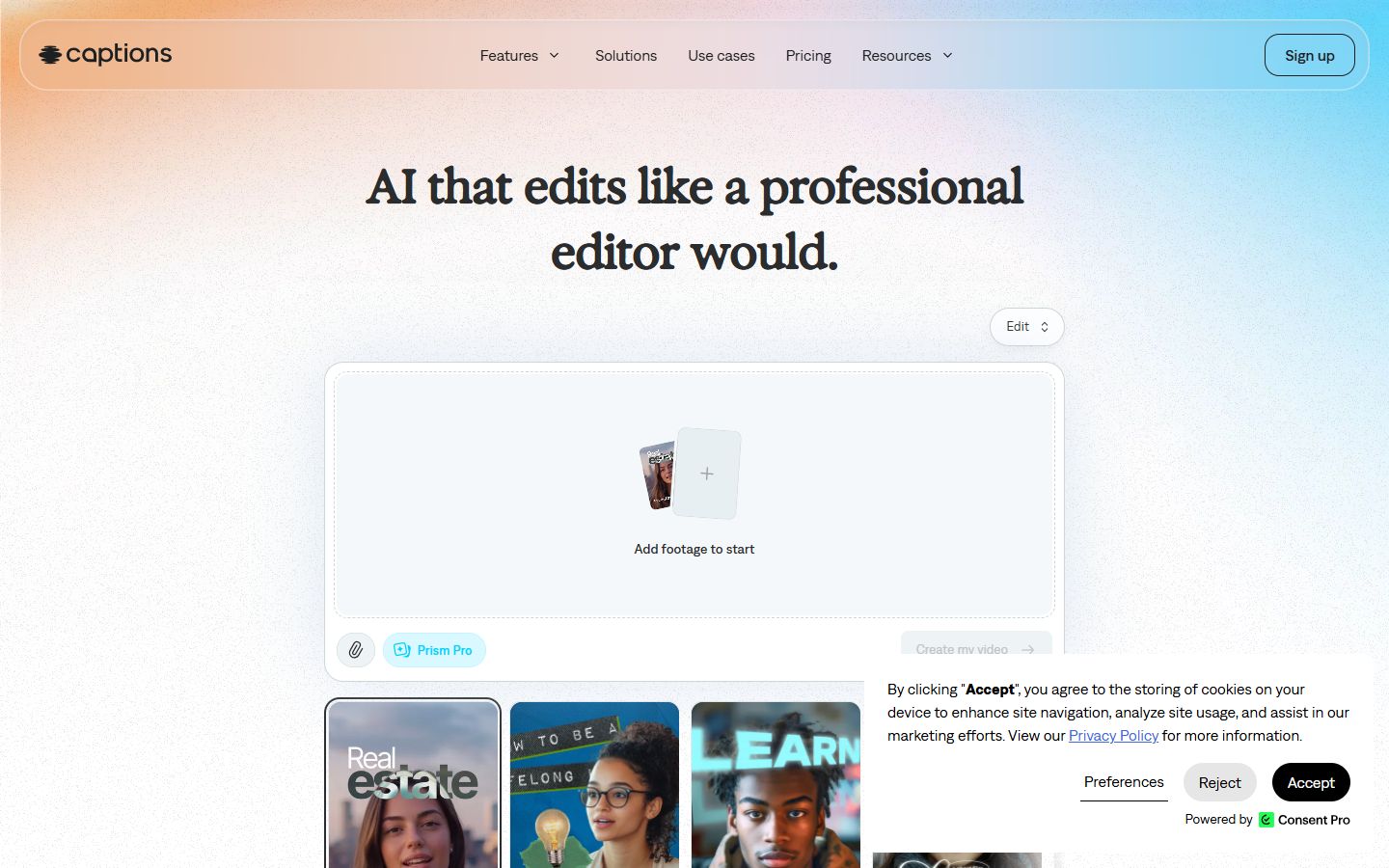
Captions (captions.ai) is an AI video studio that began as a caption app for phones. Its tools now include auto captions, AI editing, dubbing and AI avatars.
What it does well. Captions is a phone app first. Its help center says the free plan is available on Android and iOS. The plan page lists caption templates, with 100 or more on paid plans, customizable captions and a chat-based editor. The Basic plan, which was called Pro until recently, adds dubbing into 29 languages and custom caption styles, according to Captions' plan page.
Pricing as of October 2026. The Basic plan is $9.99 a month. Max is $24.99 a month, with 500 credits and AI editing styles, long-video clip batches and generated B-roll and music. Enterprise is quoted. The Captions plans page lists the current tiers.
Limits that matter for this choice.
- The free plan has limited editing. Full caption templates and AI features are on paid plans.
- Captions' help center notes that its plans have changed names, so check the current names before you subscribe.
Best for: creators who work mainly on a phone and want AI avatars, dubbing or an all-in-one studio. If you only need captions on desktop, the price gap may not be worth it.
Sycamore or Submagic: how to decide
Choose Sycamore if your main job is one talking-head video at a time. You upload it, Magic Edit cuts silences and filler words, adds captions, emphasis and cutaways, and you review the edit before you export. The Starter plan gives you 3 hours of video a month for $19, and the free plan gives you 10 minutes with no card. Sycamore is English only, and it does not have B-roll, scheduling or a mobile app.
Choose Submagic if you want more caption styles, stock B-roll and sound effects, longer videos on the Business plan, or team seats and an API. Starter is the lowest price, at $12 a month billed yearly, but it doesn't remove silences or filler words. You need Pro for that.
How to choose by what you make
Use this to match your situation to a tool.
- You post short talking-head videos and want the edit done for you. Start with Sycamore. Use the free 10 minutes to test one video.
- You want the widest set of caption styles, B-roll and sound effects. Look at Submagic. Compare the Pro plan, which is where silence and filler removal start.
- You have long podcasts, webinars or streams and want many clips. Use OpusClip. Keep in mind that its plans run on credits.
- You want to edit from the transcript and handle audio too. Try Descript. Its free plan is a good place to start.
- You want a free editor and don't mind doing the cuts yourself. Use CapCut.
- You film on a phone and want AI avatars or dubbing. Look at Captions.
Whichever tool you pick, check the current plan on its pricing page before you pay. Plans and credits change, and the prices in this post are as of October 2026.
FAQ
Is there a free Submagic alternative for talking-head videos?
CapCut is free for core editing and auto captions, and it is the most full-featured free option here. Sycamore has a free plan with 10 minutes of video, one time, and no credit card.
How much does Submagic cost in 2026?
Submagic's Starter plan is $19 a month, or $12 a month billed yearly. Pro is $39 a month or $23 billed yearly, and Business is $69 a month or $41 billed yearly.
Which Submagic alternative works best for long podcasts?
OpusClip is built to turn long videos into many short clips. Submagic's Magic Clips is an add-on on its plans, and Sycamore edits one uploaded video rather than cutting it into a batch of clips.
Does Sycamore support languages other than English?
No. Sycamore's transcription is English only. If you post in another language, check whether the alternative you pick supports it.
Can I edit talking-head videos on my phone without an app?
Sycamore runs in a phone browser, but it has no mobile app. Captions has a free plan on iOS and Android, and CapCut has a mobile app.
Do Submagic plans offer refunds?
Submagic's help center says it does not offer refunds, so cancel before your renewal date. You can also pause a subscription for a few months instead.