Final Cut Pro is a fast, precise editor, and plenty of creators have cut their whole catalog in it. If you film yourself talking and post short videos, though, you may be looking for something that fits that job better. The usual reasons are simple: Final Cut Pro runs on Mac and iPad only, the price is either a one-time payment or a subscription, and a full film timeline has more in it than a 45-second talking-head clip needs.
This post covers six tools that people pick instead of, or next to, Final Cut Pro. Each section lists what the tool does, what it costs as of October 2026, where it falls short, and who it suits. Sycamore is first because it's our product. We've tried to be fair about the others, including the ones that are a better fit for you.
Final Cut Pro: what it does well
Final Cut Pro is built for Apple hardware. Apple describes it as a video editor for Mac and iPad, and it's quick on Apple silicon machines. The timeline is precise, and the color and audio tools are deep. If you already know it, your workflow is set up, and that has real value.
The price is different now. Final Cut Pro is still sold as a one-time purchase at $299.99. It's also part of Apple Creator Studio, a subscription at $12.99 a month or $129 a year that includes Final Cut Pro, Motion, Compressor, Logic Pro, Pixelmator Pro and more. New subscribers can start a free trial.
Staying is a fine choice. If your Final Cut Pro edits already look the way you want, you may not need another tool. Look at an alternative when the work is mostly the same talking-head edit again and again, or when you need to edit on Windows or a phone.
The quick comparison
Prices are US list prices as of October 2026. CapCut shows different prices by region, so check the price in your area before you buy.
| Tool | Starting price (October 2026) | Free plan or trial | Best for |
|---|---|---|---|
| Sycamore | Starter $19/month; Growth $39/month | Free: 10 minutes of video, one time, no credit card | Raw talking-head footage turned into a finished short-form edit |
| DaVinci Resolve | Free; Studio is $295 one-time | Free version with no trial timer | Full desktop editing and color with no subscription |
| Adobe Premiere Pro | $22.99/month on annual billing; $34.99/month month to month | Free trial | Teams and creators already using Adobe apps |
| CapCut | Free; Pro $9.99/month billed yearly ($19.99 monthly) | Free plan; new users can start a 7-day Pro trial | Fast trend-led short videos on a phone or computer |
| Descript | Free; Hobbyist $16/month on annual billing ($24 monthly) | Free plan with 60 media minutes a month | Editing by deleting words from a transcript, podcasts, long talking-head videos |
| Filmora | Basic $49.99/year; Advanced $59.99/year; Perpetual $79.99 one-time | Free plan with watermarked exports | Desktop timeline editing on a budget, with a one-time option |
Sycamore

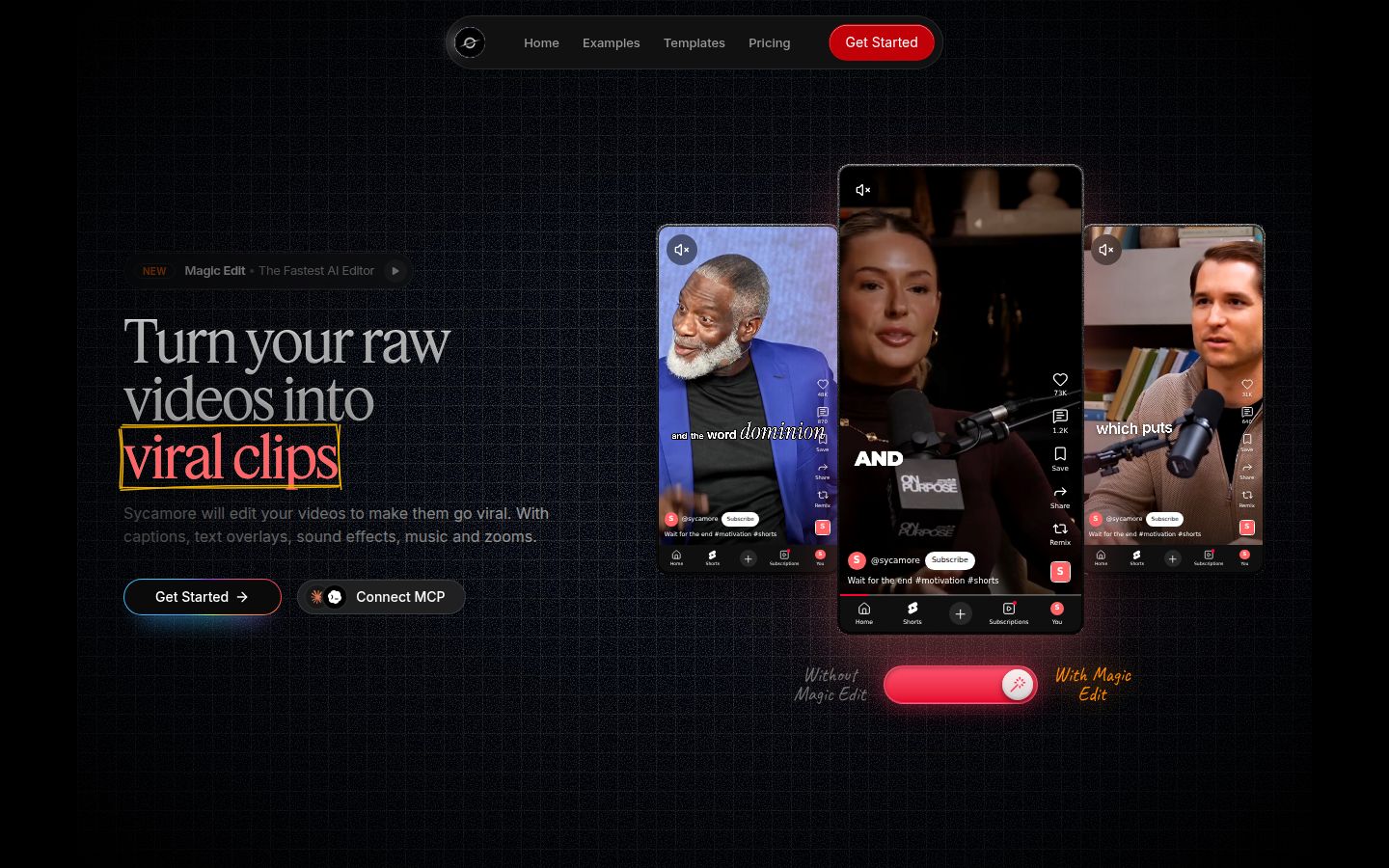
Sycamore is an AI video editor for talking-head videos. You upload raw footage of yourself talking, and it edits the video into a short-form cut built to hold attention. It runs in the browser, so there's nothing to install.
The main feature is Magic Edit. It cuts silences, filler words and dead air so the video moves. Then it edits for attention: zooms and punch-ins, emphasis on the key lines, full-screen text cutaways for the big moments, numbers and lists on screen, and animated captions that appear word by word. You pick one of four edit styles (Apollo, Hermes, Athena or Helios), review the result and change anything you don't like before you export.
You don't work on a timeline. Each line can be set to Normal, Emphasis, Full screen, Number, List or Label, so the edit is made in plain steps. You can switch the style without starting over. Captions can be edited word by word, and you can change fonts, colors, size, animation and position, then save a look as a preset. Export is an MP4 in 9:16, 1:1 or 16:9.
Pricing as of October 2026:
- Free: 10 minutes of video, one time, no credit card.
- Starter: $19 a month for 3 hours of video a month, no watermark.
- Growth: $39 a month for 10 hours of video a month, no watermark, priority rendering.
Uploads can be MP4, MOV, WebM or MP3, up to 2 hours long.
Two limits matter for this choice. Transcription is English only. And Sycamore edits the footage you give it: it doesn't write your hook, add B-roll or music, or cut one long video into many shorts. If you need those, a full editor like Premiere or DaVinci Resolve covers more ground.
Sycamore is best for founders, coaches, educators and creators who post talking-head videos on TikTok, Instagram Reels, YouTube Shorts or LinkedIn, and want a finished edit without learning a timeline. If you enjoy building every cut by hand, a timeline editor will suit you better.
DaVinci Resolve
 DaVinci Resolve's homepage Visit blackmagicdesign.com
DaVinci Resolve is a full post-production app from Blackmagic Design. It covers editing, color correction, visual effects, motion graphics and audio in one program, with separate pages for each job. Version 21 is the current major release.
The Free version has no trial timer and no watermark. It exports up to UHD 3840 by 2160 at 60 frames per second, which is more than most short-form videos need. The paid version, DaVinci Resolve Studio, is a one-time $295 license with no subscription.
Resolve is strong on color grading, and it's a desktop tool with depth close to Final Cut Pro's. It runs on Mac, Windows and Linux, so it works if you move to a PC.
The limits are learning time and steps. The layout and shortcuts are different from Final Cut Pro, and you'll spend some time finding things across the pages. A talking-head short also takes more manual steps here than in a tool built for that job, because you cut the silences and build the captions yourself.
Resolve is best for editors who want no subscription, want deep control over color and audio, or work on Windows or Linux. Start with the Free version. It costs nothing to test.
Adobe Premiere Pro
Adobe Premiere Pro is a professional timeline editor that is part of Adobe's creative apps. Premiere is available on desktop and on mobile. It links with After Effects, Photoshop and Adobe's other tools.
On Adobe's plans page, Premiere alone is listed at US$22.99 a month on annual billing, billed monthly. Month to month, the price is $34.99 a month. Adobe also offers a free trial, and a multi-app Creative Cloud plan if you use other Adobe apps.
Premiere gives you a lot of control, and the depth of its timeline is its main strength. It's a good choice if you already work in Adobe apps or in a team that uses Premiere. The trade-off is the subscription and the build time: you shape each short from the timeline yourself. That work is more than a talking-head clip needs, so the cost and learning curve may not pay off if you only make short videos.
Premiere is best for creators who already pay for Adobe, editors who move between Premiere and After Effects, and teams that share projects.
CapCut
CapCut is a free editor made by ByteDance, the company behind TikTok. It runs on desktop, online and on phones. Its free plan includes the core editing tools, templates and basic captions. Some assets can carry a watermark on the free plan.
The Pro plan is $19.99 a month, or $9.99 a month billed yearly, at the USD list prices we checked in October 2026. Pro removes the watermark and unlocks all effects, transitions and AI tools. New users can start a 7-day free trial of Pro.
CapCut's strengths are speed and templates. You can cut a short from a phone in a few minutes, use caption styles built for short video, and try many looks for free. For creators who publish fast and follow trends, it's hard to beat on price.
Its limits are the watermark on the free plan and the manual build. CapCut is a timeline editor, so you cut silences, add zooms and set up cutaways yourself. Pro is needed for the full set of tools and for exports without a watermark.
CapCut is best for creators who want to start for free, publish fast on a phone, and enjoy building edits by hand with templates. If you want the edit made for you from raw footage, Sycamore covers that step.
Descript

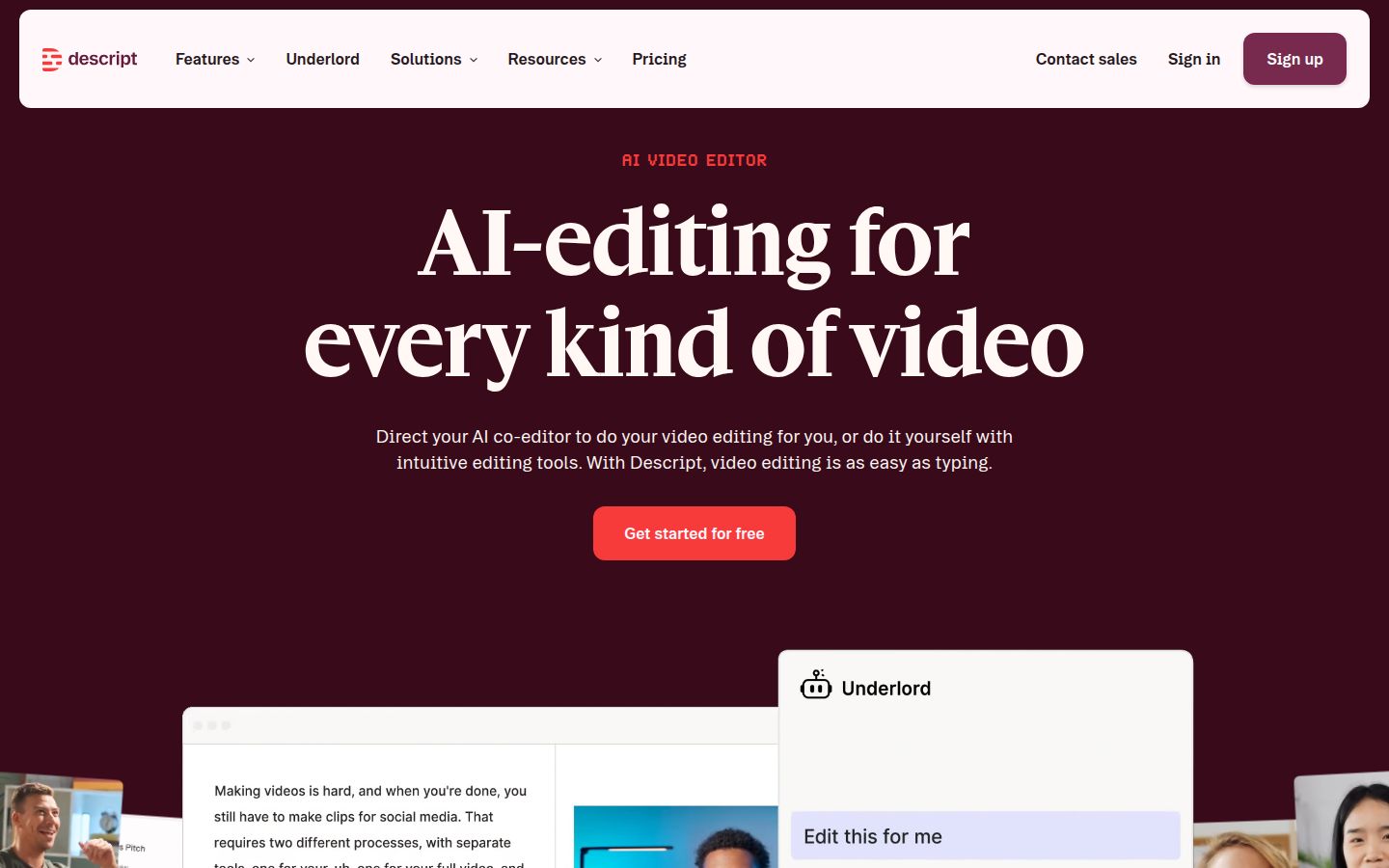
Descript edits video by editing its transcript. You delete a word from the text and the video cut follows. It also has Studio Sound for cleaning up audio, filler word removal and an AI co-editor called Underlord.
Descript's plans as of October 2026:
- Free: 60 media minutes a month, 720p exports with a watermark, and 100 AI credits that are one-time.
- Hobbyist: $16 a month on annual billing or $24 month to month. 10 media hours a month, 1080p exports with no watermark.
- Creator: $24 a month on annual billing or $35 month to month. 30 media hours, 4K exports.
- Business: $50 a month on annual billing or $65 month to month. 40 media hours.
Descript is strong for interviews, podcasts and long talking-head videos, and for anyone who thinks in text. The transcript makes long recordings quick to work through.
The limits are the free plan's watermark and 720p cap, and the media-minute allowance, since every minute you upload counts against it. Descript also offers AI voices and avatars, which Sycamore doesn't do. If your videos need a voice or avatar, Descript covers that. If you want a finished short from raw footage, the transcript-first approach is one more step.
Descript is best for podcasters, interviewers and creators who make longer talking-head videos and like editing from the text.
Filmora
Filmora is a desktop video editor from Wondershare. It has a timeline, effects, templates and AI features, and it runs on Windows and Mac. Its free plan lets you export with a watermark.
As of October 2026, the US pricing page lists Basic at $49.99 a year, Advanced at $59.99 a year with 10 GB of cloud storage and 1,000 AI credits a month, and a Perpetual license at $79.99 as a one-time payment. The Perpetual license is tied to one device and includes updates for Filmora 16 only, so it doesn't include future versions.
Filmora's strength is price. It's the lowest-cost paid option here for a desktop timeline, and the one-time option suits people who don't want a subscription. It's a good editor for simple videos and for learning on a timeline.
Its limits are the one-time license's scope, and the watermark on the free plan. Future versions need a new purchase or a subscription.
Filmora is best for Windows users and budget-minded creators who want a desktop timeline and a one-time payment.
How to choose
Pick by the job you do most often, then test two tools on the same clip before you pay.
- You film yourself talking and want a finished short without building a timeline: Sycamore. The free plan gives you 10 minutes of video with no credit card, so you can test it on a real video first.
- You edit podcasts, interviews or long talking-head videos, or you think in text: Descript. Its Hobbyist plan is the first paid tier with no watermark.
- You post fast, trend-led shorts from your phone, on a budget: CapCut. The free plan is a generous place to start, and Pro removes the watermark.
- You want full control of color and audio, with no subscription: DaVinci Resolve. Start with the free version and buy Studio at $295 if you need more.
- You already use Adobe apps or share projects with a team that uses Premiere: Adobe Premiere Pro. Its timeline is the strongest fit for that workflow.
- You're on Windows, you want a one-time price and a desktop timeline: Filmora's Perpetual license, or DaVinci Resolve's free version if you'd rather not pay at all.
- You're happy in Final Cut Pro and your edits look the way you want: stay with it. Switch when a specific gap, like the platform or the cost of the manual steps, starts to cost you time.
If you're not sure, use the free plans. Edit the same 60-second talking-head clip in Sycamore and in the tool you already know. Compare the time it takes and how much you have to change. That will show you which way to go.
FAQ
Is there a free alternative to Final Cut Pro?
Yes. DaVinci Resolve's free version has no trial timer and no watermark, and it exports up to UHD at 60fps. CapCut and Filmora also have free plans, but their exports carry watermarks on some assets.
How much does Final Cut Pro cost in 2026?
Final Cut Pro is $299.99 as a one-time purchase. It is also included in Apple Creator Studio, which costs $12.99 a month or $129 a year and includes Motion, Compressor, Logic Pro and other apps.
Can I edit a talking-head video without a timeline?
Yes. Sycamore edits raw talking-head footage for you, with a plain-words editor and four edit styles. Descript lets you cut the video by deleting words from its transcript.
Which Final Cut Pro alternative works on Windows?
DaVinci Resolve, Adobe Premiere Pro, CapCut and Filmora all run on Windows. Sycamore runs in a browser, so it works on any computer with one, but it is not a desktop app.
Is DaVinci Resolve Studio a subscription?
No. DaVinci Resolve Studio is a one-time license of $295 with no subscription and no upgrade fee.
Does Sycamore have a mobile app?
No. Sycamore is a web app that works in a phone's browser. Transcription is English only.