People look for Premiere Pro alternatives for a few reasons. The first is price. Adobe lists Premiere at US$22.99 a month on the annual plan billed monthly, and that's a recurring cost many creators don't need when they post a few talking-head clips a week. The second is the timeline. Premiere gives you control over every cut, track and keyframe, which also means you build every cut yourself. The third is the job itself. Plenty of creators just want to take a raw recording of themselves talking and get back a finished short.
Premiere Pro does a lot well, and it's still the right tool for some work. It handles multicam shoots, long projects, color grading and audio mixing at a depth most tools in this list don't reach. Its Speech to Text can transcribe a clip and translate captions into 27 languages, which none of the tools below match. If your work needs that depth, keep Premiere.
This post is for everyone else. Below you'll find six tools that cover the talking-head and short-form side of the job, with prices as of November 2026, what each one does well, and where each one falls short. We put Sycamore first because we make it. Read the rest with that in mind.
Premiere Pro alternatives at a glance
| Tool | Starting price (November 2026) | Free plan or trial | Best for |
|---|---|---|---|
| Adobe Premiere Pro | US$22.99/mo on the annual plan billed monthly | Free trial | Long projects, multicam, color and audio mixing |
| Sycamore | Starter $19/mo (3 hours of video) | Free: 10 minutes of video, one-time, no card | Raw talking-head footage turned into a finished edit |
| CapCut | Free editor; Pro $19.99/mo (US) | Free plan | Fast vertical edits and mobile editing, free to start |
| Descript | Hobbyist $24/mo, or $16/mo billed yearly | Free plan (60 media minutes a month) | Editing talking-head video by editing the transcript |
| Submagic | Starter $19/mo, or $12/mo billed yearly | 3 free test videos, no card | Captions and clip finishing with length limits |
| DaVinci Resolve | Free; Studio $295 one-time | Free version | Full-featured editing and color with no subscription |
| Final Cut Pro | $299.99 one-time (Mac App Store) | Free trial | Mac editors who want a pro timeline without a subscription |
Prices change, so check each tool's pricing page before you buy.
Sycamore

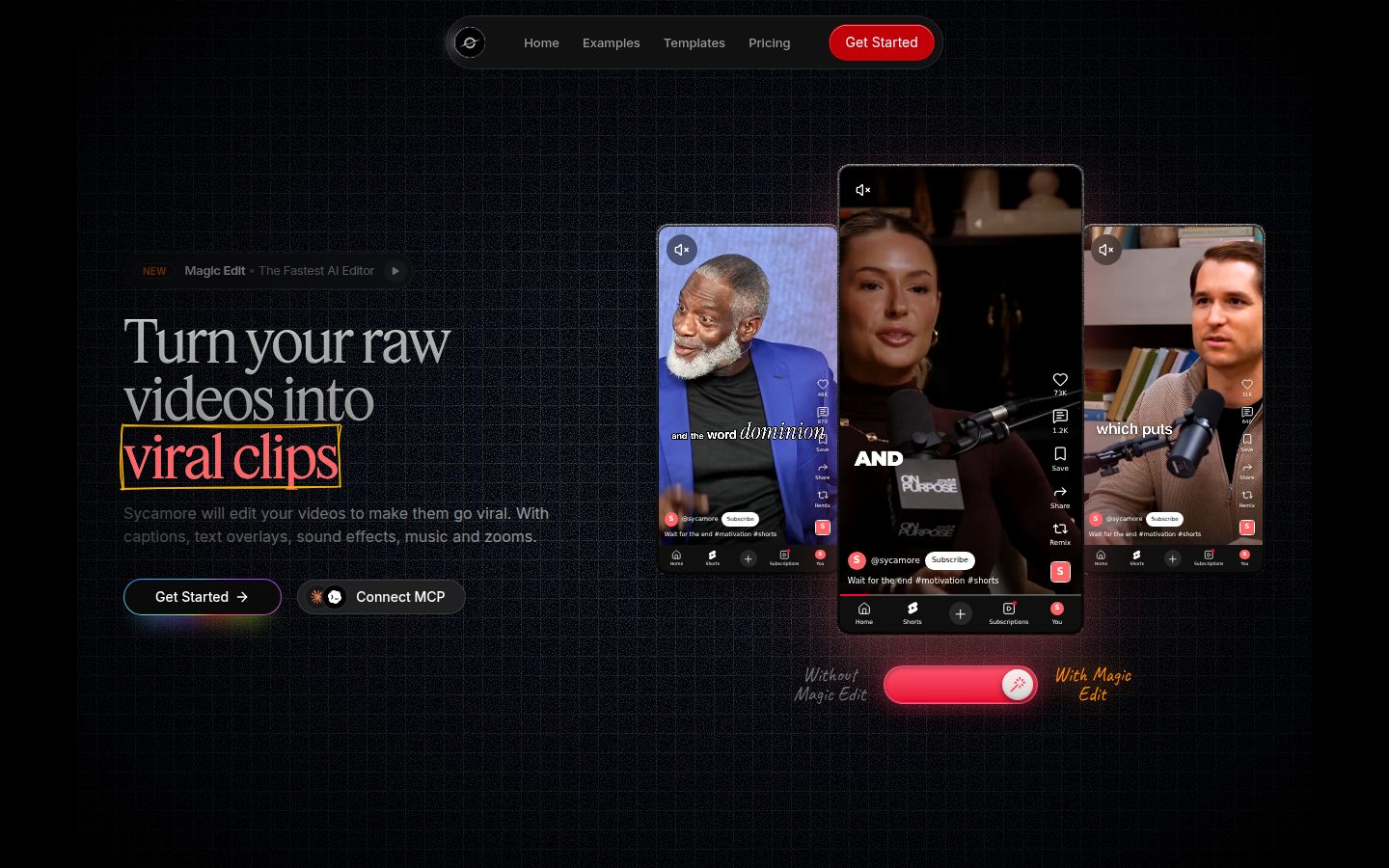
Sycamore is an AI video editor for talking-head videos. You upload raw footage of yourself talking, and it edits the whole thing into a short-form video built to hold attention. It runs in the browser, so there's nothing to install.
The core feature is Magic Edit. It cuts silences, filler words and dead air so the video moves. Then it edits for attention: zooms and punch-ins, emphasis on the key lines, full-screen text cutaways for the big moments, numbers and lists on screen, and animated captions that appear word by word. You pick one of four edit styles (Apollo, Hermes, Athena or Helios).
Before you export, you review the edit. The editor works in plain words instead of a timeline. Each line can be set to Normal, Emphasis, Full screen, Number, List or Label. You can switch the edit style without starting over, and you can edit any caption word, change fonts, colors, size and position, and save a look as a preset. The export is an MP4 in 9:16, 1:1 or 16:9.
Pricing as of November 2026:
- Free: 10 minutes of video, one-time, no credit card.
- Starter: $19/month for 3 hours of video a month, no watermark.
- Growth: $39/month for 10 hours of video a month, no watermark, priority rendering.
Uploads can be MP4, MOV, WebM or MP3, up to 2 hours long.
Limits to know:
- Transcription is English only.
- There's no timeline, so multicam shoots and frame-by-frame control need a full editor like Premiere.
- It edits the video you give it. It doesn't write your script or hook, and it doesn't clip one long video into many shorts.
Best for: founders, coaches, educators and podcasters who film themselves talking and want a finished short without learning an editor. If you'd rather decide each cut yourself, a timeline tool will suit you better.
CapCut

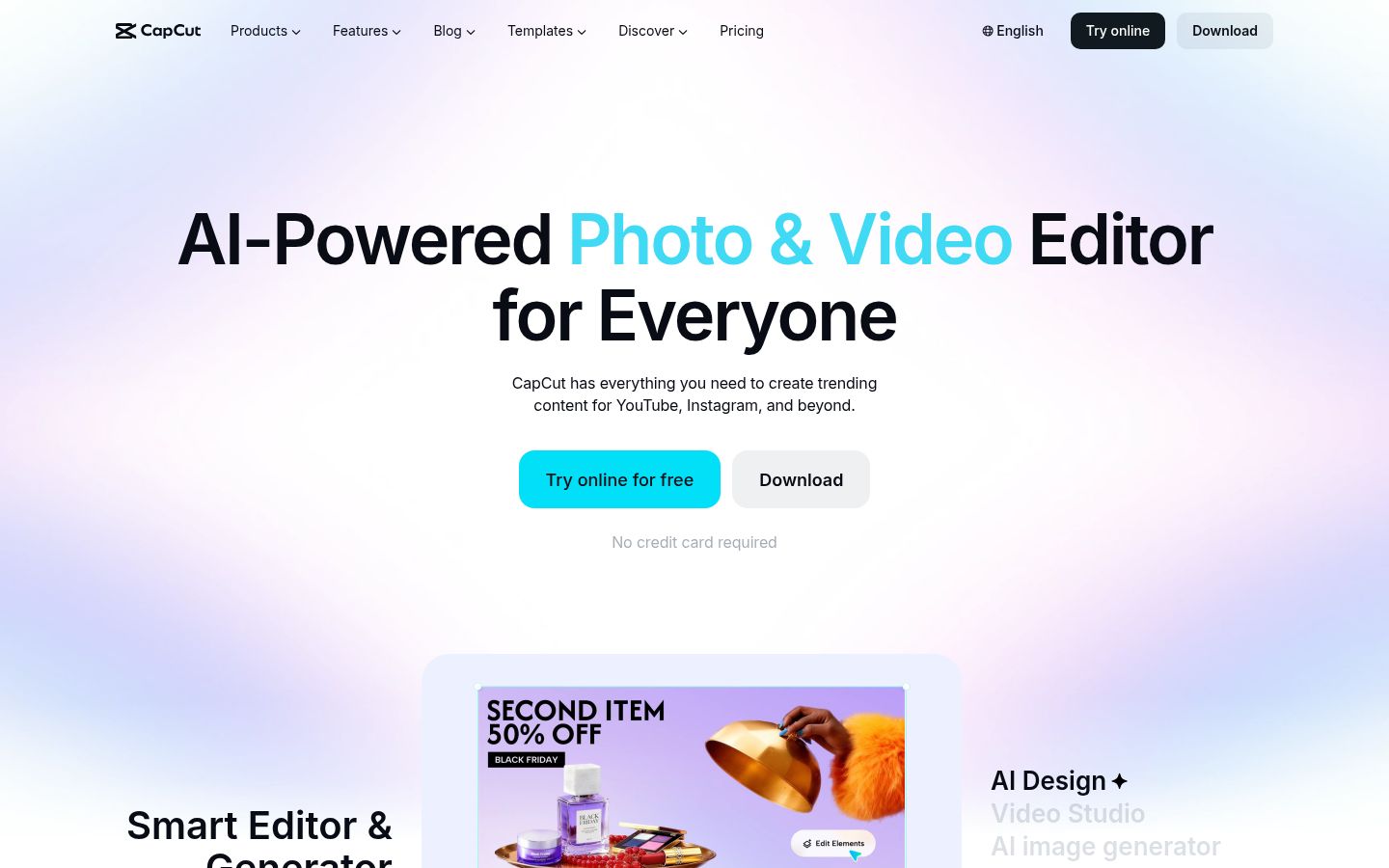
CapCut is a free video editor that works on phones, desktops and in the browser. It has a full timeline, so you place every clip, cut and caption yourself. It also has auto captions, caption templates, a large library of effects and transitions, and built-in AI tools.
Its biggest strength is that the free editor covers most short-form work. The free plan includes the timeline and 1080p export. Many creators start and finish their vertical videos in it without paying anything.
The paid plans add more. CapCut Pro is listed at US$19.99 a month in the US, or $179.99 a year, and it adds 4K export and premium templates and assets. Some templates and AI features are tied to the paid tiers, so check which plan includes a feature before you rely on it.
Limits to know: you do the editing. CapCut gives you the parts and the templates, but the cuts, zooms and pacing come from your hands on the timeline. Sycamore's Magic Edit makes those choices for you, and CapCut doesn't.
Best for: creators who want a free, mobile-first editor, enjoy building each video, and post fast vertical clips. If you want a side-by-side look at the two, see our Sycamore vs CapCut for talking-head videos comparison.
Descript

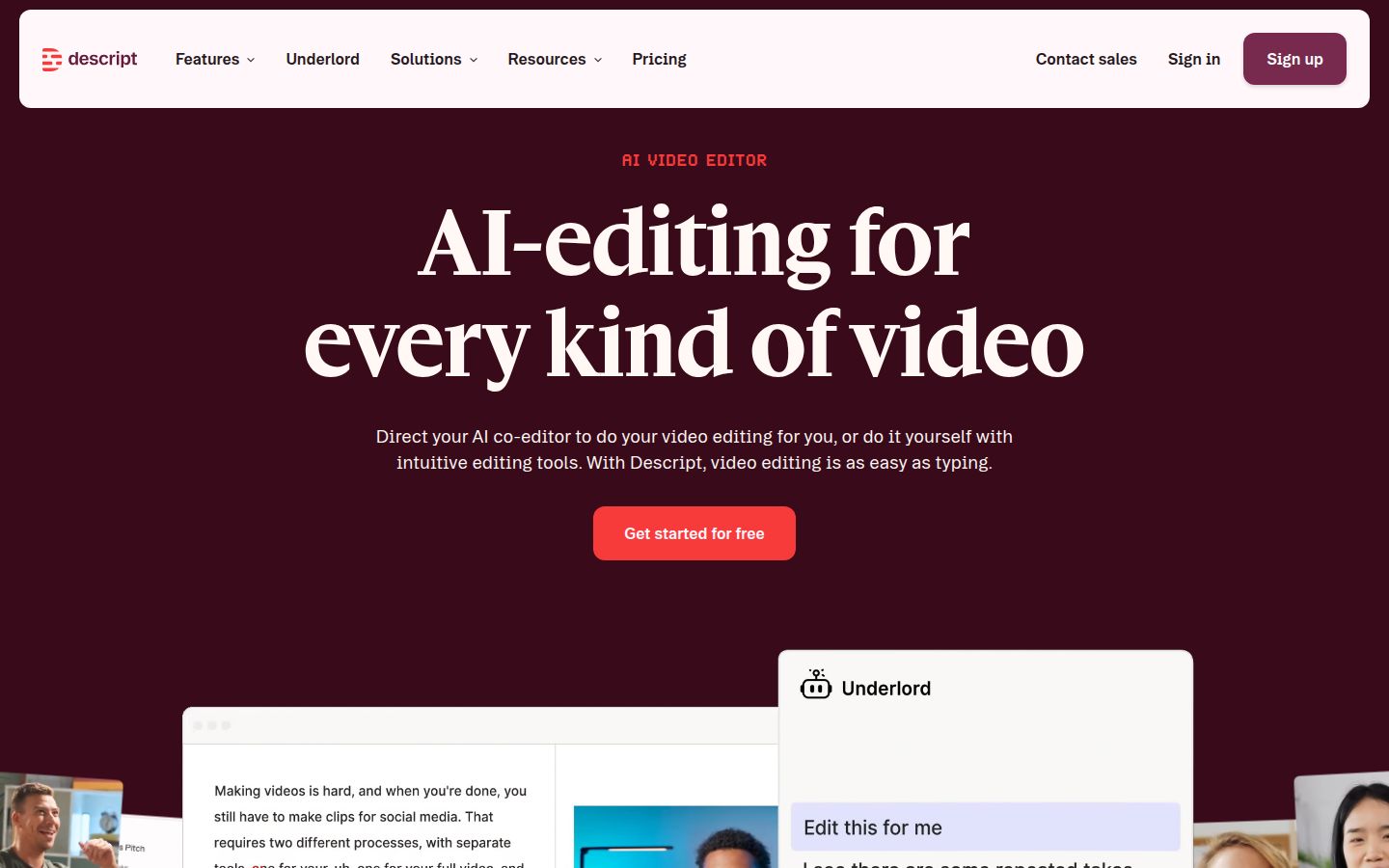
Descript is a video and audio editor where you edit by editing the text. It transcribes your recording, and when you delete a sentence from the transcript, the matching video disappears with it. That makes it a strong fit for people who talk to camera for long stretches.
Descript does several things well. Remove Filler Words cleans up the "ums" and "uhs". Studio Sound cleans up audio so you don't need a separate tool. Remove Retakes and Eye Contact are also built in. On the Creator plan, you can export your timeline to Premiere Pro or Final Cut Pro, which helps if you want to start in Descript and finish in a full editor.
Pricing as of November 2026:
- Free: 60 media minutes a month, 720p export with a watermark.
- Hobbyist: $24/month, or $16/month billed yearly. 10 media hours and 400 AI credits a month, 1080p export with no watermark. Pricing is per editor.
- Creator: $35/month, or $24/month billed yearly. 30 media hours and 800 AI credits a month, 4K export.
Limits to know: Descript has two monthly allowances, media hours and AI credits. Each AI feature spends credits, and the credits don't roll over. Check how many you'll use before you pick a plan. Creator also adds a larger media allowance and the export to Premiere and Final Cut.
Best for: people who want to edit a talking-head video the way they edit a document, and who need strong audio cleanup. If your main question is how to make a talking-head video less boring, our guide on how to make talking-head videos less boring covers that.
Submagic

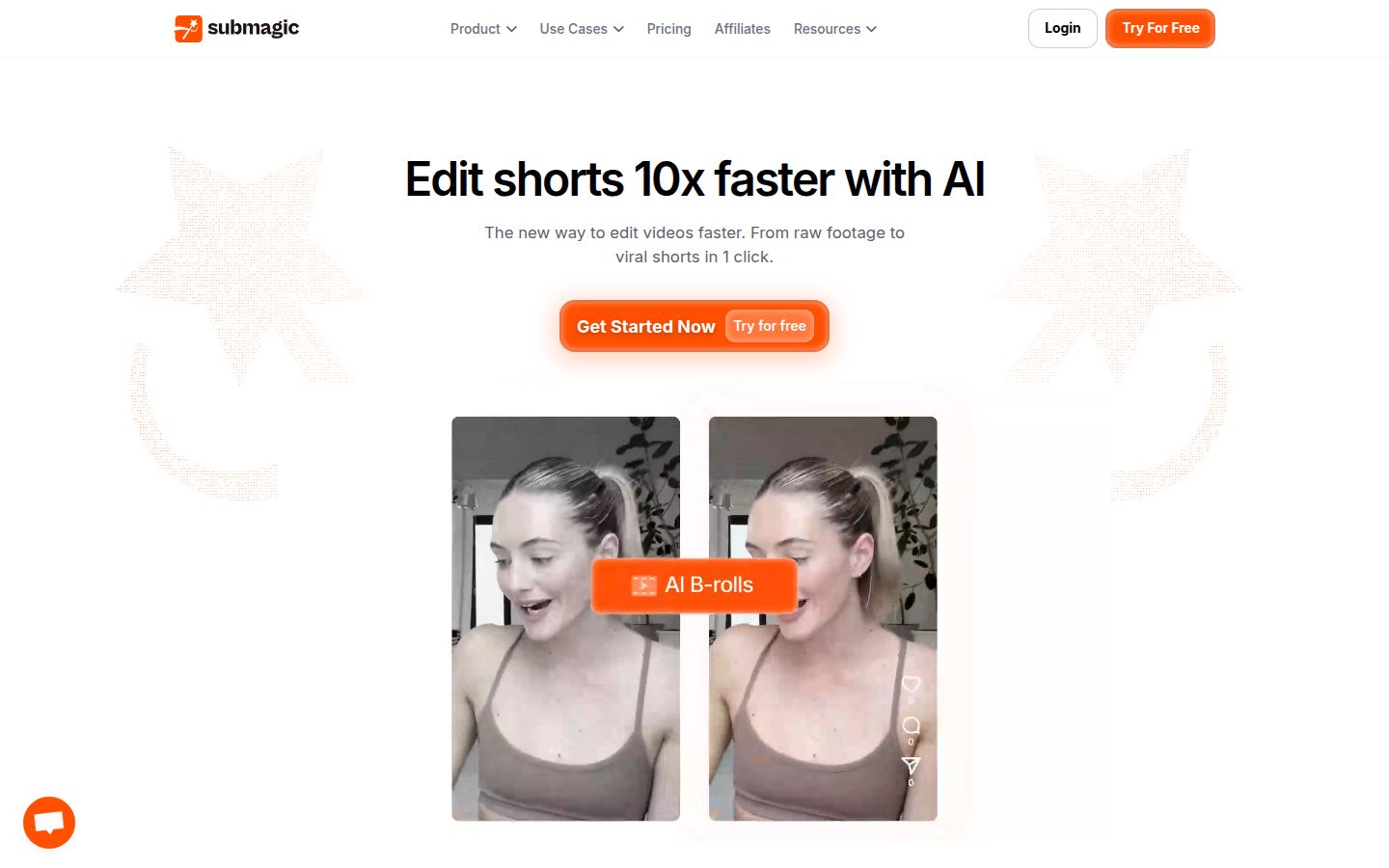
Submagic is a browser-based editor for short-form video. You upload a clip, and it adds animated captions, removes silences and bad takes, and adds auto zooms. It also offers B-roll, sound effects and background music, which Sycamore doesn't have. Its Magic Clips feature cuts a long video into several short clips.
Pricing as of November 2026, per member and billed monthly, with yearly prices in brackets:
- Starter: $19 ($12/month billed yearly). 15 videos a month, each up to 2 minutes, 1080p export.
- Pro: $39 ($23/month billed yearly). 40 videos a month, each up to 5 minutes. Includes AI eye contact, auto zoom, and silence, bad take and filler word removal.
- Business: $69 ($41/month billed yearly). 100 videos a month, each up to 30 minutes, 4K export.
Magic Clips is a separate add-on at $19 a month for 10 uploads. The free trial lets you edit 3 short videos without a card, and downloading them without a watermark needs a paid plan.
Limits to know: the video length caps. Starter stops at 2 minutes and Pro at 5, so longer recordings need the Business plan or the Magic Clips add-on.
Best for: coaches and small marketing teams who post short talking-head clips, want captions and finishing touches, and want B-roll or sound effects in the same tool. If you're choosing between Submagic and a transcript-based editor, our Submagic vs Descript comparison goes deeper.
DaVinci Resolve
DaVinci Resolve is a full professional video editor from Blackmagic Design. It covers editing, color grading, visual effects and audio mixing in one app. The free version is a complete editor, and it's the most capable free option on this list.
The free version is free to use. DaVinci Resolve Studio adds more advanced tools, including the DaVinci Neural Engine, extra effects and noise reduction, and it's a one-time purchase at US$295 with no subscription.
Limits to know: Resolve is a full editor, so you build your cuts, captions and zooms by hand on the timeline. It has a steeper learning curve than the tools above. Expect to spend time learning the tools before your first short feels fast.
Best for: editors who want professional color and audio tools without a monthly fee, and who don't mind doing the work themselves. For more free options, see our best CapCut alternatives guide.
Final Cut Pro

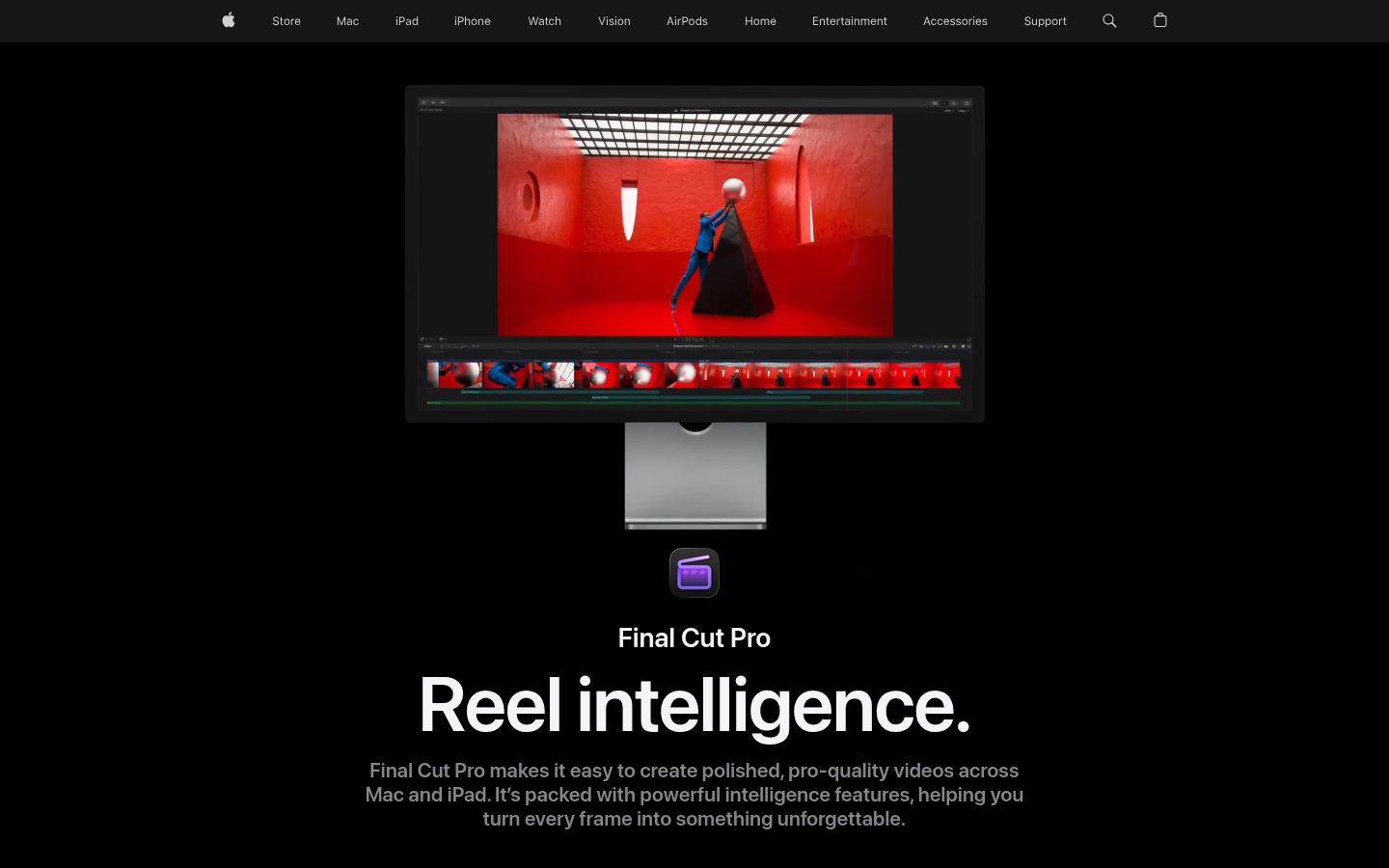
Final Cut Pro is Apple's professional video editor. It runs on Mac and iPad and has a magnetic timeline, title and effects tools, audio editing and caption creation. It's the closest thing to Premiere Pro for many Mac users, with a different interface.
You can buy it outright for $299.99 on the Mac App Store, and you get the current version with a one-time payment. It's also part of Apple Creator Studio, which costs $12.99 a month or $129 a year.
Limits to know: Final Cut Pro is for Mac and iPad only. Windows users need a different tool. Like Premiere, you build the edit yourself, so the time you save is in the tools, not in the cutting.
Best for: Mac editors who want a pro timeline and prefer a one-time purchase over a subscription.
Where Premiere Pro is still the better choice
Keep Premiere Pro if your work needs its depth. That means multicam shoots with several cameras, broadcast-level color, long projects with many tracks, and audio mixing for film or TV. Premiere also works closely with the rest of Adobe's apps, such as After Effects and Photoshop.
Premiere's transcription and translation are useful too. The Speech to Text feature can translate captions into 27 languages, and none of the tools above offer that range. If you publish in several languages, that matters.
How to choose between these tools
Start with the kind of video you make and how much of the editing you want to do yourself.
- You film yourself talking and want a finished short without building it: Sycamore is the closest match. Start with the free 10 minutes to see whether the edit fits your voice.
- You want a free editor you control, mostly for vertical clips: CapCut. The free plan covers most short-form work.
- You want to edit by deleting words and need strong audio cleanup: Descript. Plan for its monthly media and AI credit limits.
- You want captions, B-roll and sound effects, and your clips stay under 5 minutes: Submagic. Choose the Pro plan for longer clips, or add Magic Clips for long recordings.
- You want a full editor and color tools for free: DaVinci Resolve. Buy Studio only if you need its advanced tools.
- You edit on a Mac and want a one-time purchase: Final Cut Pro.
- You need multicam, deep color work or long projects: Keep Premiere Pro.
If you're weighing Sycamore against Descript for talking-head work, our Descript vs Premiere Pro for talking-head videos guide walks through the same choice.
Try the free tier of two or three tools on the same clip before you commit. Pay for the one that gets you a finished video fastest with the look you want.
FAQ
What is the cheapest alternative to Premiere Pro for short-form video?
CapCut and DaVinci Resolve both have free versions that cover most short-form editing. Descript and Sycamore also offer free tiers with limits on video length. Check each pricing page for current limits.
Is DaVinci Resolve really free?
Yes, the free version of DaVinci Resolve is a full editor. Studio is a one-time purchase at US$295 that adds advanced tools, and it has no monthly subscription.
Can I edit talking-head videos without using a timeline?
Yes. Sycamore edits raw talking-head footage for you and lets you review each line in plain words, and Descript edits video by changing its transcript. Both skip the timeline.
Does Final Cut Pro work on Windows?
No. Final Cut Pro runs on Mac and iPad. It's sold as a one-time purchase for $299.99 on the Mac App Store, or as part of Apple Creator Studio.
Does Sycamore support languages other than English?
No. Sycamore's transcription is English only. If you need captions in other languages, Premiere Pro's Speech to Text can translate captions into 27 languages.
Is Submagic cheaper than Descript?
Submagic's Starter plan is $19 a month, or $12 a month billed yearly, and Descript's Hobbyist plan is $24 a month, or $16 a month billed yearly. The two plans include different features and limits, so compare what each includes for your videos.