Most raw talking-head recordings are full of pauses, breaths, restarts and "um"s. Cutting them by hand on a timeline takes longer than recording the video. A silence removal tool finds the dead air and cuts it for you, so you can spend your time on the hook and the points that matter.
This list covers seven tools that do that job in October 2026. Sycamore is first because it's our product. We cover it in the same detail as the others, and we say where another tool is the better pick.
How we chose these tools
We read each tool's own pricing and feature pages as of October 2026, then checked how it handles silences and filler words in talking-head footage. We compared four things: what gets cut (silences only, or filler words and bad takes too), what you get out (a finished edit, an MP4, or a cut list for your editor), what it costs today, and who it suits.
Prices are in US dollars and reflect each tool's listed plans as of October 2026. Plans change, so check the pricing page before you pay.
Silence removal tools at a glance
| Tool | Starting price (Oct 2026) | Free plan or trial | Best for |
|---|---|---|---|
| Sycamore | $19/month (Starter) | 10 minutes of video, one-time, no card | Creators who want the whole edit done, not only the pauses |
| Descript | $16/month billed annually ($24 monthly) on Hobbyist | Free plan: 60 media minutes a month, watermarked 720p | Editing from a transcript, podcasts and multitrack audio |
| Gling | $20/month on Plus | Free plan: 1 hour of AI-edited media a month, watermarked export | YouTubers who finish the cut in Premiere Pro, Final Cut Pro or DaVinci Resolve |
| AutoCut | $9.90/month, or $79/year on the Basic plan | 14-day free trial, no card | Editors who work in Premiere Pro or DaVinci Resolve |
| TimeBolt | $17/month, $97/year, or $347 once | Free version: video only, watermarked exports | Desktop waveform control and a one-time purchase |
| Recut | $99 one-time | Fully functional free trial | One-time buyers who need silence cuts only |
| CapCut | Free; CapCut Pro is $19.99/month or $179.99/year | Free plan | People already editing in CapCut |
Sycamore

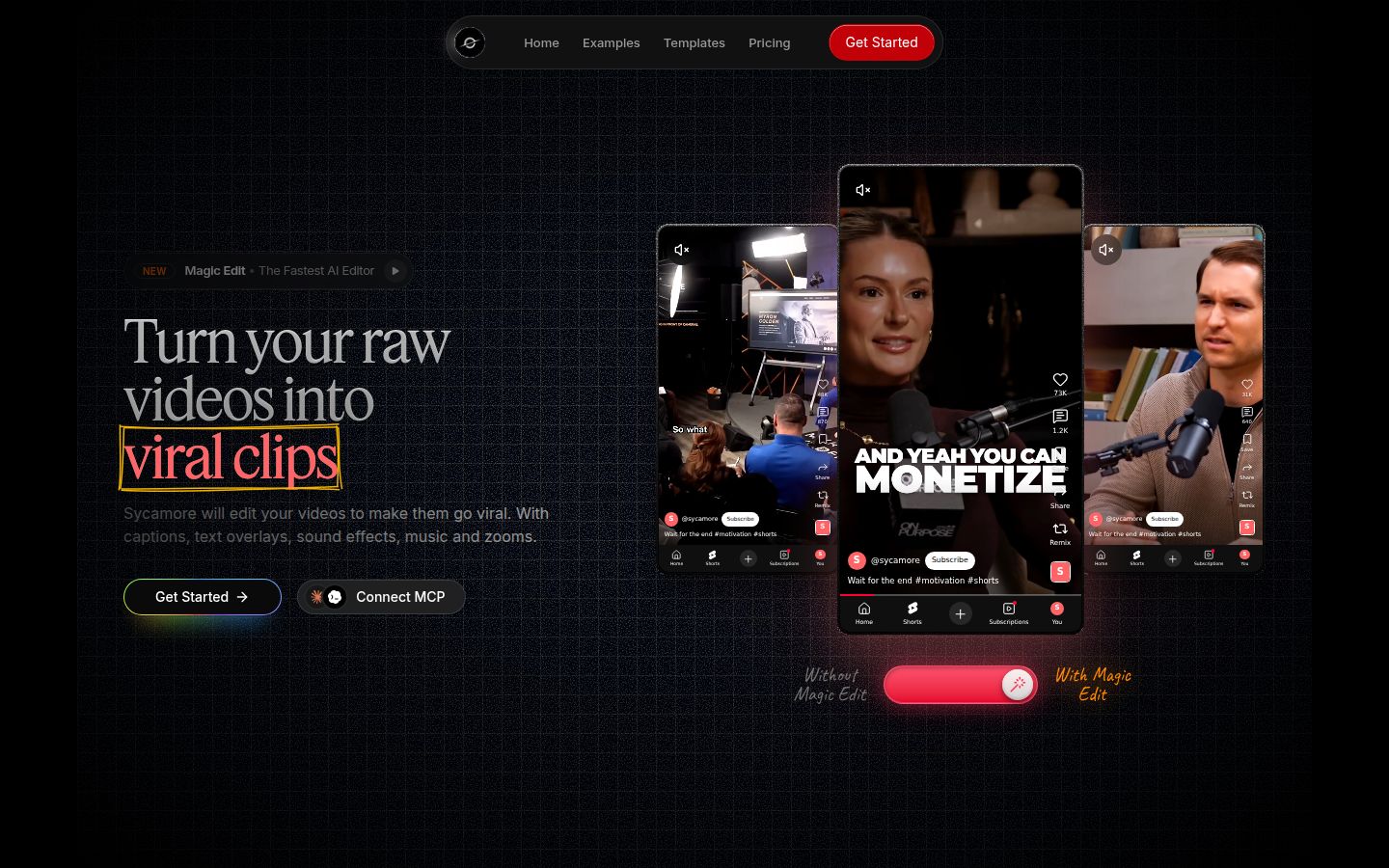
Sycamore is an AI video editor for talking-head videos. You upload raw footage of yourself talking, and Magic Edit turns it into a short-form edit. It cuts silences, filler words and dead air so the video moves. Then it adds the rest of the edit: zooms and punch-ins, emphasis on the key lines, full-screen text cutaways, numbers and lists on screen, and animated captions that appear word by word.
You pick one of four edit styles (Apollo, Hermes, Athena or Helios). Then you review the edit in a plain-words editor instead of a timeline. Each line can be set to Normal, Emphasis, Full screen, Number, List or Label. You can switch the style without starting over, and you export an MP4 in 9:16, 1:1 or 16:9. It runs in your browser, so there's nothing to install.
What it does best:
- It does the whole edit in one pass. You get cuts, zooms, cutaways and captions together, the work you'd otherwise do by hand in an editor.
- You review before you export. Every line stays editable, so you keep control of the result.
- Pricing is by minutes of video, and the free plan needs no card.
- It only does one job, talking-head shorts, so there's much less to learn than in a full video editor.
Limits to know:
- Transcription is English only. If your footage is in another language, pick another tool.
- It's a web app with no mobile app. It works in a phone's browser.
- It edits what you filmed. It doesn't write your script or your hook, and it doesn't clip long videos into many shorts.
Pricing as of October 2026:
- Free: 10 minutes of video, one-time, no credit card.
- Starter: $19/month for 3 hours of video a month, no watermark. At 20 minutes per video, that's about nine videos a month.
- Growth: $39/month for 10 hours of video a month, no watermark, priority rendering.
Uploads can be MP4, MOV, WebM or MP3, up to 2 hours. If you only want the pauses cut on a timeline you control cut by cut, a plain silence cutter is simpler. The step-by-step guide to cutting silences covers that route.
Best for: founders, coaches, educators and creators who post talking-head videos to TikTok, Instagram Reels, YouTube Shorts or LinkedIn, and want an edited look without editing by hand.
Descript


Descript is a text-based editor for audio and video. You work from the transcript. Delete a word or a pause in the text, and the matching part of the video goes too. Its Remove Filler Words tool finds words like "um", "uh" and "like" and removes them in one pass.
Descript is a strong choice if you already think in text. It also covers podcasts and multitrack audio, and it includes Studio Sound and captions in the same app. If your work is mostly interviews and long conversations, that range is useful.
Limits to know:
- The free plan has 60 media minutes a month and exports at 720p with a Descript watermark. Its AI tools are restricted, and that includes Remove Filler Words.
- Every minute you upload counts against your monthly media minutes, so a backlog of footage uses up the allowance quickly.
- A text-first workflow takes some learning if you're used to a timeline.
Pricing as of October 2026: The free plan is $0. Hobbyist is $16 per person per month on annual billing, or $24 month to month, with 10 hours of media minutes and 1080p export without a watermark. Creator is $24 on annual billing or $35 month to month, with 30 hours and 4K export. Business is $50 on annual billing or $65 month to month, with 40 hours and up to five seats.
Best for: podcasters and creators who want a text-first editor, and teams that want audio cleanup and video editing in one app.
Gling


Gling is an AI editor built for YouTube-style talking-head footage. It removes silences, filler words and bad takes, then gives you a cleaner first cut to review. You can review the proposed cuts and restore any pause or take you want to keep.
Gling's standout feature for many buyers is its export. It can send the cut to Premiere Pro, Final Cut Pro or DaVinci Resolve as XML, so you can finish the edit in the editor you already use. It also includes AI captions with SRT export, YouTube title and chapter generators, and auto framing.
Limits to know:
- Gling's site says the full editor is designed for desktop. Check which version fits your computer before you sign up.
- Free video exports carry a watermark. The Free plan includes 1 hour of AI-edited media a month.
Pricing as of October 2026: The Free plan is $0 with 1 hour of AI-edited media a month and unlimited watermarked export. Plus is $20 a month, or half that on annual billing, with 10 hours of AI-edited media and no watermark. Pro is $40 a month with 30 hours and premium support.
Best for: YouTubers and creators who want a rough cut they can finish in Premiere Pro, Final Cut Pro or DaVinci Resolve.
AutoCut

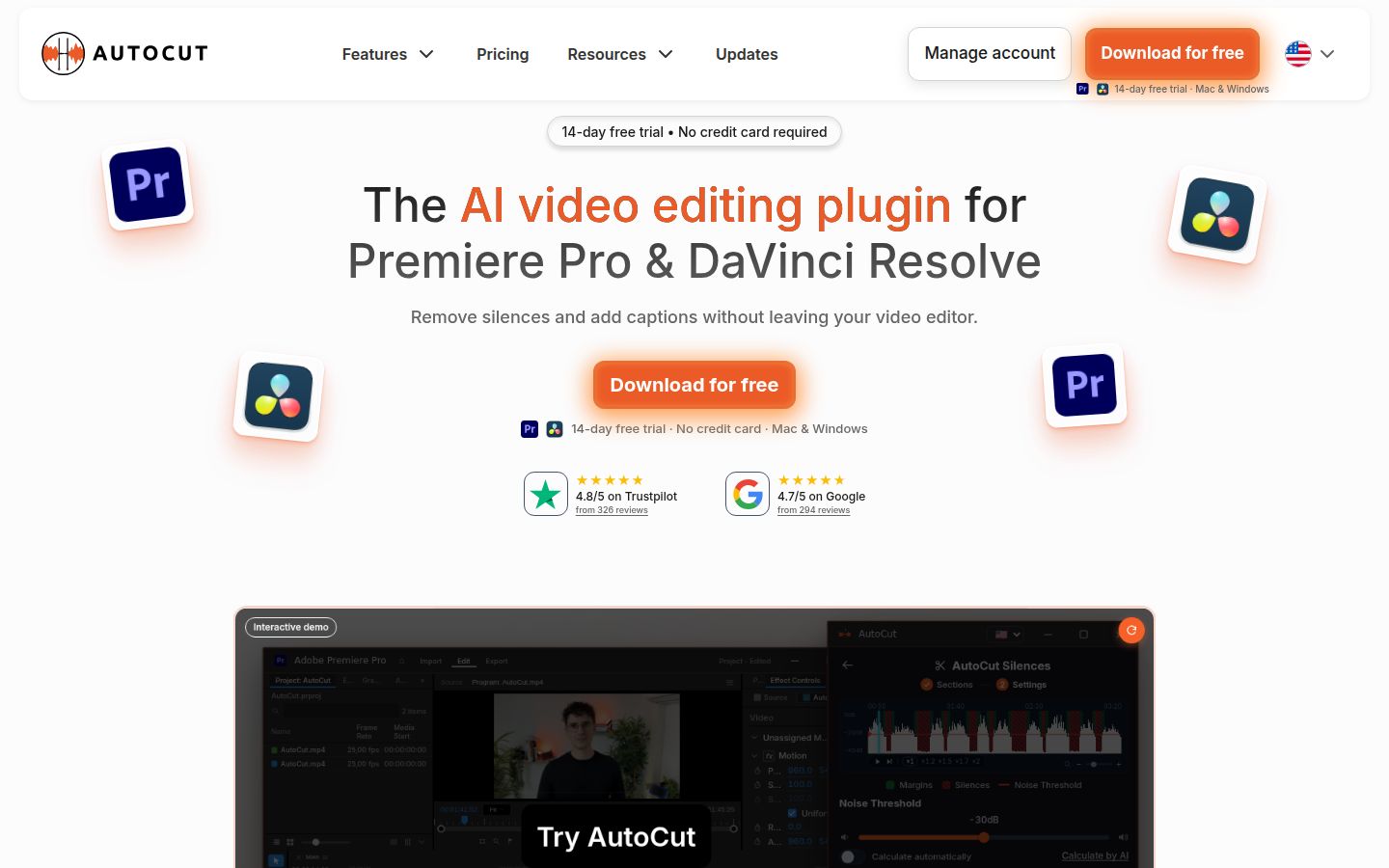
AutoCut is a plugin for Adobe Premiere Pro and DaVinci Resolve. It runs inside your editor, so the silence cuts happen on your own timeline. Its AutoCut Silences feature removes the pauses, and the rest of your project, effects and sequence stay where they are.
That's the reason to pick it. If you already have a Premiere or Resolve workflow and don't want to move your footage into another app, AutoCut keeps the work where you already do it. The free trial needs no card.
Limits to know:
- It needs Premiere Pro or DaVinci Resolve. It isn't a standalone app.
- The Basic plan unlocks AutoCut Silences only. Other AutoCut features sit on higher plans.
Pricing as of October 2026: A 14-day free trial needs no credit card. The Basic plan is $9.90 a month billed monthly, or $79 a year billed annually, which works out to $6.60 a month.
Best for: editors and creators who already work in Premiere Pro or DaVinci Resolve and want silence cuts without leaving their timeline.
TimeBolt
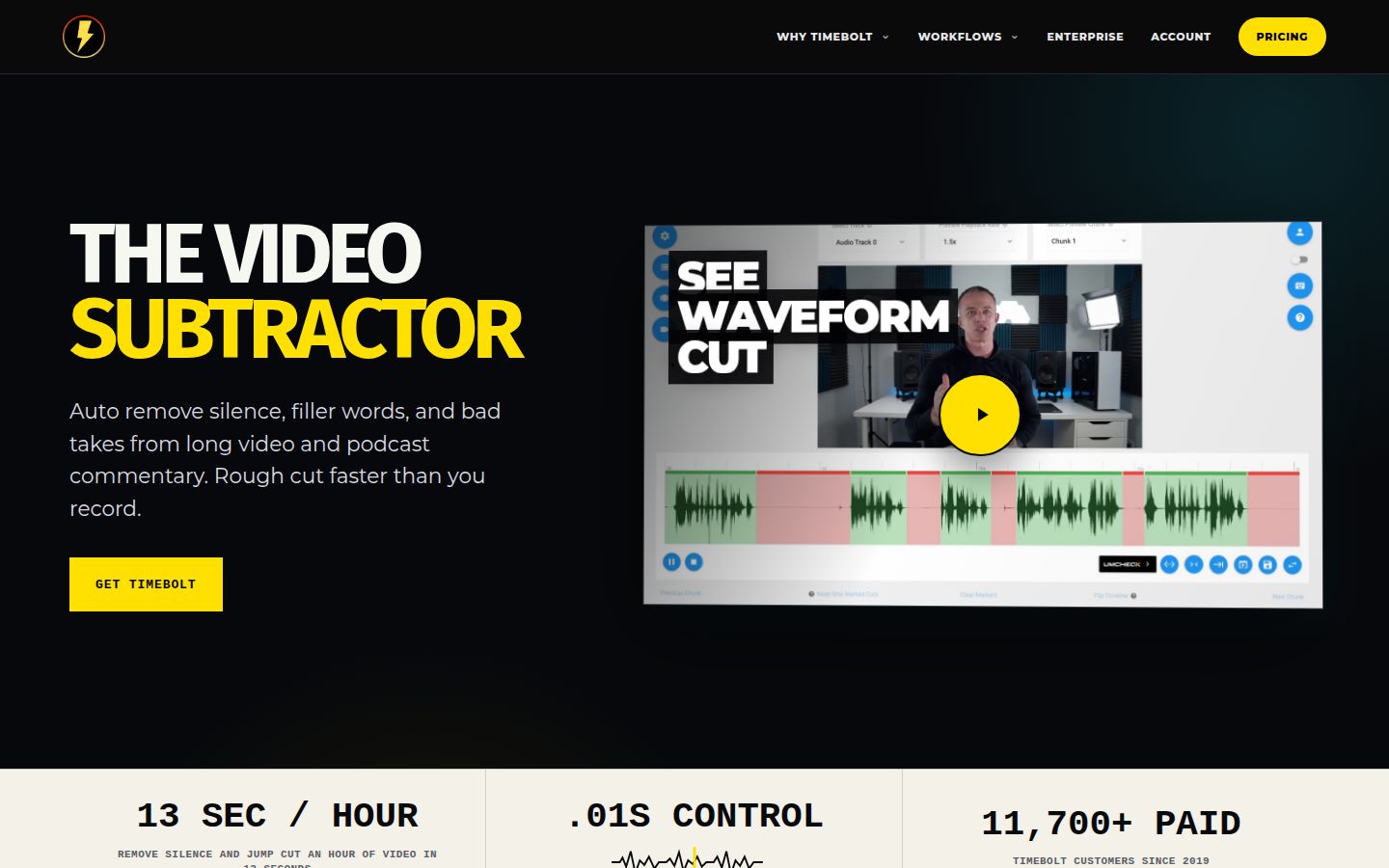
TimeBolt is a desktop app for Mac and Windows. It finds pauses on the audio waveform and jump-cuts the recording. Silence detection works from the audio level, so you don't need a transcript to start. You preview every cut, keep the ones you want and export.
TimeBolt is strongest when you want precise control on your own computer. Its site says it runs locally, and nothing uploads. You can export a finished MP4, or send the cut timeline to Premiere Pro, DaVinci Resolve, Final Cut Pro or Camtasia. Filler word removal is available through UMCHECK.
Limits to know:
- Filler word removal (UMCHECK) is pay-per-use on top of the Pro plan.
- The free version is video only, and its exports are watermarked. It has no XML export and no saved projects.
Pricing as of October 2026: The free version is $0 forever with watermarked exports. Pro is $17 a month, $97 a year, or $347 once for lifetime access, including future updates.
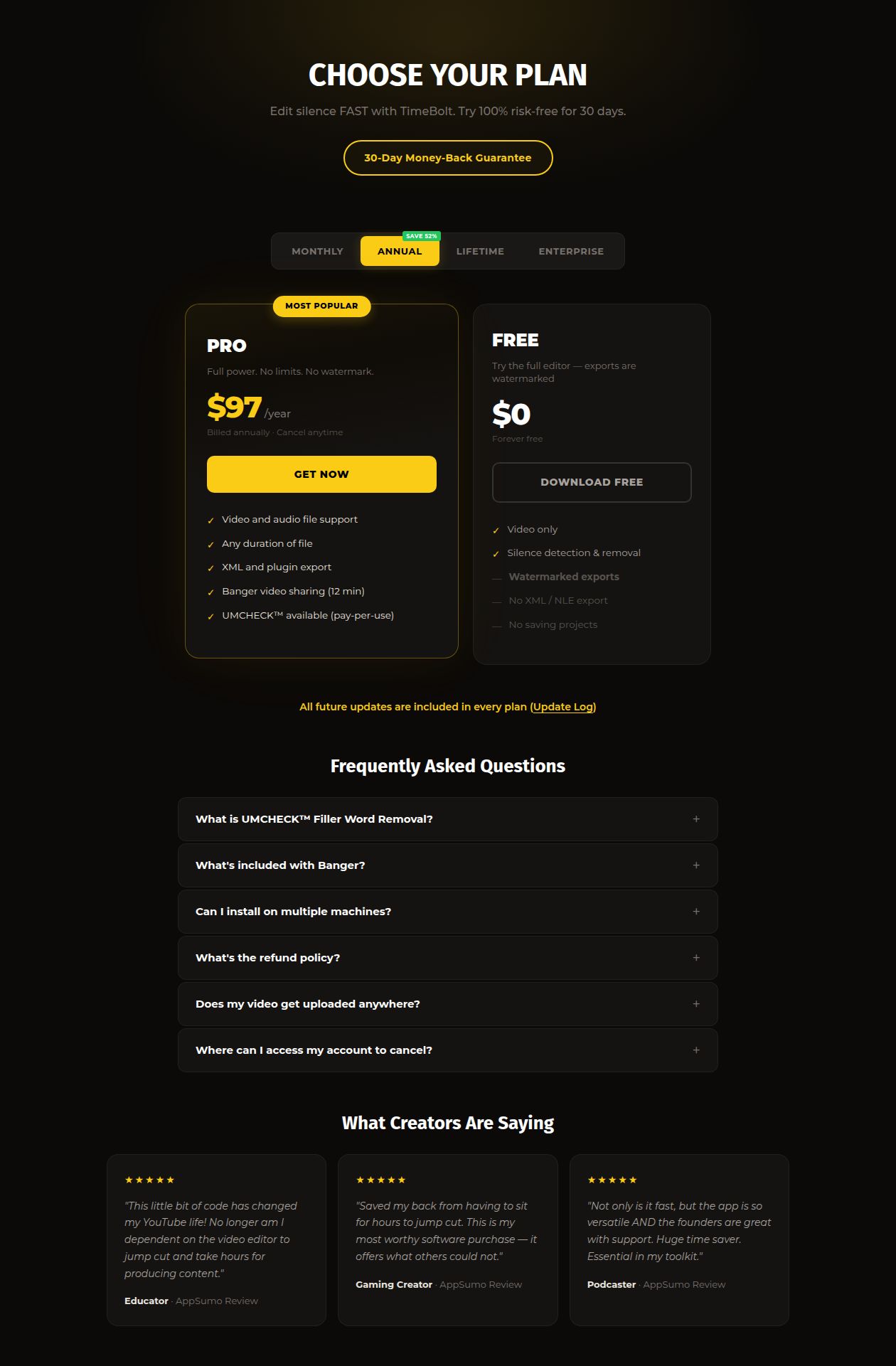 TimeBolt's pricing page
Best for: desktop editors who want waveform-level control, and people who want to pay once and keep the tool.
Recut
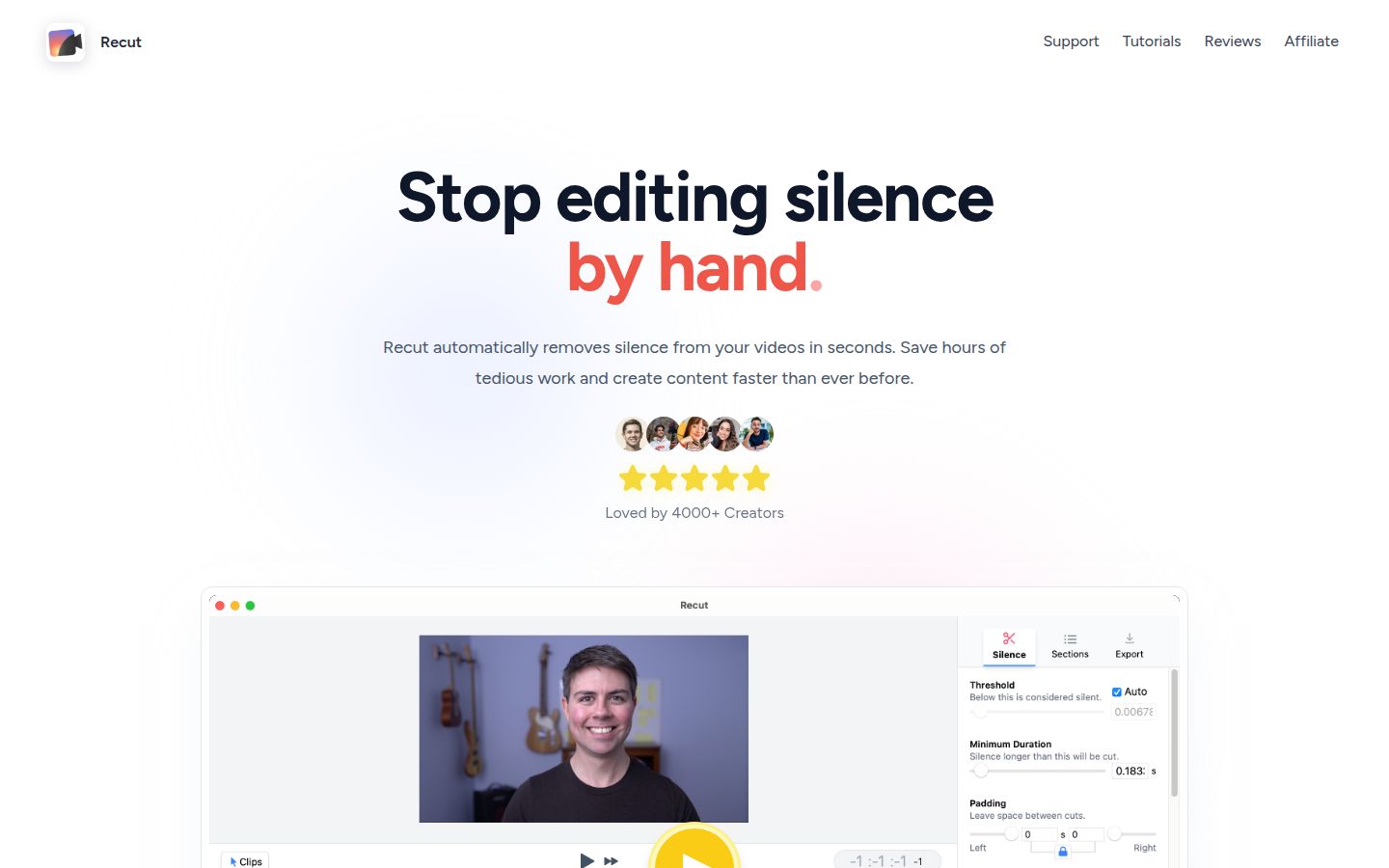
Recut is a desktop app that finds silence in your recordings and builds a cut list. It exports that cut as XML to your editor. It works with Adobe Premiere, DaVinci Resolve, Final Cut Pro, ScreenFlow and CapCut, and it handles multi-track footage, so you can cut across several cameras and mics.
Recut is simple by design. It does silence, and it does it well. You do the rest of the edit in the app you already use.
Limits to know:
- Recut focuses on silence. Its pricing page says transcription and filler word removal are not in the app yet, and may come later as paid add-ons.
- You finish the edit in another editor, so it's a rough-cut step rather than a finished short.
Pricing as of October 2026: Recut is a one-time payment of $99 with no subscription. The site offers a fully functional free trial before you buy.
Best for: editors who finish in another app and want silence cuts with a single purchase.
CapCut


CapCut is a full video editor with desktop, online and mobile versions. Its desktop app can transcribe a clip and then remove silences and filler words from the transcript. You transcribe the clip, click the filler word option, review what it found and delete any gaps it missed.
CapCut is the most complete editor on this list, with captions, templates and effects in one place. If you already edit there, the pause removal is one more step in a tool you know.
Limits to know:
- The silence and filler word removal sits in the desktop app. In a March 2026 walkthrough it missed some hesitations, so you still check the cut.
- Access to this feature has changed over time. Check the AI tools in the app before you plan a workflow around it.
Pricing as of October 2026: The CapCut Free plan is $0. CapCut Pro is $19.99 a month or $179.99 a year.
Best for: people already editing in CapCut who want to cut pauses for free inside the editor they know.
How to choose the right silence removal tool
Start with the output you need, then pick the cheapest tool that gives it to you.
- You want a finished short, not just cut pauses: pick Sycamore. It cuts silences and filler words, then adds zooms, cutaways and captions, and you review before export. It transcribes English only, so it fits English footage.
- You think in transcripts or make podcasts: pick Descript. Editing the text is the fastest way to remove words and pauses.
- You finish in Premiere Pro, Final Cut Pro or DaVinci Resolve: pick AutoCut if you want the cuts inside Premiere or Resolve, or Gling if you want XML to take into any of those three editors.
- You want one purchase and no subscription: pick Recut for silence only, or TimeBolt if you want waveform control and filler removal on desktop.
- You already edit in CapCut: start with the free CapCut desktop features.
Run your own clip through the free tier before you pay. Use a three-minute recording with real pauses and a few restarts. Then listen to the cut. Keep a short pause between sentences so the video doesn't sound clipped, and make sure no word gets cut in half.
FAQ
What is the best free silence removal tool?
It depends on the output you need. Sycamore's free plan gives 10 minutes of video one time with no card, Gling's Free plan gives 1 hour of AI-edited media a month with a watermark, and CapCut's free desktop app can remove silences and filler words from a transcript.
Can a silence remover also cut out um and uh?
Some tools do. Sycamore's Magic Edit cuts filler words along with silences, Gling removes filler words on its paid plans, and Descript's Remove Filler Words tool is limited on its free plan. TimeBolt handles filler words through UMCHECK, which is pay-per-use on Pro.
Can I remove silences inside Premiere Pro or DaVinci Resolve?
Yes. AutoCut runs as a plugin inside Premiere Pro and DaVinci Resolve. Recut, TimeBolt and Gling export a cut list that you can open in those editors.
How much does Sycamore cost?
Sycamore has a free plan with 10 minutes of video, one time. Starter is $19 a month for 3 hours of video a month with no watermark, and Growth is $39 a month for 10 hours with priority rendering.
Will cutting every pause make my video sound robotic?
It can. Keep a short gap between sentences so the cuts don't clip words, and check the cut by listening to it before you post.
Is there a one-time purchase option?
Yes. Recut costs $99 once, and TimeBolt Pro is $347 once for lifetime access, including future updates. Both are desktop apps.