A jump cut is what you get when you remove the dead air and the "ums" from a talking-head video, so the clip moves from one sentence to the next. Most creators who film themselves for TikTok, Reels, Shorts or LinkedIn cut their videos this way at some point. Done by hand, it takes a long time. The tools below do some or most of that work, and they differ a lot in how far they go and what they cost.
This list covers six tools: Sycamore, Descript, CapCut, Adobe Premiere, DaVinci Resolve and VEED. We are the team behind Sycamore, so it comes first. The other five are here because a creator could reasonably pick any of them. Each section says what the tool does, what it costs, where it falls short and who it suits.
How we picked these tools
We looked at four things for each tool: what it cuts automatically (silences, filler words or both), what it costs as of October 2026, whether it has a free plan or trial, and who it is built for. We read each tool's own pricing and help pages first, then checked the details against third-party pricing trackers and creator reviews. Where those disagreed, we went with the tool's own page.
We did not try to list every editor. Tools that mainly clip long recordings into many short videos, or that generate avatars, are a different job, so they are not here.
Six jump cut tools at a glance
Prices are in US dollars and reflect what each tool listed as of October 2026. Plan names and allowances change, so check the pricing page before you pay.
| Tool | Starting price (October 2026) | Free plan or trial | Best for |
|---|---|---|---|
| Sycamore | $19/month (Starter, 3 hours of video) | Free: 10 minutes of video, one time, no card | Getting a finished talking-head edit from raw footage |
| Descript | From $16/month billed annually ($24 monthly) on Hobbyist | Free plan | Editing by reading and cutting a transcript |
| CapCut | $19.99/month for Pro in the US | Free plan | Editing on a phone or in the app you already use |
| Adobe Premiere | $22.99/month on an annual plan billed monthly | Free trial | Full timeline control, especially if you already use Adobe |
| DaVinci Resolve | Free. Studio is $295 one time | Free version is a full editor | A free desktop editor with built-in silence removal |
| VEED | $19/month for Lite, billed monthly | Free plan with watermark and a 10-minute video cap | A browser editor with subtitles and AI tools in one place |
Sycamore

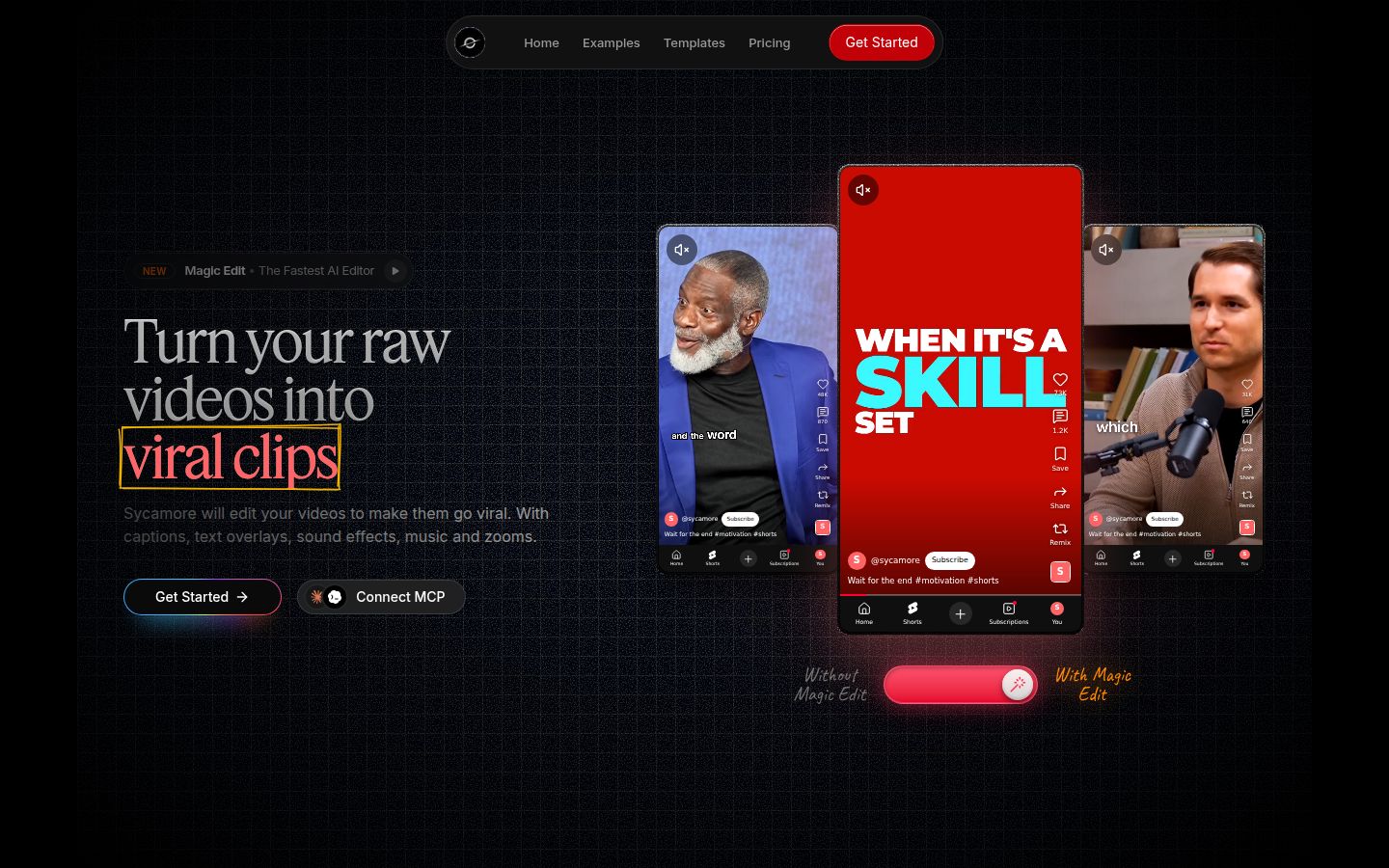
Sycamore is an AI video editor for talking-head videos. You upload raw footage of yourself talking, and it returns a short-form edit built to hold attention. It runs in the browser, so there is nothing to install.
The main feature is Magic Edit. It cuts silences, filler words and dead air so the video moves, then adds the edit that keeps people watching: zooms and punch-ins, emphasis on key lines, full-screen text cutaways for the big moments, numbers and lists shown on screen, and animated captions that appear word by word. You pick one of four edit styles (Apollo, Hermes, Athena or Helios), review the result and change anything you don't like before you export.
The editor works in plain words, not a timeline. Each line can be set to Normal, Emphasis, Full screen, Number, List or Label. You can switch the edit style without starting over, and you can fix any word in the captions. Export is an MP4 in 9:16, 1:1 or 16:9.
Pricing as of October 2026
- Free: 10 minutes of video, one time, no credit card.
- Starter: $19 a month for 3 hours of video a month, no watermark.
- Growth: $39 a month for 10 hours of video a month, no watermark, with priority rendering.
Uploads can be MP4, MOV, WebM or MP3, up to 2 hours each.
Limits to know
Transcription is English only. Sycamore also edits the footage you give it. It does not write your script or your hook, so you still decide what you say. The plain-words editor is not a frame-by-frame timeline, so if you want to move individual cuts by hand, a timeline editor like Premiere or Resolve is the better tool.
Best for
Founders, coaches, educators and creators who film themselves talking and want a finished edit without learning an editor. If you want the cutting done in one pass and a clear preview before export, Sycamore covers that. The free 10 minutes is a one-time test, so it's a way to try the whole edit on one video before you choose a monthly plan.
Descript

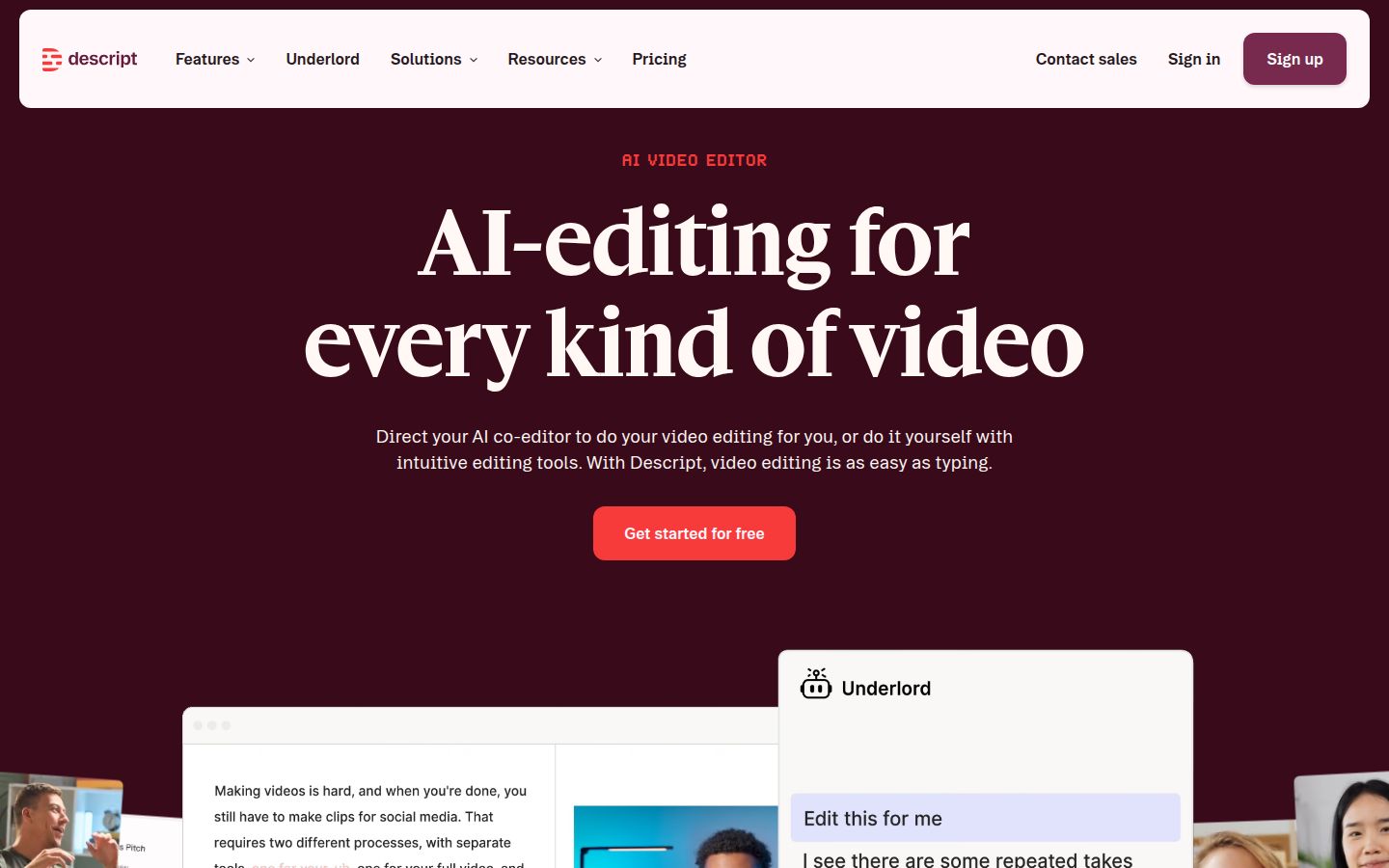
Descript edits video by editing its transcript. You delete a line of text and the matching video goes with it. That approach makes it easy to pull a clean take out of a messy one, which suits spoken-word content.
For jump cuts, Descript has two tools. Shorten word gaps removes the dead space between words automatically, so you don't trim each pause by hand. Remove filler words is in the AI Tools panel on the right sidebar: Descript underlines words like "um" and "uh" and lets you remove them from a list. Descript also has a Remove silence option in the Search or Tools menu that detects and shortens the silent gaps.
Pricing as of October 2026
- Free: a free plan with limited transcription and export options.
- Hobbyist: from $16 a month billed annually, or $24 a month billed monthly.
- Creator: $24 a month billed annually, or $35 a month billed monthly.
- Business: $50 a month billed annually, or $65 a month billed monthly.
The paid plans include a monthly allowance of transcription hours. Creator includes 30 hours, so check that allowance against how much footage you film each month.
Limits to know
Descript's desktop app runs on Mac and Windows. Its jump cut tools work on the transcript, so the quality of the transcript sets the quality of the cut. Descript also offers many features beyond jump cuts, such as AI voices and avatars, and those take time to learn.
Best for
Creators who like to work through a transcript line by line, and anyone who plans to use transcript editing for other jobs, such as podcasts or interviews. If you only need the talking-head cut and captions, a simpler tool may suit you better. For a closer look at how the two compare, read Best Descript Alternatives.
CapCut


CapCut is a free video editor with apps for phones, desktop and the browser. It has a large library of templates, effects and caption styles, and the mobile app makes it easy to edit on the go.
For jump cuts, CapCut has an Auto Cut feature that removes silent parts of a clip. CapCut's help page for Auto Cut says it is available on mobile and desktop and is not supported on CapCut Web, so check which version you use before you plan around it. CapCut also has auto captions with caption templates, so you can finish a talking-head clip in one app.
Pricing as of October 2026
- Free: the core editor with free features and templates.
- Standard: $9.99 a month. It is sold in the mobile app.
- Pro: $19.99 a month, or $179.99 a year, in the US, based on CapCut's listed price. CapCut says prices and offers can differ by region and account.
Limits to know
Auto Cut's availability depends on the version you use, as described above. Pricing is by region, so the price you see at checkout may differ from the one in this list.
Best for
Creators who edit mostly on a phone and like a fast, template-driven workflow. If you post often and want a free app with a lot of caption styles, CapCut is a strong place to start. For a closer look at the trade-offs, read Sycamore vs CapCut for Talking-Head Videos.
Adobe Premiere

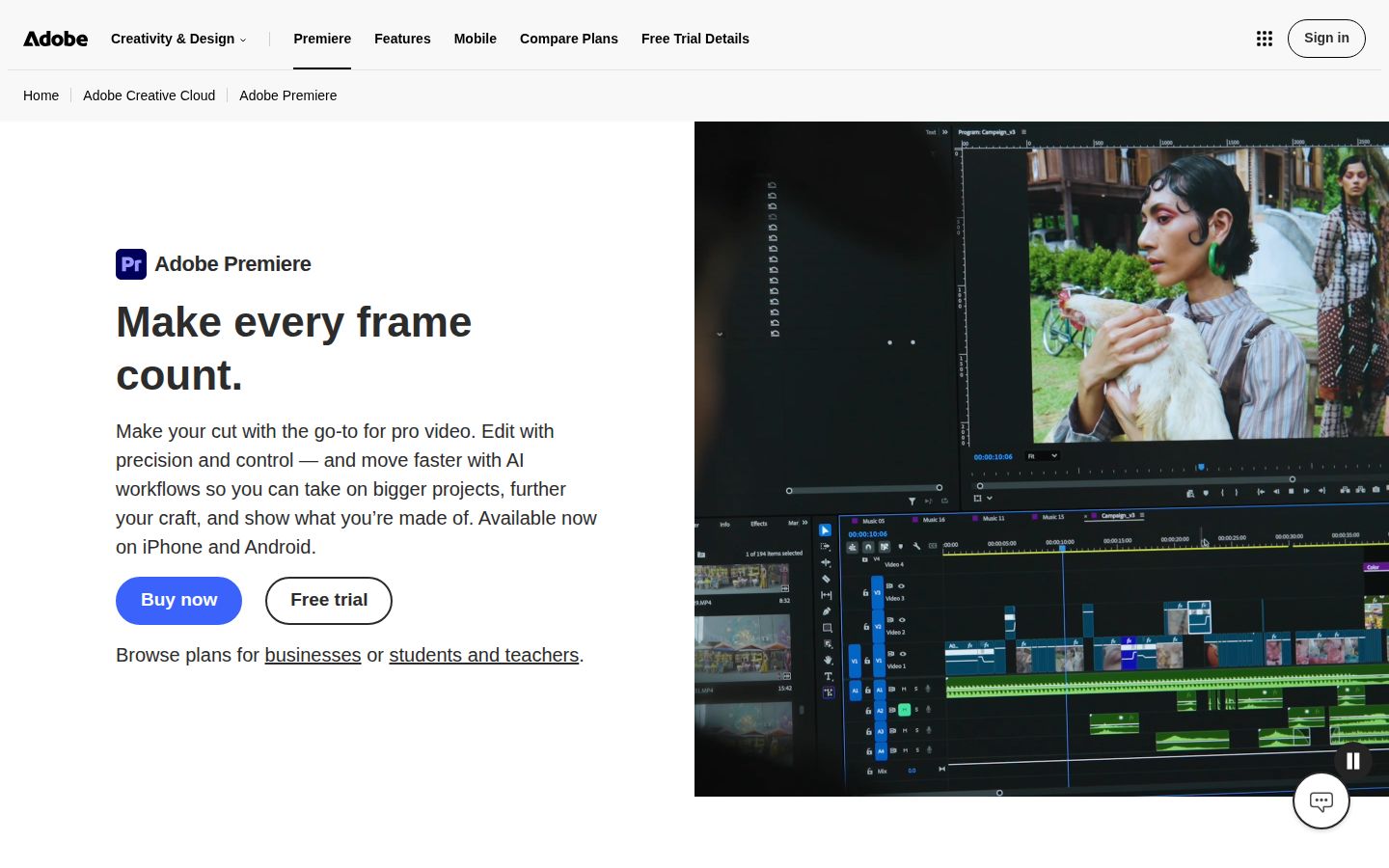
Adobe Premiere is a professional video editor that runs on a full timeline. It handles multi-track editing, color, audio and effects.
For jump cuts, Premiere has Text-Based Editing. It transcribes the clip and shows the transcript in a panel. Its "detect pauses" option finds the pauses in the transcript, and you can bulk-delete the pauses, fillers or text you select. Each deletion cuts the timeline, so you can review the result in the timeline as well.
Pricing as of October 2026
- Premiere on an annual plan: $22.99 a month, billed monthly.
- Premiere month to month: $34.99 a month, with no annual commitment.
- Free trial: available from Adobe's Premiere page.
Limits to know
Text-Based Editing depends on the transcript, so a clean recording gives better results. Premiere is a full editor, and that means more to learn than a tool built only for talking-head cuts. You will still review each cut yourself.
Best for
Editors who need a full timeline, or creators who already work in Adobe apps and want jump cuts in the same program as the rest of their edit. If you only want the silences gone and the captions added, a dedicated talking-head tool will be quicker to learn.
DaVinci Resolve
 DaVinci Resolve homepage
DaVinci Resolve is a professional editor from Blackmagic Design. It has pages for editing, color, audio and effects, and the free version is a full editor, not a trial. The free version has no watermark and exports up to UHD resolution.
For jump cuts, Resolve 21 has a Ripple Delete Silence command in the free version and in Studio. You select the clip on the Edit or Cut timeline and choose Clip, then Audio Operations, then Ripple Delete Silence. It does not need a transcript. Before you run it, you set the threshold from the room tone of your recording, protect words with Pre Head and Post Tail, and preview the red stripes that mark the silences it will cut.
Pricing as of October 2026
- Free: the full editor, with no watermark and exports up to UHD.
- Studio: $295 as a one-time purchase on desktop. Blackmagic also lists a monthly cloud rental.
Limits to know
The tool can mistake a quiet consonant or a breath for silence, so duplicate your timeline before the first run. Every removed pause can also leave a jump cut in the picture that you need to review. Resolve is powerful, which also means a longer learning curve than a tool made for talking-head edits.
Best for
Creators who want a free desktop editor and are willing to learn it. If you like full control over every cut, Resolve gives you that at no cost. If you want the cutting done for you, the setup steps will feel like extra work.
VEED

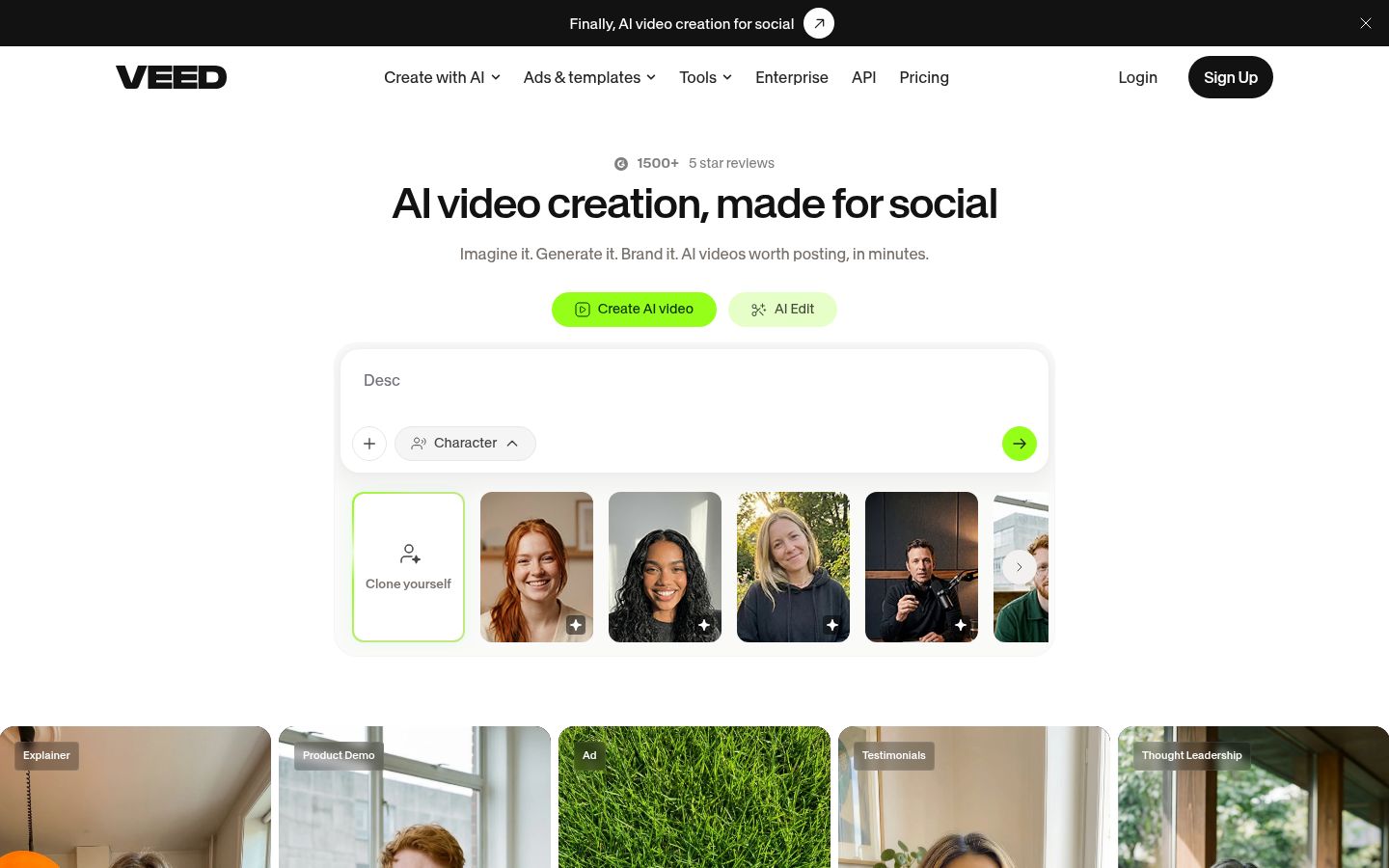
VEED is a browser-based video editor with subtitles, templates, screen recording and a set of AI tools in one place. It works well for people who want a single web tool for editing and captioning.
For jump cuts, VEED has a Remove Silences tool. It removes parts of the video that have no sound at all. If a pause includes breathing or background noise, VEED leaves it in. Check the result on your own footage, since breaths often stay in the cut.
Pricing as of October 2026
- Free: watermarked exports at 720p, with a 10-minute video limit. The Remove Silences tool can be used once on the free plan.
- Lite: $19 a month billed monthly, or about $12 a month billed annually. Lite removes the watermark and exports at 1080p.
- Pro: $49 a month billed monthly, with AI features and a yearly allowance of AI credits.
VEED renamed its plans in 2026, so check the pricing page for the current names.
Limits to know
The free plan limits exports to a watermark and 720p, which matters for anything you post under your brand. Many of VEED's AI features run on credits, and the credits depend on the plan.
Best for
People who want a browser editor that handles subtitles, templates and AI tools together, and who do not need a timeline. If your jump cuts are mostly about long, quiet gaps, the silence tool does that job.
How to choose the right jump cut tool
Match the tool to the job you need done.
- You want a finished talking-head edit from raw footage. Start with Sycamore. Its free allowance covers one 10-minute test, and Starter at $19 a month covers 3 hours of video a month.
- You edit by reading a transcript and want other audio jobs in the same app. Look at Descript. Its Hobbyist plan starts at $16 a month billed annually.
- You film and edit on your phone. Try CapCut. Its free plan covers basic editing, and Pro is $19.99 a month in the US.
- You already use Adobe and need a full timeline. Use Adobe Premiere. A free trial is available before you commit to $22.99 a month on an annual plan.
- You want a free desktop editor and you're willing to learn it. Use DaVinci Resolve. Ripple Delete Silence is in the free version.
- You want one browser tool for subtitles and AI features. Consider VEED. Its Lite plan starts at $19 a month billed monthly.
If you're not sure, test two tools on the same clip. Run each one's silence cut, then watch the result with the sound on. Check the starts and ends of sentences, and the quiet words, before you decide. A test on your own footage tells you more than any list.
For more on the process itself, read How to Cut Silences From a Video.
FAQ
What is a jump cut in a talking-head video?
A jump cut removes the pauses, breaths and filler words between sentences so the speaker moves straight from one line to the next. It keeps the video short and fast, which suits TikTok, Reels and Shorts.
Which jump cut tool is free?
DaVinci Resolve's free version includes Ripple Delete Silence, and it is a full editor with no watermark. Descript, CapCut and VEED also have free plans with limits, and Sycamore's free plan covers 10 minutes of video one time.
Can CapCut remove silences automatically?
Yes, through its Auto Cut feature. CapCut's help page lists Auto Cut on mobile and desktop, and says it is not supported on CapCut Web.
Does Sycamore remove filler words too?
Yes. Magic Edit cuts silences, filler words and dead air as part of the edit, and you review the result before you export. Transcription is English only.
Will removing every pause make my video look rushed?
It can. Leave a short beat after a punchline or a key point, and check each cut for clipped words and visible jumps before you post.
Which tool works best on a phone?
CapCut has mobile apps, which makes it the most phone-friendly option in this list. Sycamore runs in a phone's browser but has no mobile app.