If you film yourself talking to camera, Descript is probably already on your list. It edits video by editing the transcript: delete a sentence from the text and that part of the video goes too. Its paid plans add Studio Sound, filler word removal and Create Clips, and it runs as a desktop app on Mac and Windows and in the browser.
People still look for alternatives. The reasons we hear most come down to three things. The first is price. Descript's plans are sized by media hours and AI credits, so the plan you need depends on how much footage you shoot. The second is the credits. One commenter in r/podcasting wrote that the limited credits for Descript's AI tools were the main downside of the tool. The third is the kind of video. If you cut a one-hour podcast into ten shorts, you need a clipping tool. If you want one talking-head clip finished with captions, you may not need a full editor at all.
This post covers six tools. Sycamore goes first, since it's our product. Then five others, each with what it does well and where it falls short, and the current price as of October 2026. The last section matches readers to a tool.
Side-by-side: price, free plans and best use
| Tool | Starting price (monthly billing unless noted) | Free plan or trial | Best for |
|---|---|---|---|
| Sycamore | $19/month (Starter, 3 hours of video) | 10 minutes of video, one time, no card | One raw talking-head recording turned into a captioned short |
| Descript | $24/month (Hobbyist, $16/month billed yearly) | Free plan with 1 media hour a month | Editing by deleting words, plus podcasts and multitrack audio |
| OpusClip | $15/month (Starter, 150 processing minutes) | Free plan with 60 minutes a month, watermarked | Turning long videos into many clips |
| Submagic | $19/month (Starter, 15 videos) | Free trial: upload 3 videos, watermark until you pay | Animated captions, B-roll and sound effects on short clips |
| VEED | $12/user/month billed yearly ($147 a year, Creator) | Free plan with a watermark | One browser editor with subtitles, AI avatars and translation |
| CapCut | $19.99/month (Pro, US price) | Free editor on desktop, mobile and web | Mobile creators who want a free editor and full control of each cut |
Prices are the US figures we could confirm on each tool's pages or in the sources below. Check the checkout page before you pay, because regional prices and promotions change.
Sycamore

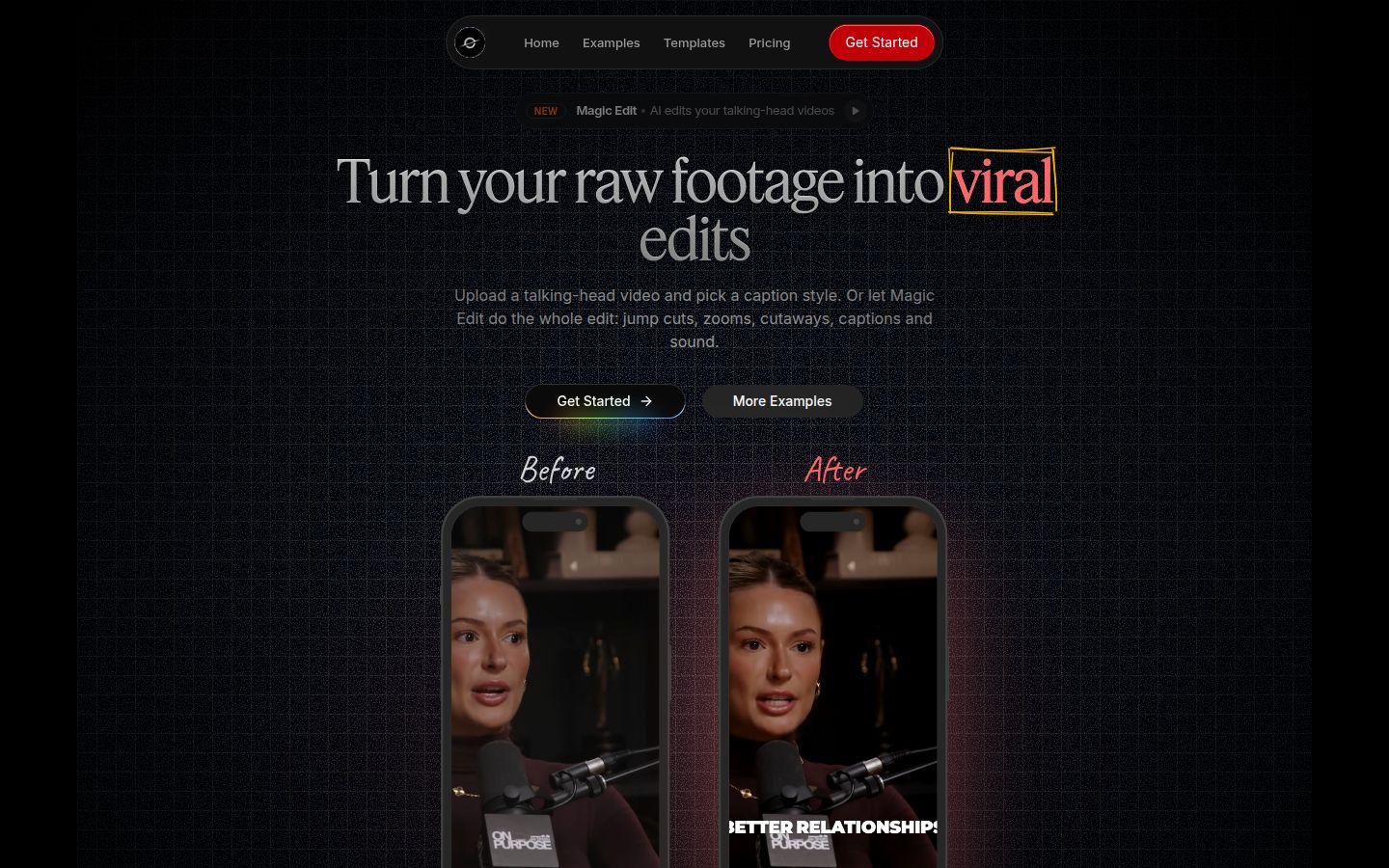
Sycamore is a web app that turns a raw talking-head recording into a finished, captioned short video. It runs in your browser, so there's nothing to install.
Its main feature is Magic Edit. You upload a raw video and pick one of two edit styles, Apollo or Hermes. Sycamore cuts silences and filler words, adds word-by-word captions, emphasizes key lines, and adds zooms and full-screen text cutaways for the big moments. Then you review the edit and change anything before you export. Each line can be set to Normal, Emphasis, Full screen, Number, List or Label, so the controls stay in plain words.
The caption tools work on their own too. You can edit any word, change the font, colors, size, animation and position, and save the look as a preset for the next video. Export is MP4 in 9:16, 1:1 or 16:9.
Pricing, as of October 2026 (sycamore.to/pricing):
- Free: 10 minutes of video, one time, no credit card.
- Starter: $19 a month for 3 hours of video a month, no watermark.
- Growth: $39 a month for 10 hours of video a month, no watermark, priority rendering.
Uploads can be MP4, MOV, WebM or MP3, up to 2 hours long.
Limits that matter for this choice:
- Transcription is English only. If your videos are in another language, Sycamore is not the right tool.
- Sycamore edits the video you give it. It doesn't cut a long recording into many shorts, so pair it with a clipping tool if that's your workflow.
- It's a web app, not a mobile app. It works in a phone's browser. It doesn't post to social platforms for you.
Best for: founders, coaches and educators who record one talking-head video at a time, and want it captioned and cut in one pass with a review before export. Read how to edit raw talking-head footage into a short for the workflow.
Descript

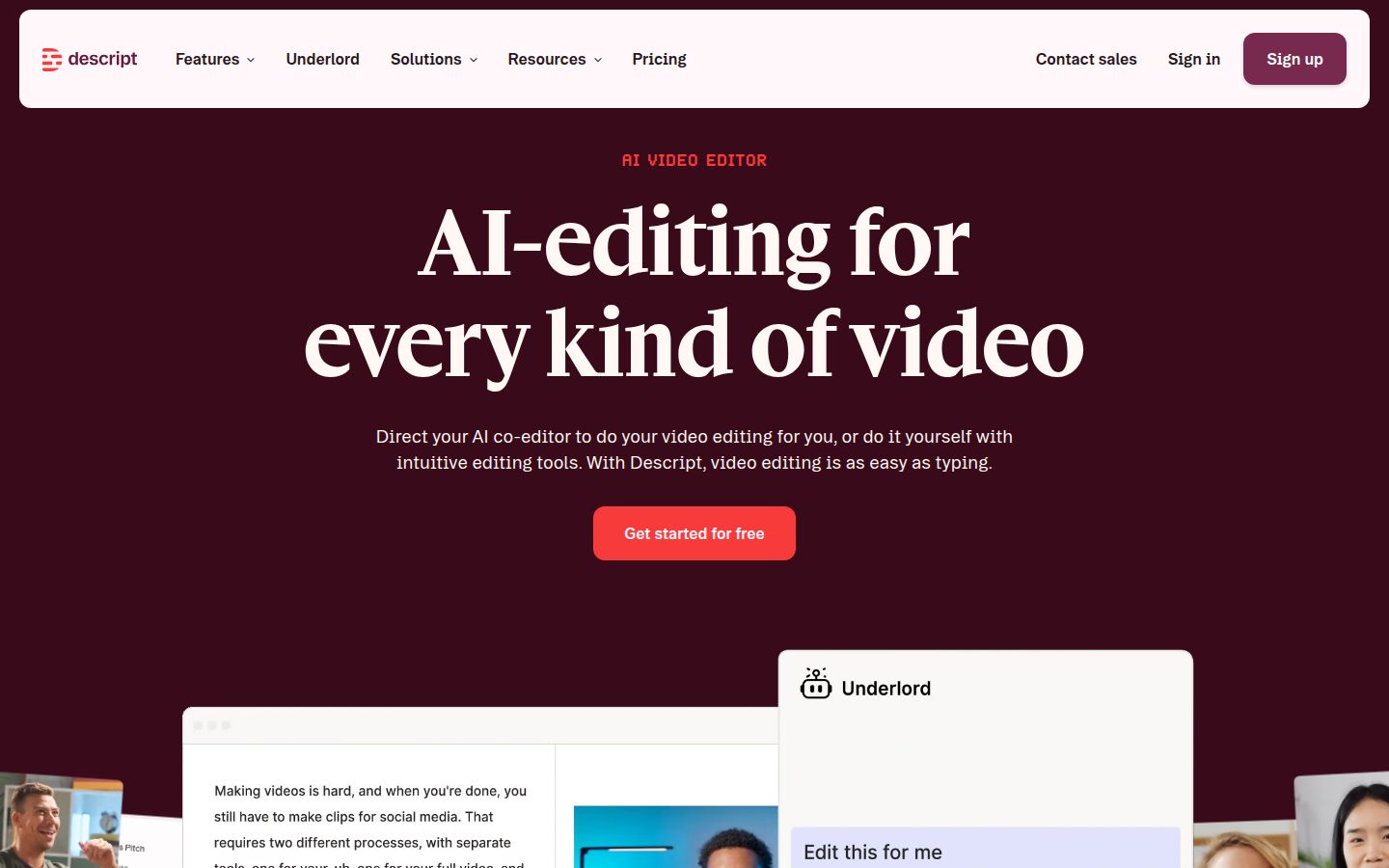
Descript is an AI video and audio editor built around the transcript. You record or upload, Descript transcribes the audio, and you edit the text. Delete a sentence and the video for it goes. It also has a timeline and multitrack audio for podcasts. CreateSocial's Descript review describes it as a desktop app on Mac and Windows, with a web version that works best in Chrome, Edge or Opera.
Descript does a lot. Its feature list includes Studio Sound for cleaner voice audio, Remove Filler Words, Eye Contact, Create Clips, a screen recorder and Underlord, an AI assistant that works on the edit with you. For a podcast that's also filmed, or a course with screen recordings, it covers more of the job than Sycamore does.
Pricing, as of October 2026 (descript.com/pricing and ComparEdge's Descript pricing page):
- Free: 1 media hour a month, 100 AI credits, 720p export without a watermark.
- Hobbyist: $24 a month, or $16 a month billed yearly. 10 media hours, 400 AI credits, 1080p, includes Create Clips.
- Creator: $35 a month, or $24 a month billed yearly. 30 media hours, 800 AI credits, 4K export, royalty-free stock media library.
- Business: $65 a month, or $50 a month billed yearly. 40 media hours, team features and admin controls.
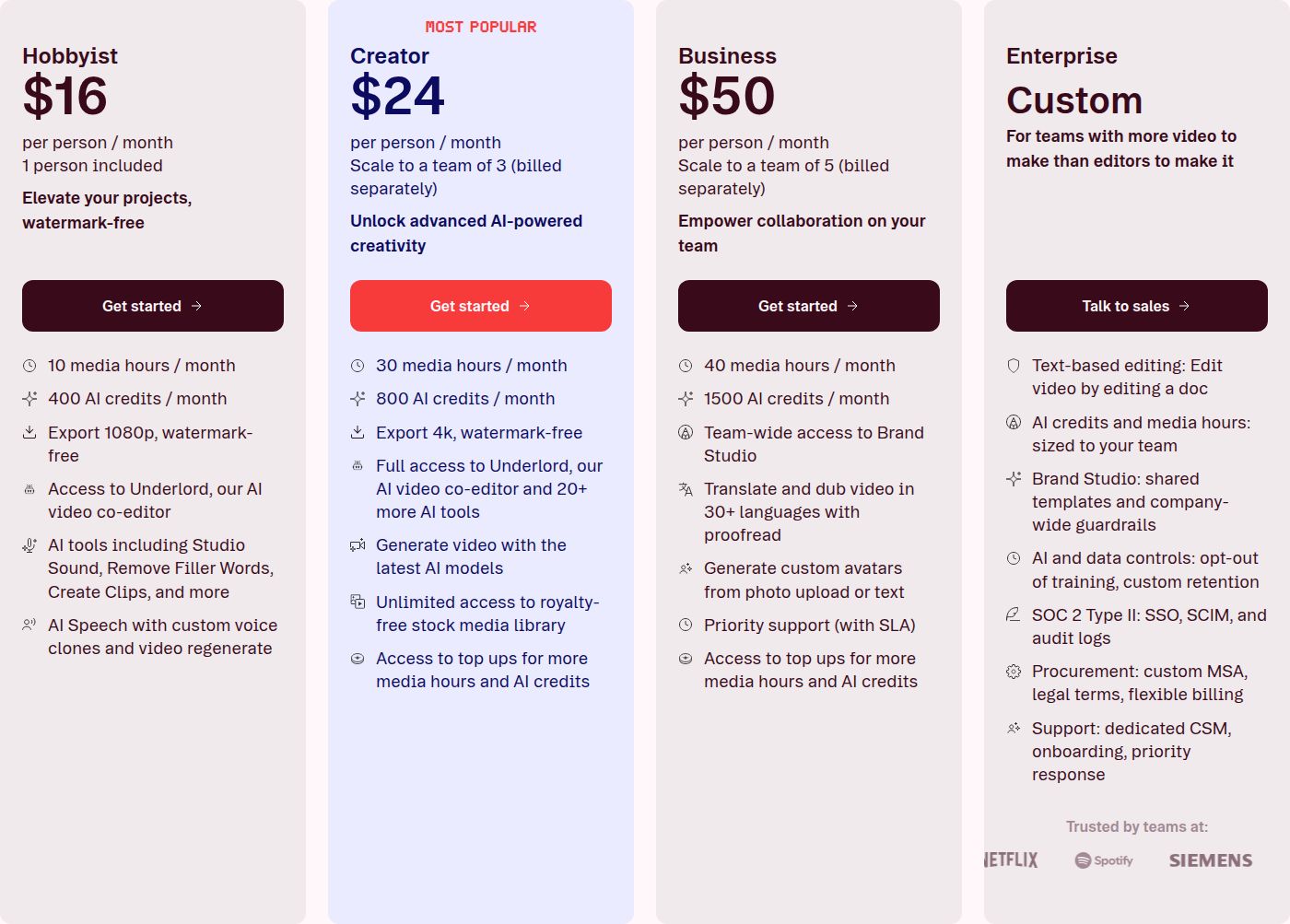 Descript's pricing plans: Hobbyist and Creator
Limits that matter for this choice:
- Media hours and AI credits reset monthly, and CreateSocial's review notes that neither rolls over. In one r/podcasting thread, a commenter named the limited credits for the AI tools as the main downside.
- It's a desktop and browser editor. It isn't built for phones or tablets.
- You do the edit. Descript gives you the tools and the agent, and the cuts are yours to make. Sycamore's Magic Edit makes the first pass for you.
Best for: podcasters and course creators who want a full editor with transcript editing and multitrack audio, and who are happy to drive the edit. If you want to see how the two compare in more detail, read our Opus Clip vs Descript and Veed vs Descript comparisons.
OpusClip

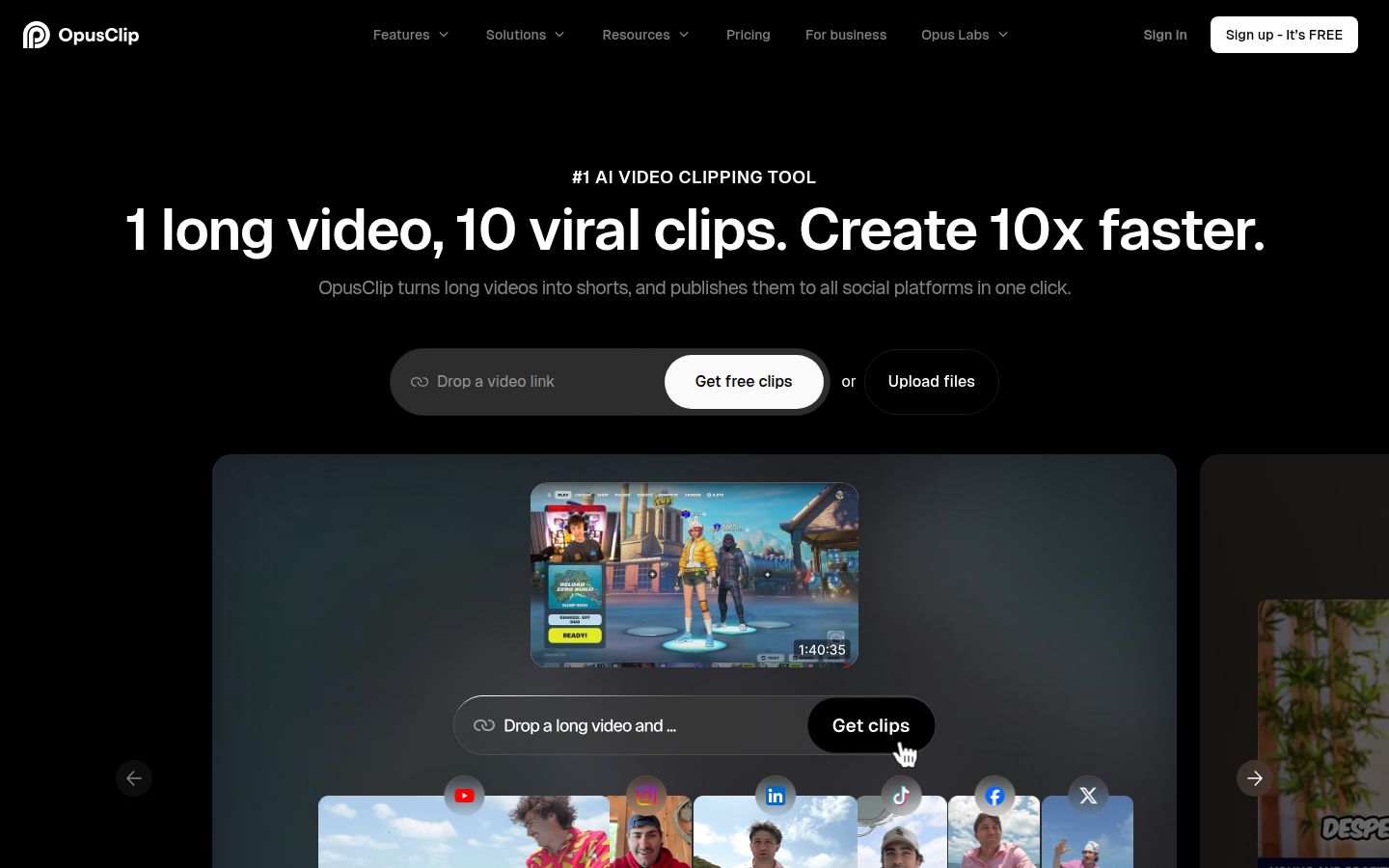
OpusClip starts from a long video and finds the moments worth clipping. You import a video from a link or a file, and it produces several short clips with captions, reframes them to vertical, and adds emoji and keyword highlights. Its homepage says it supports videos in English, German, Spanish, French, Portuguese and more than 20 other languages.
It's strongest at volume. A one-hour podcast or webinar can become a set of clips in one run. The Pro plan also includes a social scheduler and multi-platform auto-posting, according to FluxNote's OpusClip pricing guide and the OpusClip site.
Pricing, as of October 2026 (opus.pro/pricing, Quso's OpusClip pricing guide):
- Free: 60 processing minutes a month, with a watermark on clips.
- Starter: $15 a month, 150 processing minutes a month.
- Pro: $29 a month, 300 processing minutes, 1080p export. Billed yearly, Pro is listed at $174 a year, or $14.50 a month on average.
Quso explains that one credit covers one minute of video you process, so a two-hour recording uses 120 minutes of your allowance. On the free plan, clips are watermarked and can only be downloaded for a short window.
Limits that matter for this choice:
- The allowance counts source minutes, not clips. Long recordings use up the plan quickly.
- The free plan puts a watermark on clips.
- It's built to find moments inside long videos. If you film one talking-head video and want the whole edit, it's a different job from Sycamore's.
Best for: podcasters, YouTubers and webinar hosts who have long recordings and want many shorts from each one, with a scheduler to post them.
Submagic

Submagic is an editor for short videos. You upload a clip and it adds animated captions, removes silences and adds effects. Its product pages list auto-zoom, AI eye contact, B-roll, sound effects and background music. Its Magic Clips add-on turns a long video into clips.
Submagic also does something Sycamore doesn't: it transcribes in more languages. Its AI caption page says it adds captions in 123 languages.
Pricing, as of October 2026 (submagic.co/pricing, Submagic's pricing help article):
- Starter: $19 a month, or $12 a month billed yearly. 15 videos a month, up to 2 minutes each, 1080p.
- Pro: $39 a month, or $23 a month billed yearly. 40 videos a month, up to 5 minutes each, 2K export. Adds AI eye contact, auto zoom, silence, bad take and filler word removal, and custom fonts and brand kit. Pro is the plan Submagic's help center calls its most popular.
- Business: $69 a month, or $41 a month billed yearly. 100 videos, up to 30 minutes each, 4K export.
- Magic Clips add-on: $19 a month for 10 uploads.
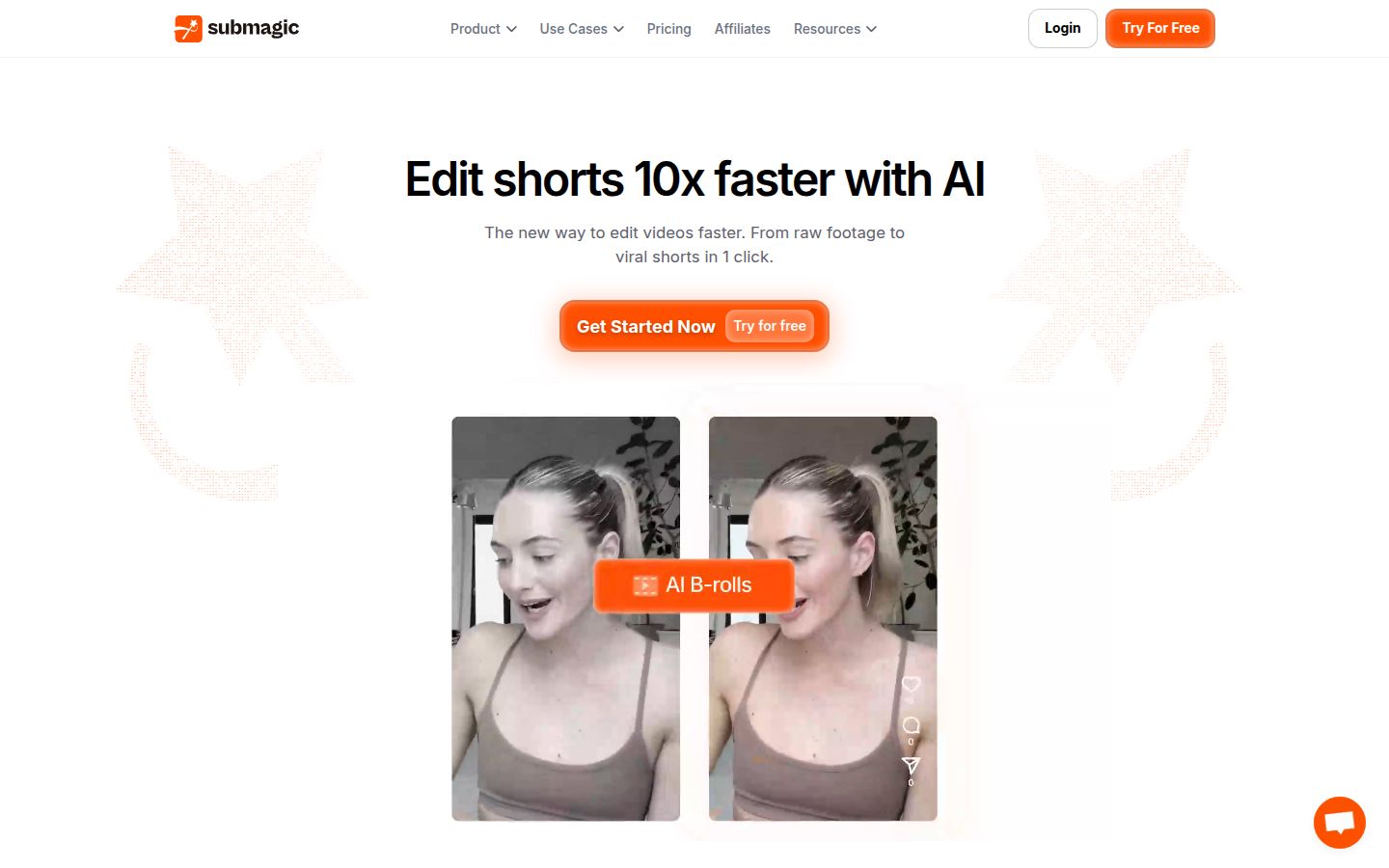 Submagic's pricing page
Submagic's free trial lets you upload and edit 3 short videos. To download without the watermark, you need a paid plan.
Limits that matter for this choice:
- Starter caps videos at 2 minutes, so longer talking-head clips need Pro.
- Magic Clips costs extra on every plan.
- There's no free plan you keep. The free trial is three videos.
Best for: creators who want captions, B-roll and sound effects in one tool, and who post clips under five minutes. Read our Submagic review and Submagic vs Opus Clip for more detail.
VEED

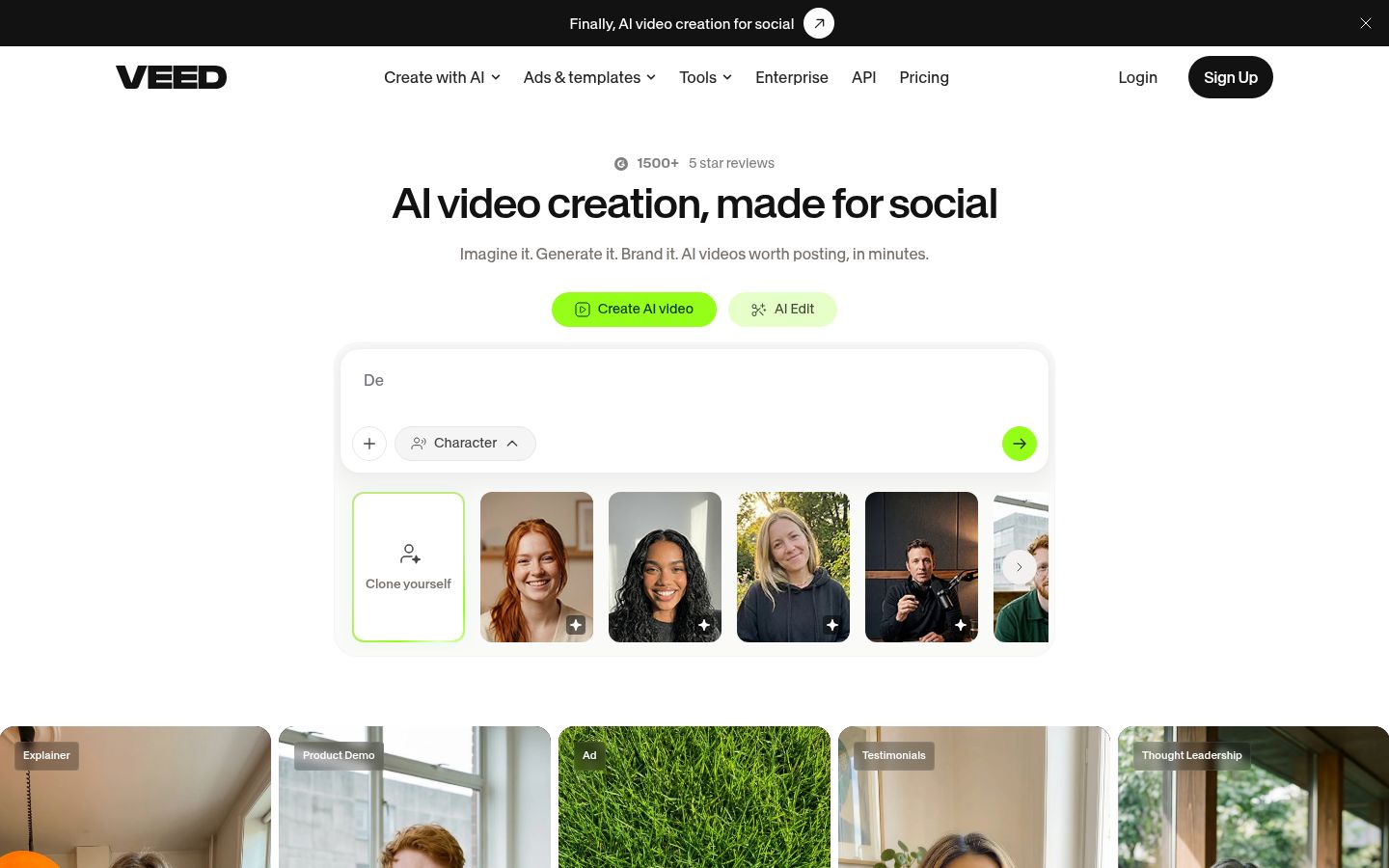
VEED is a browser-based video editor with AI tools. It adds subtitles, has an AI video editor and AI avatars, dubs video, and offers an eye contact tool. Because it runs in the browser, there's nothing to install.
VEED covers more ground than a captions tool. If one person in your team needs subtitles, a few avatar videos and a translated version, all in one place, it's a practical choice.
Pricing, as of October 2026 (veed.io/pricing), billed yearly:
- Creator: $12 per user a month, $147 a year. 6,000 credits, no watermark, unlimited auto subtitles.
- Pro: $22 per user a month, $265 a year. 30,000 credits, multiple brand kits, translation to 50+ languages, up to 144 hours a year of AI voice.
- Studio: $39 per user a month, $465 a year.
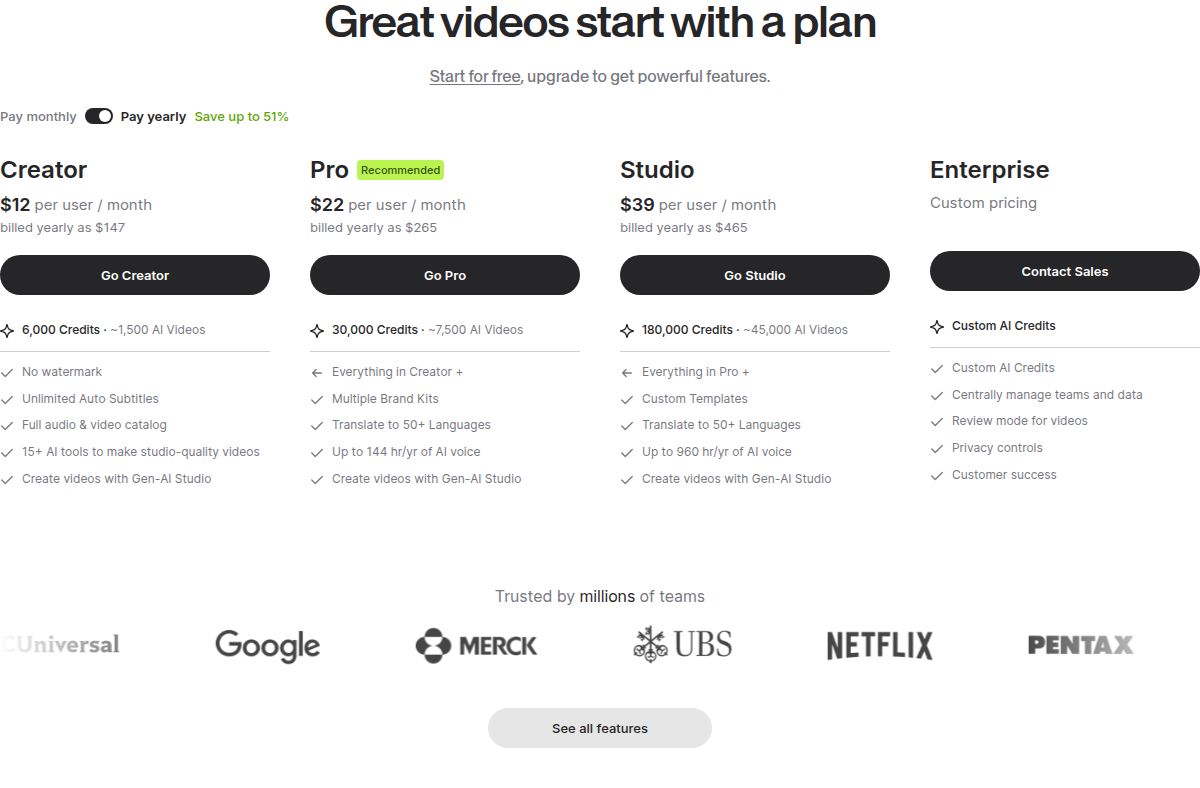 VEED's pricing plans: Creator, Pro and Studio
VEED's pricing page says subtitle styles depend on your plan, and more advanced styles unlock on higher tiers. Its free plan includes a watermark, according to AISO Tools' VEED pricing guide.
Limits that matter for this choice:
- Plans are per user, so a team pays for each seat.
- AI features use credits, and the credit allowance is part of what each plan includes.
- The subtitle style you get depends on the plan you buy.
Best for: marketers and small teams who want subtitles, AI avatars and translation in one browser editor, with brand kits for a shared look.
CapCut


CapCut is a full video editor with a free plan. It runs on desktop, mobile and the web. Its site lists auto captions, caption templates, transcript-based editing and a long-video-to-shorts tool.
CapCut's free plan includes the core timeline editor, so you can start an edit without paying. If you want to adjust every cut and effect yourself, this is the tool in the list that puts that control in your hands.
Pricing, as of October 2026 (capcut.com/pricing, FluxNote's CapCut Pro guide):
- Free: the core timeline editor on mobile, desktop and web, per FluxNote's CapCut Pro guide and CapCut's pricing page, which lists a Free plan.
- Standard: $9.99 a month, sold in the mobile app.
- Pro: $19.99 a month or $179.99 a year in the US. Works on desktop, mobile and web, with 1 TB of cloud storage.
Limits that matter for this choice:
- Prices and plan contents change by country and device. CapCut's pricing page says to use its desktop app to see plans and subscribe.
- You make the cuts yourself with the timeline. Sycamore's Magic Edit makes the first pass for you.
- Pro's AI credits and extras are part of what you pay for, so check which features each plan includes before you subscribe.
Best for: mobile-first creators who want a free editor, and anyone who wants to control every cut and effect. For a side-by-side with a captions app, see Captions App vs CapCut.
How to choose the right alternative
Start with the kind of video you make, then check the price.
- You record one talking-head video a week and want it finished with captions. Start with Sycamore. The free 10 minutes need no card, and Starter is $19 a month for 3 hours of video. See the plans.
- You have long recordings and need many clips. Use OpusClip. Budget by source minutes, since that's what the plan counts.
- You want to edit by deleting words, and you also make podcasts. Use Descript. Hobbyist is the entry plan for Create Clips. Creator is the plan for 4K and stock media.
- You want captions, B-roll and sound effects in one tool. Use Submagic. Pro is the plan that adds the editing tools for longer clips.
- You want subtitles, avatars and translation in one browser tool for a small team. Use VEED. Creator is the entry plan for no watermark.
- You work on a phone and want a free editor. Use CapCut. Upgrade to Pro if you need its paid features.
Two more checks before you pay. If your videos are not in English, Sycamore's English-only transcription rules it out, and Submagic (123 languages), OpusClip (20+ languages) or VEED (translation to 50+ languages on Pro) are the tools to compare. If you post directly from the tool, check which plan includes publishing: Opus Clip Pro and Submagic Pro both do.
Run a free test on your own footage before you commit. Use the free tier or trial of the tool you're leaning toward, edit one real video, and see how much of the work it does for you.
FAQ
Is there a free alternative to Descript for talking-head videos?
Yes. CapCut has a free editor on desktop, mobile and web. Sycamore gives every new account 10 minutes of video to caption and edit, one time, with no credit card.
Does Sycamore support languages other than English?
No. Sycamore's transcription is English only. For other languages, compare Submagic (captions in 123 languages), OpusClip (20+ languages) or VEED (translation to 50+ languages on its Pro plan).
Which Descript alternative turns one long video into many shorts?
OpusClip is built for this. It finds moments in long videos and makes several clips from one import. Submagic's Magic Clips is a paid add-on for the same job, and Descript's Hobbyist plan includes Create Clips.
How much does Descript cost in 2026?
Descript's Hobbyist plan is $24 a month or $16 a month billed yearly. Creator is $35 a month or $24 a month billed yearly. Business is $65 a month or $50 a month billed yearly, and there is a free plan with 1 media hour a month.
Can Submagic be tried for free?
Submagic's free trial lets you upload and edit 3 short videos without a card. To download them without the watermark, you need a paid plan, which starts at $19 a month or $12 a month billed yearly.
Is CapCut Pro worth the money for creators?
It depends on the features you need. CapCut Pro costs $19.99 a month or $179.99 a year in the US and adds cloud storage and AI credits. The free plan covers the core timeline editor, so test it before you pay.