If you film yourself talking to a camera, most of your editing time goes to the same few jobs: cutting pauses and filler words, adding captions, and making the key lines stand out. This post compares seven tools that help with those jobs for TikTok, Instagram Reels, YouTube Shorts and LinkedIn. Sycamore is one of them, and we make it, so read our section with that in mind. We tried to describe the other six the way we'd want them described to us.
Here is the short version. If you want a raw talking-head recording turned into a captioned short in one pass, with a plain-words edit you can review before export, Sycamore is built for that job. If you want a free editor that works on your phone, CapCut's free app is hard to beat. If you think in words and want to cut a video by editing its transcript, look at Descript. If you have long recordings and need a batch of clips, look at Opus Clip or Submagic.
How we chose these tools
We looked at each tool on the same four points:
- Price and free plan. We read each tool's own pricing page and checked the numbers as of October 2026.
- Fit for talking-head shorts. Can it cut silences and filler words, add captions, clip long videos, add B-roll, and export in 9:16?
- Limits. We read the tool's help pages and recent third-party reviews. Where sources disagreed, we used the tool's own page.
- Who it's for. Each tool has a reader it suits best. We say who that is.
We left out tools that mainly generate video from a text prompt, because the reader here is filming real footage of themselves. We included DaVinci Resolve because some readers want full manual control and a free editor. Prices are for the US unless we say otherwise.
Compare the seven tools at a glance
| Tool | Starting price (October 2026) | Free plan or trial | Best for |
|---|---|---|---|
| Sycamore | $19/month (Starter, 3 hours of video) | 10 minutes of video, one time, no card | Turning a raw talking-head video into a captioned edit in one pass |
| CapCut | Free app. Pro is $19.99/month or $179.99/year | Free app with templates and editing tools | Mobile-first creators who want a full editor |
| Descript | Hobbyist $24/month, or $16/month billed yearly | Free plan with 1 media hour a month | Editing a video by editing its transcript |
| Opus Clip | Starter $15/month | Free plan: 60 credits a month, watermarked | Cutting one long recording into many short clips |
| Submagic | Starter $19/member/month, or $12 billed yearly | Free trial: 3 short videos, no card | Captions with a stock B-roll library |
| Captions | Max $24.99/month (iOS plans) | Free plan | AI edits, avatars and AI-generated footage |
| DaVinci Resolve | Free. Studio is $295 one time | Free version with no watermark | Full manual editing with a timeline |
Sycamore

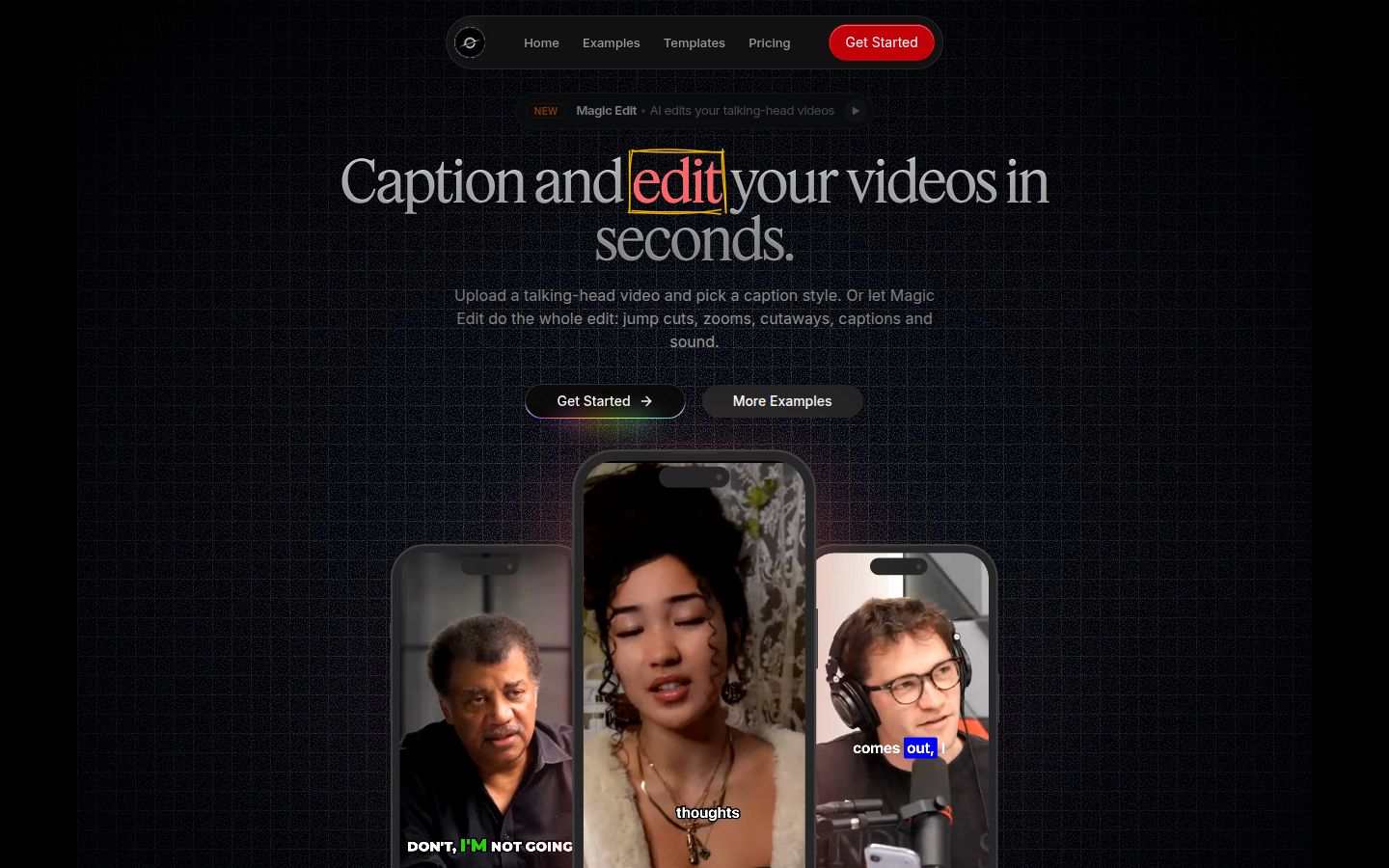
Sycamore is a web app that turns a raw talking-head recording into a finished, captioned short. It runs in the browser, so there is nothing to install. You can also open it in a phone's browser.
The main feature is Magic Edit. You upload a raw talking-head video, and Sycamore removes silences and filler words, adds animated word-by-word captions, and adds emphasis, zooms and full-screen text for the big moments. You choose an edit style (Apollo or Hermes today), then review the edit before you export. Each line can be set to Normal, Emphasis, Full screen, Number, List or Label. You can change anything you don't like.
If you already have a look you like, you can work on the captions by hand. Edit any word, change the font, colors, size, animation and position, and save the look as a preset for every video. Every word has a timestamp, so captions stay in sync. You can export an MP4 in 9:16, 1:1 or 16:9.
Sycamore is best for founders, coaches, educators and podcasters who film themselves talking and want one pass from raw file to finished short, without learning a timeline editor. If your work is mostly one-take talking-head videos for TikTok, Reels, Shorts or LinkedIn, this is the job it's built for.
Pricing as of October 2026:
- Free: 10 minutes of video, one time, no credit card.
- Starter: $19/month for 3 hours of video a month, no watermark.
- Growth: $39/month for 10 hours of video a month, no watermark, priority rendering.
- Uploads: MP4, MOV, WebM or MP3, up to 2 hours each.
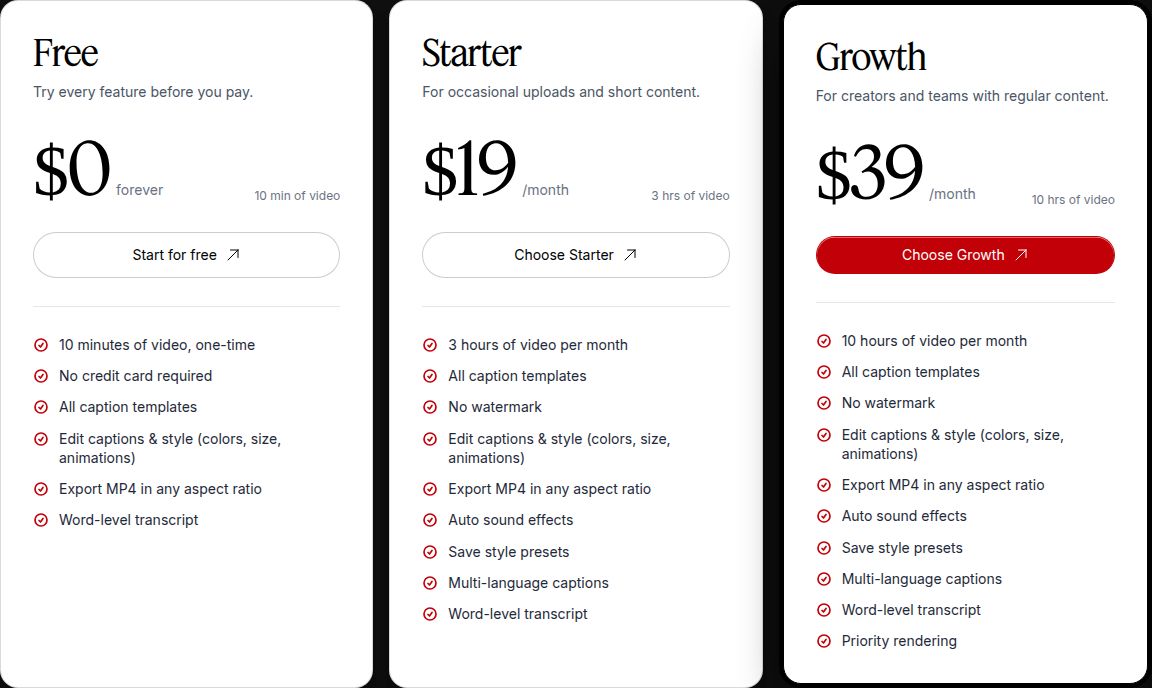 Sycamore's pricing plans
Limits to know: transcription is English only, so pick another tool if your videos are in another language. Sycamore also edits the video you give it. It doesn't cut one long recording into many shorts, and it has no B-roll library.
CapCut

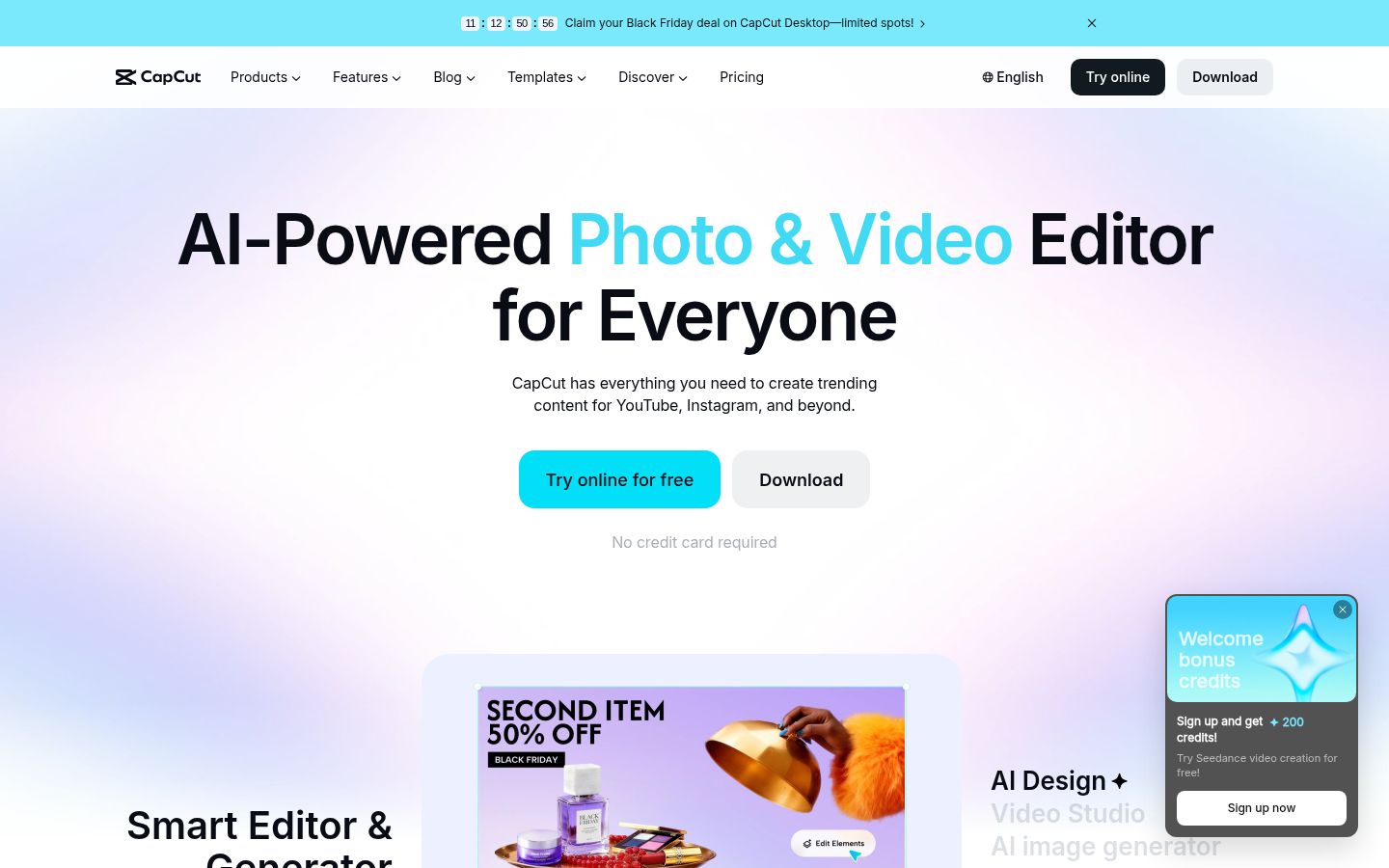
CapCut is a free video editor with a desktop app, a mobile app and an online editor. It is a full timeline editor. You make the cuts yourself and add text, music, transitions and effects. Its template library is large, and its mobile app is the most complete free phone editor in this list.
Its strengths are the price and the mobile app. The free app gives you a complete editor, and you can start cutting on your phone the same day. You can also move between the phone, desktop and web versions of the same kind of editor.
The honest limit is the work. CapCut is a general editor, so you do the cutting, and that gives you the most control and the most work per video. CapCut's site lists auto captions among its tools. We could not confirm from its public pages which plan includes them, so check the label in the app before you build a workflow around them.
CapCut is best for creators who like to make every cut themselves, who work mostly on a phone, and who want a free start. If you want the cuts done for you, Sycamore is the closer fit.
Pricing as of October 2026: the app is free. CapCut Pro is $19.99 a month or $179.99 a year for individual users in the US, according to CapCut's own comparison of Standard and Pro. Prices vary by region and purchase channel, so check the price shown at checkout.
Descript

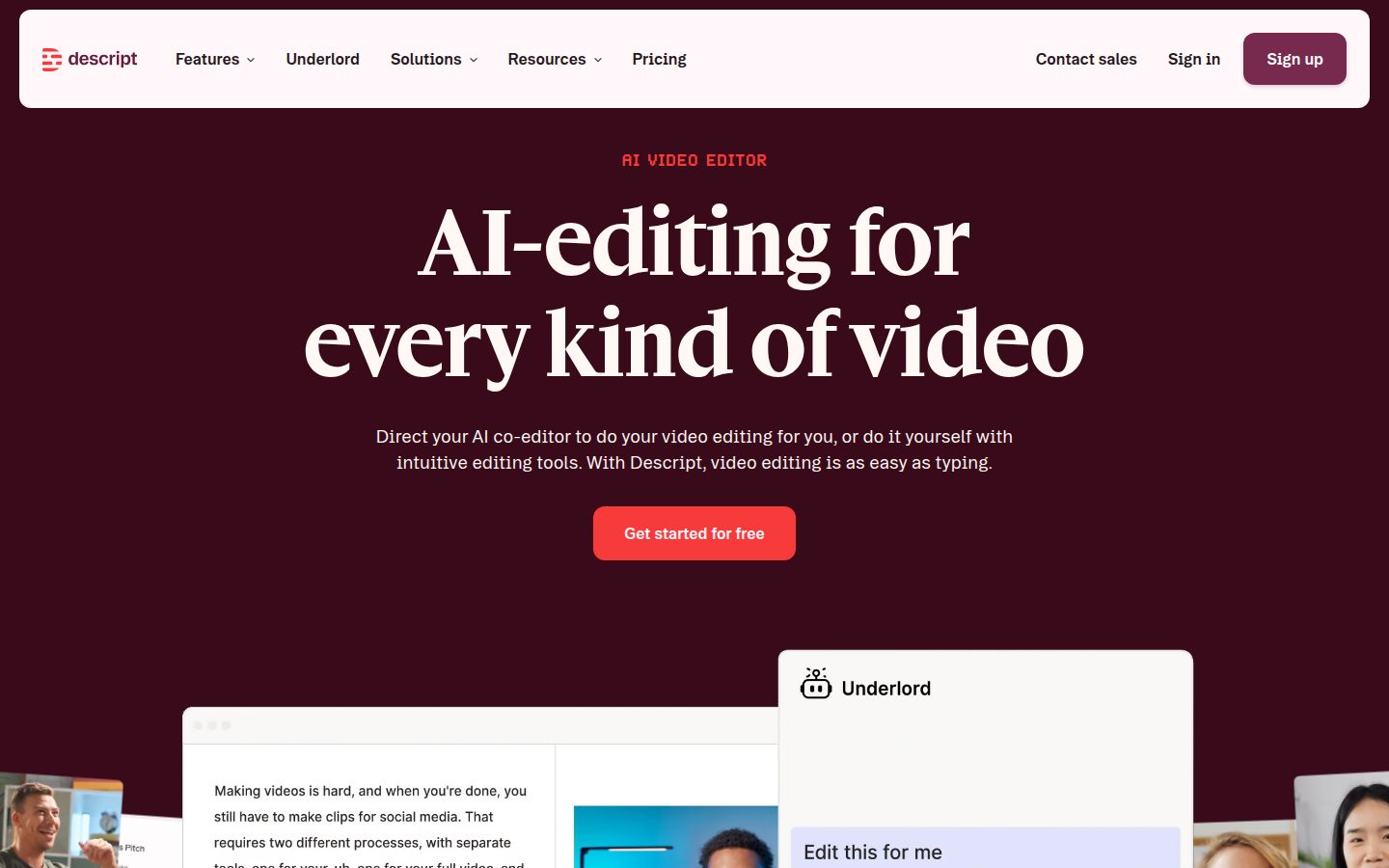
Descript edits video as a text document. Your transcript is the timeline. Delete a sentence from the text and the matching part of the video goes with it. This is the strongest reason to use it. For a long interview, a podcast or a course recording, reading the transcript and cutting from it is often faster than scrubbing a timeline.
Its AI co-editor, Underlord, is included from the Hobbyist plan up. The Hobbyist feature list includes Studio Sound, Remove Filler Words and Create Clips. Captions are on its feature list too. Descript is a good fit for people who record long conversations and want to pull shorts out of them.
The limits are the allowance and the cost. Descript plans are measured in media hours and AI credits. One independent pricing guide notes that the September 2025 pricing change added AI credits and media minutes that can raise costs quickly, so check your monthly volume against the allowance. If your work is one talking-head take with few cuts, Sycamore's one-pass edit may be a quicker fit.
Pricing as of October 2026, from Descript's pricing page and ComparEdge:
- Free: 1 media hour a month, 720p exports with no watermark.
- Hobbyist: $24 a month, or $16 a month billed yearly. 10 media hours and 1080p export with no watermark.
- Creator: $35 a month, or $24 a month billed yearly. 30 media hours and 4K export with no watermark.
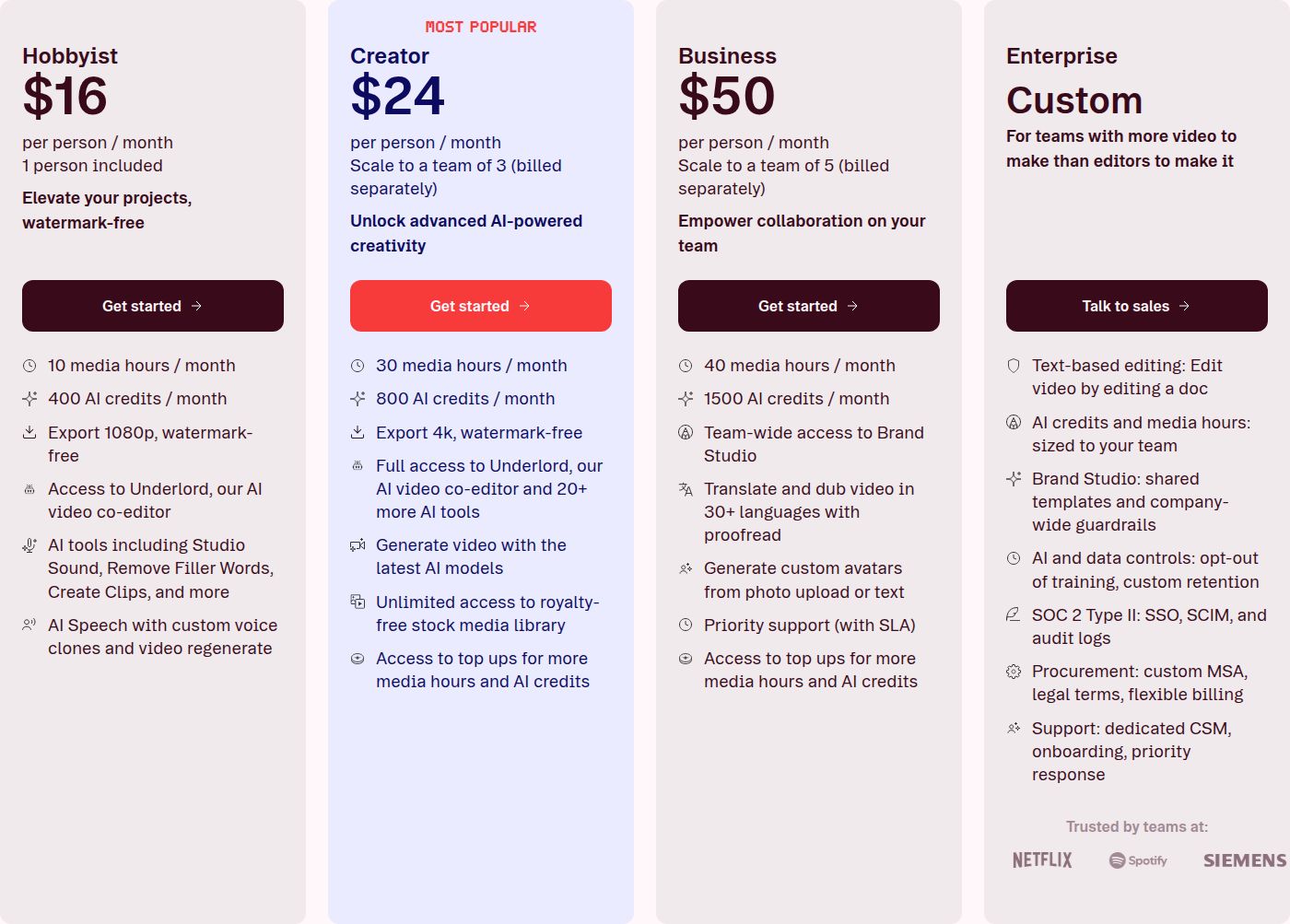 Descript's pricing plans
We wrote a longer look at Descript for short-form creators in our Descript review.
Opus Clip

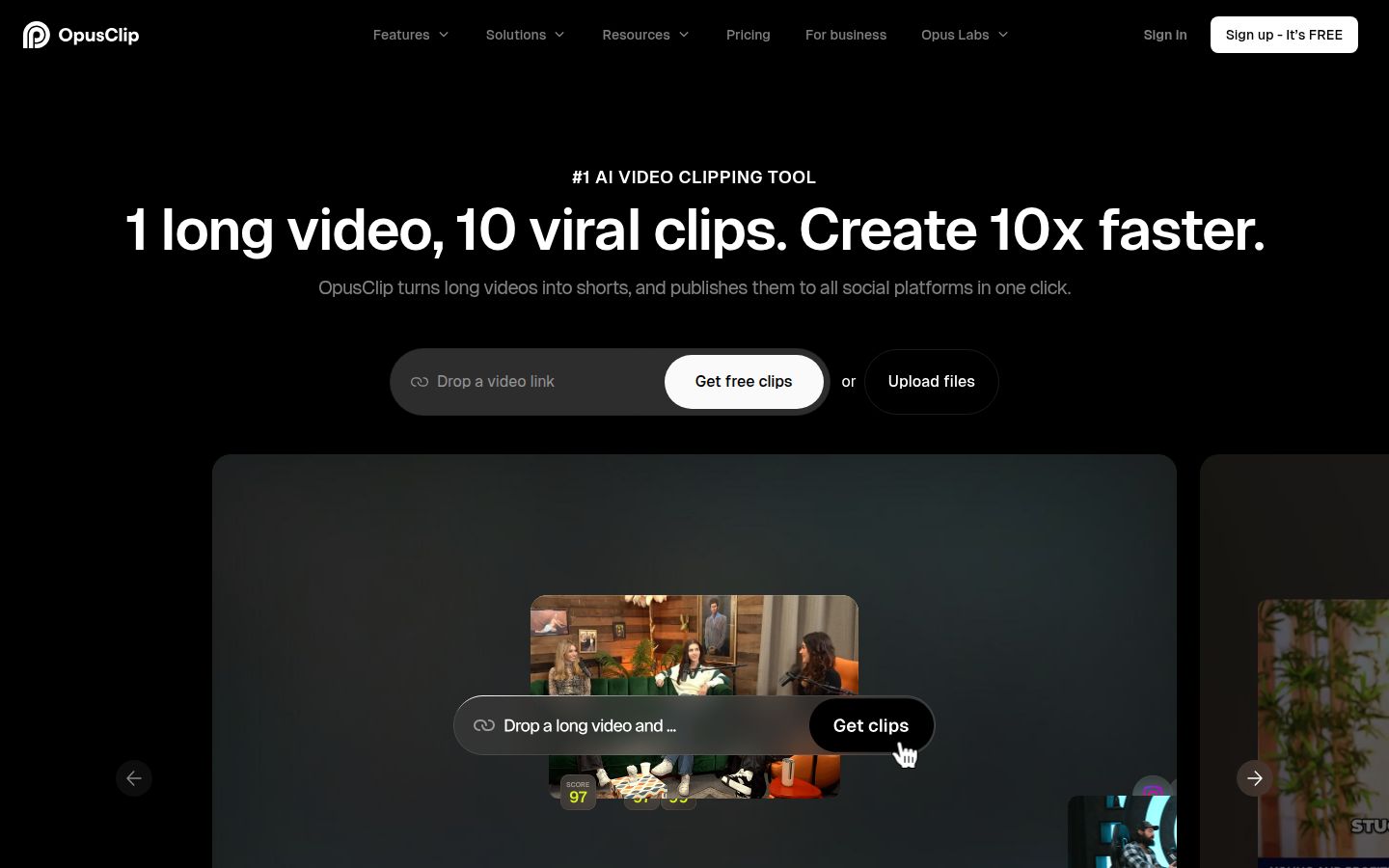
Opus Clip is built to turn one long video into many short clips. You give it a long recording, and it finds the moments it thinks will work as shorts, then reframes them for vertical video with captions. Its pricing page also lists tools that Sycamore doesn't have: a social scheduler to plan posts across platforms, AI B-roll, and export to XML for Adobe Premiere Pro or DaVinci Resolve.
That makes Opus Clip a good match for a podcaster or a small team that records weekly and wants a batch of clips out of each episode. It also makes sense if you want to schedule from the same tool.
The limits are the free plan and the credits. The free plan gives 60 credits a month, roughly an hour of video, and its exports carry a watermark. One review notes that clips expire after 3 days on the free plan. That is enough to test clip quality. It is not enough to run a posting schedule.
Pricing as of October 2026, from Opus Clip's pricing page: Free, $0. Starter, $15 a month. Pro, $29 a month. Business, custom.
If you want to compare Opus Clip with Descript for this job, we have a side-by-side in Opus Clip vs Descript.
Submagic

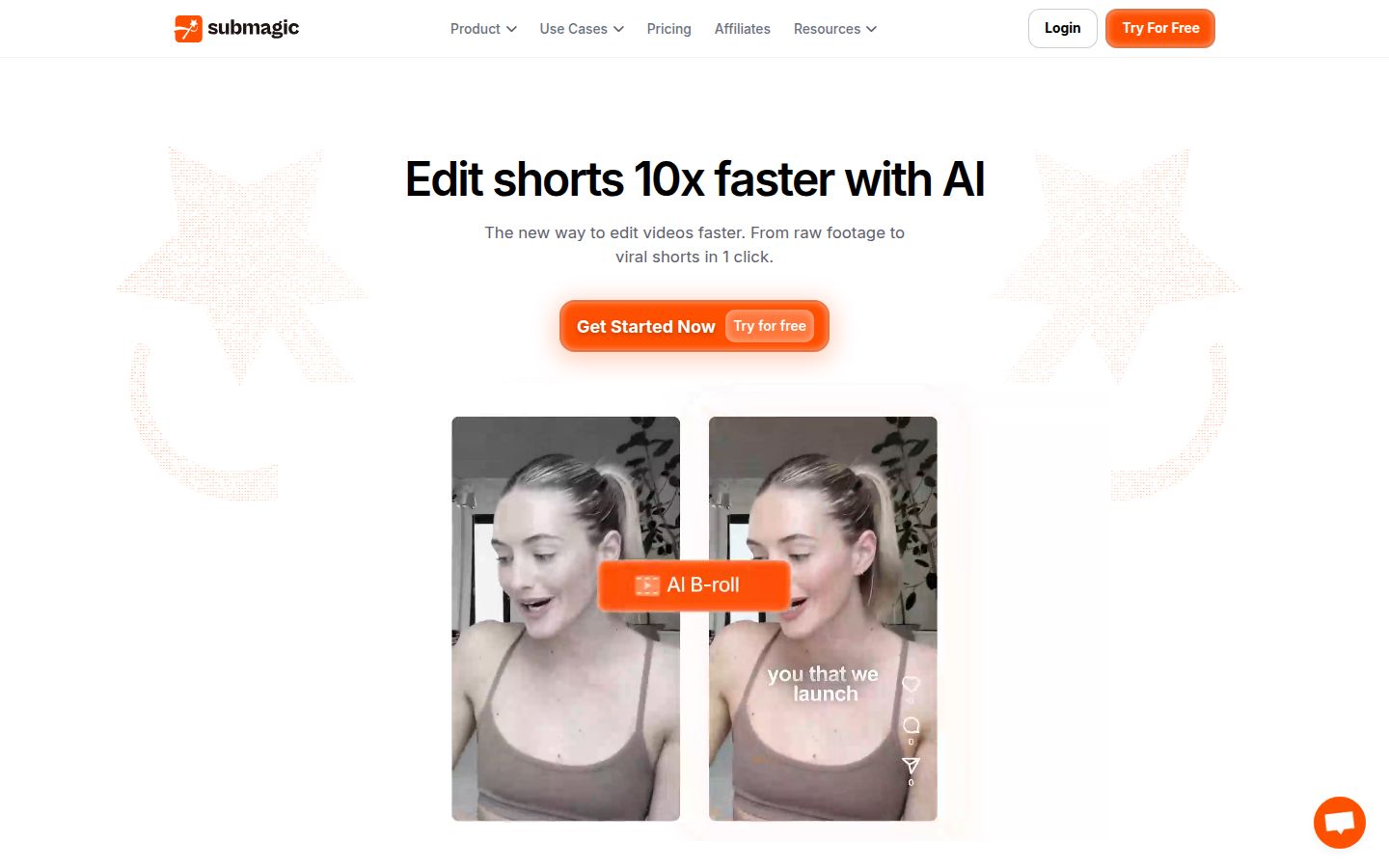
Submagic is a caption and quick-edit tool for short vertical video. It adds captions in many styles, can remove silences and filler words, and has a stock B-roll library. Its higher plans add AI eye contact, auto zoom and clean audio. It also has social publishing and an API.
Submagic is a strong choice if you want a library of caption styles and stock B-roll in the same tool. Its Pro plan also covers silence and filler-word removal, which is the same kind of cleanup Sycamore does in Magic Edit.
The limits depend on the plan. The Starter plan does not include silence or filler-word removal, AI eye contact or auto zoom, according to StoryCut's comparison of Submagic plans. Magic Clips, which turns long videos into clips, is a $19-a-month add-on for 10 uploads. The free trial lets you edit 3 short videos without a card, but downloading them without the watermark needs a paid plan.
Pricing as of October 2026, billed per member. Plan details are from Submagic's pricing page and StoryCut's check of it on October 9, 2026:
- Starter: $19/month, or $12/month billed yearly. 15 videos a month, up to 2 minutes each.
- Pro: $39/month, or $23/month billed yearly. 40 videos a month, up to 5 minutes each.
- Business: $69/month, or $41/month billed yearly. 100 videos a month, up to 30 minutes each.
Compare the allowance fairly. Submagic Starter gives 15 videos of up to 2 minutes, so about 30 minutes of footage a month. Sycamore Starter gives 3 hours of video a month for $19. If your videos are long, the Sycamore allowance is larger. If you want stock B-roll and many caption styles in one place, Submagic is a good fit. For more on this comparison, read Best Submagic Alternatives for Talking-Head Videos.
Captions

Captions is a mobile-first app that now does much more than captions. Its AI Edit works on the whole video, adding cuts, captions, B-roll, music and effects. It also offers AI avatars and digital twins, which Sycamore does not have. If you want a presenter who doesn't film, this is the tool that offers one.
Captions is a good fit for creators who film on an iPhone and want AI to build the video, with avatars or generated footage when they need it. Its free plan has one caption template. The Max plan has over 100 templates, according to Captions' pricing page.
The limits are the credits and the platform. Captions' pricing page says its prices and features reflect iOS plans only. Its cheapest paid plan, Lite at $4.99 a month, runs only in the Android app, according to a Valmera review. Its own AI Edit guide recommends at most 2 minutes of footage on iOS and 1 minute on the web, per the same review. Credits also depend on which AI models you use, so cost changes with the work.
Pricing as of October 2026, from Captions' pricing page:
- Free: no credits, one caption template.
- Max: $24.99 a month, 500 credits.
- Scale: $69.99 a month, 1,400 credits. Scale 2x and Scale 4x are higher tiers.
DaVinci Resolve
DaVinci Resolve is a professional editor from Blackmagic Design. The free version is a complete editor: multitrack editing with no duration limit, node-based color grading, Fusion effects and Fairlight audio. It exports up to Ultra HD 4K at 60 frames a second with no watermark, and you can use it for paid work. Resolve Packs calls the free version enough for most people editing social video.
Resolve is the most powerful editor here, and it is the most work per video. You build the edit yourself on a timeline, and you add captions by hand. It suits people who already know a timeline editor, or a team with an editor on staff.
The main limit for this reader is captions. The automatic transcription and subtitles are in Resolve Studio only. Studio costs $295, paid once, with no subscription, according to The Post Flow and Resolve Packs. If your work depends on automatic subtitles, the paid version is what you need.
Pricing as of October 2026: Free, or Studio at $295 as a one-time payment, per Blackmagic Design's product page and the reviews above.
How to choose
Start with the job, not the brand. Here is where each tool fits:
- You have a raw talking-head video and want captions and cleanup in one pass. Start with Sycamore. You review the edit before you export, and the free plan lets you test it on 10 minutes of footage.
- You want a free editor on your phone and like making every cut yourself. Start with CapCut.
- You record long conversations and want to cut by editing the transcript. Start with Descript.
- You have long recordings and need a batch of clips and a scheduler. Start with Opus Clip.
- You want caption styles and stock B-roll in one tool. Start with Submagic.
- You film on an iPhone and want AI avatars or AI-generated footage. Start with Captions.
- You want full manual control and will learn a timeline. Start with DaVinci Resolve. Pay for Studio only if you need automatic subtitles.
Before you pay for any of them, run one real video through the free plan. Check three things: whether the export has a watermark, how long the free allowance lasts, and whether the captions come out right for your language and your pace. A tool that matches your weekly volume and your language is worth more than one with the longest feature list.
If you want more help with captions specifically, see Best Caption Apps for TikTok and How to Add Captions to Instagram Reels. You can also find free caption and video tools on our tools page.
FAQ
What is the best free video editor for TikTok captions?
CapCut's free app is the most complete free phone editor here, but you make the cuts yourself. For a raw talking-head video with captions and cleanup in one pass, Sycamore's free plan gives 10 minutes of video one time, with no credit card.
Is DaVinci Resolve free for making TikTok and Reels?
Yes. The free version exports up to Ultra HD 4K at 60 frames a second with no watermark, and you can use it for paid work. Automatic transcription and subtitles need DaVinci Resolve Studio, which costs $295 one time.
How much does Submagic cost in 2026?
Submagic's Starter plan is $19 a month per member, or $12 a month billed yearly. Pro is $39 a month and Business is $69 a month, with yearly billing lowering each price.
Does Descript have a free plan?
Yes. The free plan includes 1 media hour a month and 720p exports with no watermark. Paid plans start at $24 a month, or $16 a month billed yearly on Hobbyist.
Can I edit a talking-head video on my phone without installing an app?
Sycamore runs in a phone's browser with nothing to install. CapCut and Captions have phone apps, and Captions' cheapest paid plan works only in its Android app.
Which tool turns one long video into many shorts?
Opus Clip is built for this, with a free plan of 60 credits a month and paid plans from $15 a month. Submagic offers Magic Clips as a $19-a-month add-on for 10 uploads. Sycamore edits the video you give it and doesn't split long recordings into many shorts.