A YouTube Short can now run up to 3 minutes. Most talking-head Shorts that do well sit between 30 and 60 seconds, and that's where we'd start. The right length for your video is the one where your point is finished and people stay until the end. Film or cut to 30 to 60 seconds first, then let your own YouTube Studio numbers tell you whether to go shorter or longer.
This post covers the platform limits, how to pick a length for what you're saying, how to read your retention, and which tools get a raw talking-head take down to the length you want.
YouTube Shorts can be up to 3 minutes
YouTube raised the limit on October 15, 2024. Vertical or square videos up to 3 minutes are now categorized as Shorts, and you can read the official details in the YouTube help page on three-minute Shorts. There's no minimum length that matters for the Shorts shelf, so a 12-second clip is allowed too.
The other platforms set their own ceilings:
| Platform | Maximum length | What to know |
|---|---|---|
| YouTube Shorts | 3 minutes | Vertical or square uploads up to 3 minutes count as Shorts |
| Instagram Reels | 20 minutes | Reels over 3 minutes aren't recommended to new audiences |
| TikTok | 10 minutes recorded in the app, 60 minutes uploaded | The TikTok help page on camera tools lists both limits |
The maximum tells you what's allowed. It doesn't tell you what to make. If you post the same video to all three apps, the 3-minute ceiling on Shorts is the one that sets your upper limit.
Pick a length by what you're saying
Length should follow the job the video does. A good working guide for talking-head Shorts:
- One quick tip or a reaction: 15 to 30 seconds. One idea, one example, done.
- One idea explained with a clear example: 30 to 60 seconds. This is the range we'd start with for most creators and coaches.
- A story, a walkthrough or a how-to with several steps: 60 to 90 seconds, and up to 3 minutes only when every step earns its place.
These are working ranges, not platform rules. A 40-second video that wanders is worse than a 25-second video that lands its point.
The common mistake is padding. People stretch a 20-second idea to 60 seconds with pauses, restatements and "so, um" lines, and viewers leave. The opposite mistake is cutting a story so short that the payoff never arrives. Before you pick a length, write down the one thing the viewer should walk away knowing. Then cut everything that doesn't help them get there.
Do this now: Take your last three talking-head videos. Write one sentence for each that says what the viewer learns. Note how long each video ran and whether the sentence was clear by the end.
Judge length by watch rate, not the clock
A Short isn't ranked by its runtime. YouTube looks at how people respond to it. In YouTube Studio, open the Content tab and select the Shorts chip. The metrics that tell you about length are:
- Viewed vs. swiped away: The share of people who watched your Short versus the people who swiped past it. Your first two seconds drive most of this number.
- Average view duration: How much of the Short the average viewer watched. On a 45-second Short, an average of 30 seconds means people stayed for most of it.
- Shown in feed: How often YouTube showed the Short to people in the Shorts feed. This tells you whether the video is being distributed.
Compare these across lengths, not across topics. A 25-second tip and a 75-second story will never have the same average view duration. Compare two 30-second videos on the same topic and see which one people finished.
Get a raw take down to the right length
Most talking-head creators have the same problem. They film 2 to 4 minutes of talking, and the Short they want is 45 seconds. The job is to cut the dead air, the restarts and the weak lines, then add enough visual change to keep the viewer watching. You can do that by hand in a full editor, or with a tool that does a first pass for you. Here's how four options compare.
Sycamore

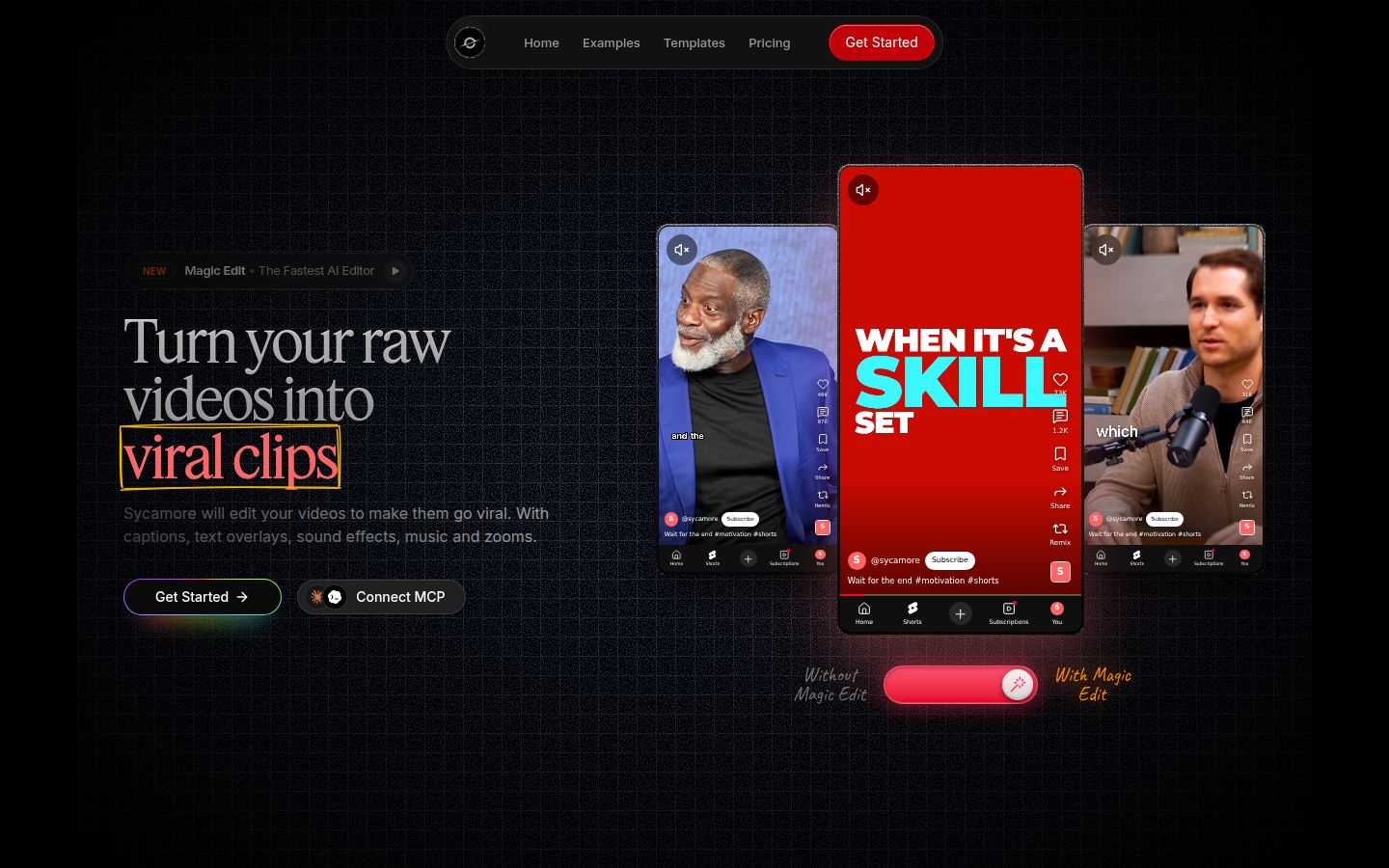
Sycamore is an AI video editor for talking-head videos. You upload raw footage of yourself talking, and Magic Edit cuts it into a short-form edit. It removes silences, filler words and dead air, then adds zooms, emphasis on key lines, full-screen text for the big moments and word-by-word animated captions. You pick one of four edit styles (Apollo, Hermes, Athena or Helios), review the result, change any line, and export an MP4 in 9:16, 1:1 or 16:9. It runs in your browser, so there's nothing to install.
For length, this is the part that saves the most time. You film 3 minutes, Magic Edit removes the pauses and restarts, and you review a shorter cut before you export. The editor is written in plain words, not a timeline. Each line can be set to Normal, Emphasis, Full screen, Number, List or Label, so you can see the structure of the Short at a glance.
Pricing as of October 2026:
- Free: 10 minutes of video, one time, no credit card.
- Starter: $19 a month for 3 hours of video, no watermark.
- Growth: $39 a month for 10 hours of video, no watermark, with priority rendering.
Uploads can be MP4, MOV, WebM or MP3, up to 2 hours each. You can see the full plan details on our pricing page.
Limits that matter for this choice: Sycamore edits the video you give it. It doesn't split one long recording into several Shorts, and it doesn't write your script or your hook, so the length of the cut depends on what you filmed. Transcription is English only.
Who it's for: Founders, coaches and educators who film themselves talking, post on Shorts, Reels or TikTok, and want a finished edit without learning a timeline editor.
CapCut

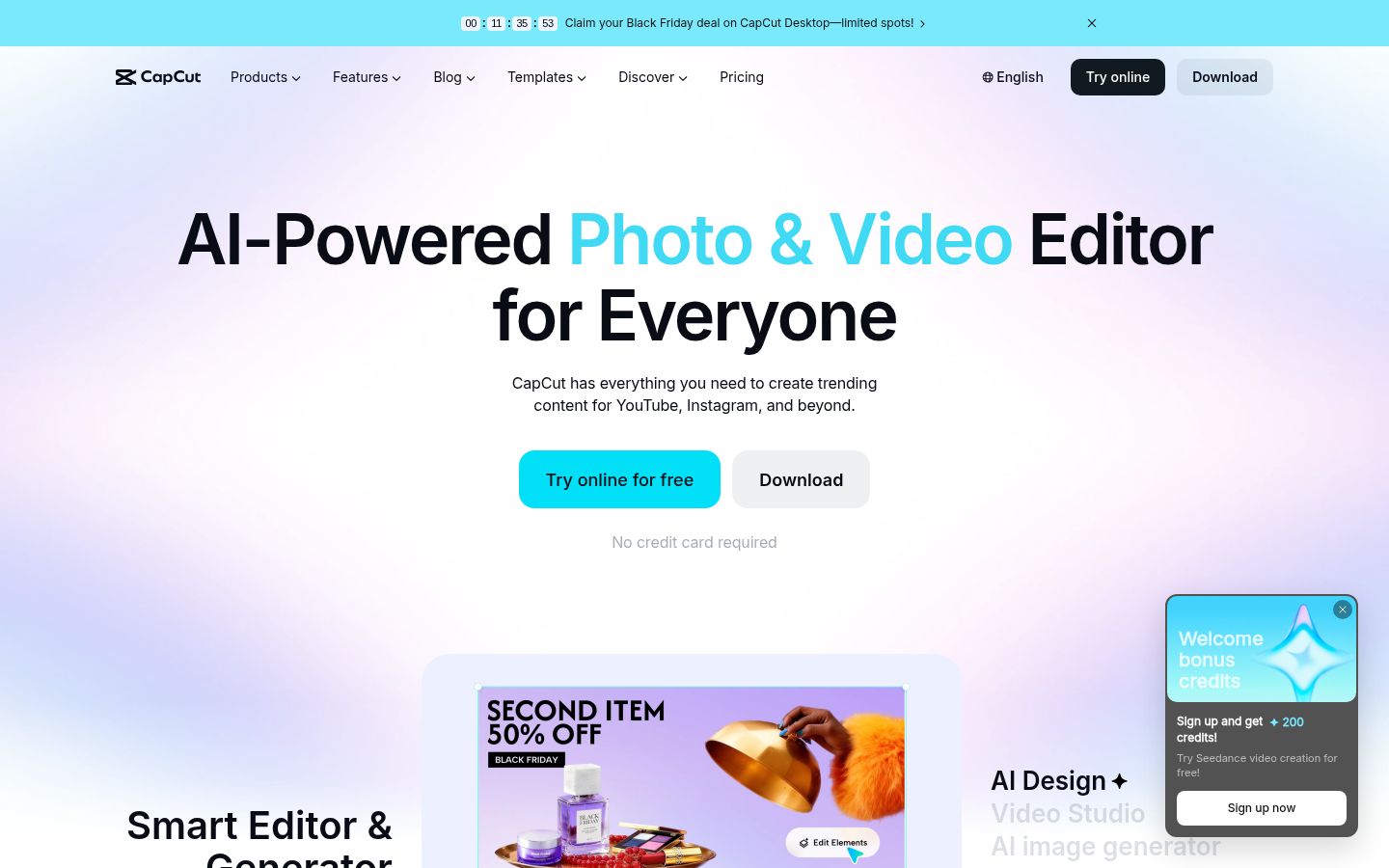
CapCut is a full video editor with desktop, mobile and online versions. Its pricing page lists a free plan next to paid tiers. Its toolkit includes auto captions, caption templates, trim tools and text-to-speech, and its mobile app is the easiest way to edit a Short on your phone.
CapCut gives you the most control. You make each cut on the timeline, add the effects you want, and decide every frame. If you already know how to edit, that control is the reason to use it. The trade-off is time: removing silences, retakes and weak sentences is a manual job, so a 3-minute take takes real editing to bring down to 45 seconds.
Who it's for: Anyone who wants a free phone app with full manual control, or who already edits in CapCut.
Descript

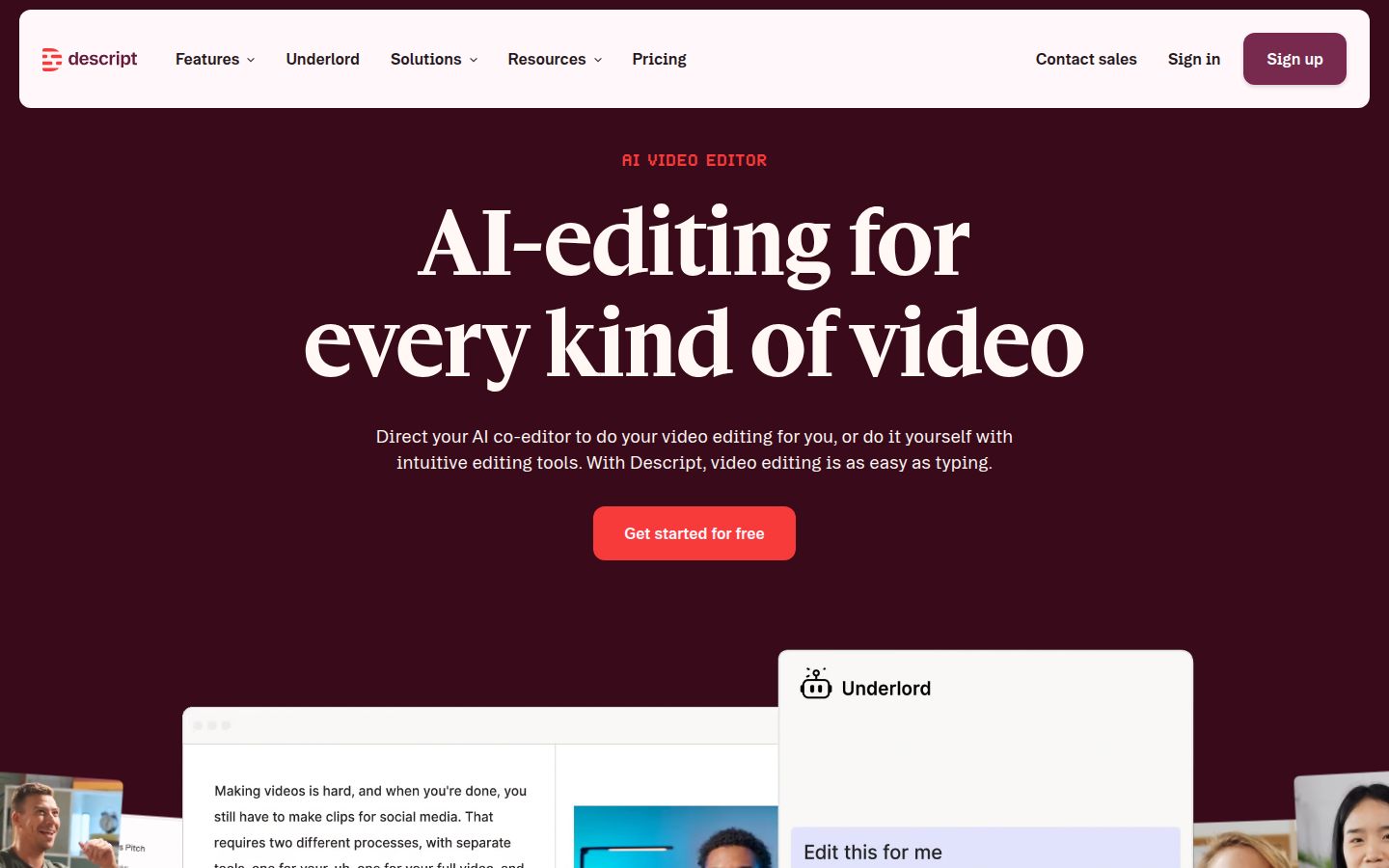
Descript is built around the transcript. You edit the video by editing the text: delete a sentence from the transcript and that part of the video goes with it. Its feature list includes Remove Filler Words, captions and Create Clips. Its pricing page says paid plans start at $16 a month, and it has a free tier.
Descript is a strong choice if you think in words more than in frames. Cutting a 3-minute take down to a 45-second Short is quick when you can read the transcript and delete the weak lines. It also does far more than Shorts: podcast editing, screen recording and AI voices sit alongside the video editor, so there's more to learn. Its plans are measured in media hours, so check the plan limits against how much footage you record each month.
Who it's for: People who edit longer interviews or podcasts as well as Shorts, and who want to cut by reading the transcript.
OpusClip

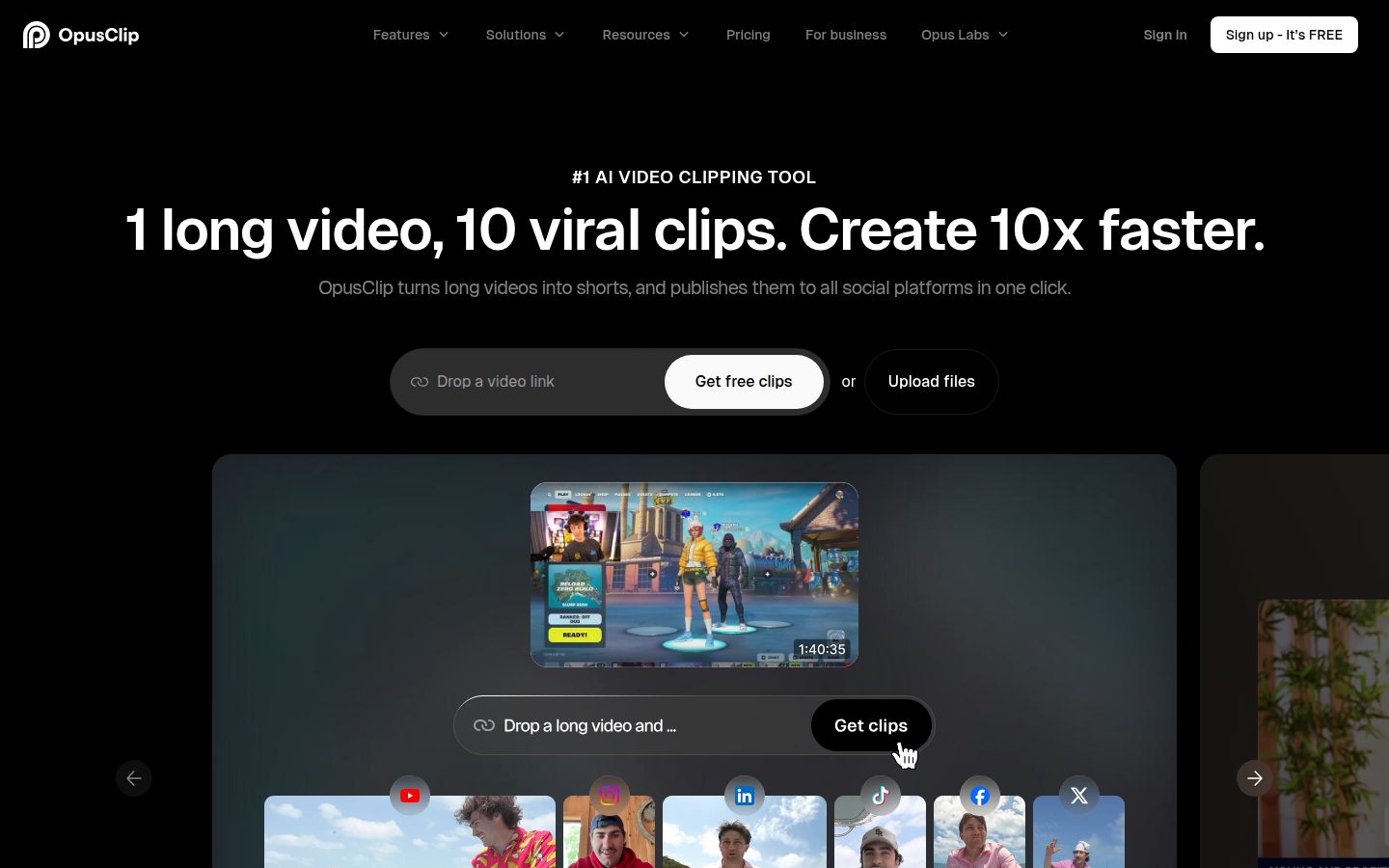
OpusClip is built for a different starting point. You give it one long video, such as a podcast episode, a webinar or a livestream, and it finds moments that can work as Shorts. Its homepage describes the job as "1 long video, 10 viral clips." Its free plan includes 60 credits a month, and its pricing page shows a watermark on that plan. As of October 2026, paid plans start at $15 a month (Starter) and $29 a month (Pro).
If your starting point is a 40-minute recording and you need ten Shorts from it, OpusClip is the better fit, and Sycamore isn't built for that. OpusClip also supports videos in more languages than Sycamore's English-only transcription. The trade-off is the job itself: it's clipping, so you get several cuts from one source rather than one finished edit of a single take.
Who it's for: Podcasters, livestreamers and teams that publish long recordings and want many Shorts from each one.
Which tool fits which length job
| Your job | Start with | Why |
|---|---|---|
| One talking-head take, cut to 30 to 60 seconds | Sycamore | Removes silences and filler words, adds the edit, and you review it before export |
| Free phone app with manual control | CapCut | Full editor, free plan, and you decide every cut |
| Cutting by reading the transcript | Descript | Delete text to delete video, and it handles longer interviews too |
| One long episode into many Shorts | OpusClip | Built to find clip-worthy moments in long videos |
You can also combine them. Clip a long episode into candidate Shorts, then polish the best one in a talking-head editor. For a deeper comparison of talking-head options, read our guide to the best apps for editing talking-head videos.
A two-week length test
Length is easiest to settle with your own audience. Here's a simple test you can run without changing your topics.
- Pick one topic you already cover well. Keep the topic the same across the test.
- Make three versions of the same idea: one at about 30 seconds, one at about 60 seconds, and one at about 90 seconds. Cut each version to what that length needs, not by squeezing the longest one.
- Post one version each day at the same time, so the schedule doesn't skew results.
- Check YouTube Studio after 7 days. Open the Shorts chip in the Content tab and compare viewed vs. swiped away and average view duration across the three.
- Keep the length that held the most viewers, and repeat the test on your next topic.
If the 90-second version wins and holds its watch rate, go longer on the next story that needs the room. If the 30-second version wins, your best material is short and you've found your format. Either result is useful, and it beats guessing.
For more on how to shape a talking-head video so the middle doesn't drag, see how to make talking-head videos less boring.
FAQ
What is the maximum length of a YouTube Short in 2026?
YouTube Shorts can be up to 3 minutes long. YouTube raised the limit from 60 seconds for vertical or square uploads on October 15, 2024.
Is a 60-second YouTube Short better than a 30-second one?
Neither is better by default. Compare two lengths on the same topic in YouTube Studio and keep the one with the higher viewed rate and average view duration.
How long can Instagram Reels and TikTok videos be?
Instagram Reels can be up to 20 minutes, but Reels over 3 minutes aren't recommended to new audiences. TikTok videos recorded in the app can be up to 10 minutes, and uploaded videos up to 60 minutes.
Where do I see whether people are swiping away from my Shorts?
In YouTube Studio, open the Content tab and select the Shorts chip. Check the viewed vs. swiped away and average view duration metrics for each Short.
Can Sycamore turn one long video into several Shorts?
No. Sycamore edits the single video you upload into one finished edit. For clipping a long episode into many Shorts, a clipping tool such as OpusClip is built for that job.
Does Sycamore have a free plan?
Yes. Sycamore's free plan includes 10 minutes of video, one time, with no credit card required. Paid plans are Starter at $19 a month and Growth at $39 a month as of October 2026.